Selecting Functions 5-5
5
Min. Factory
Name Setting range unit setting
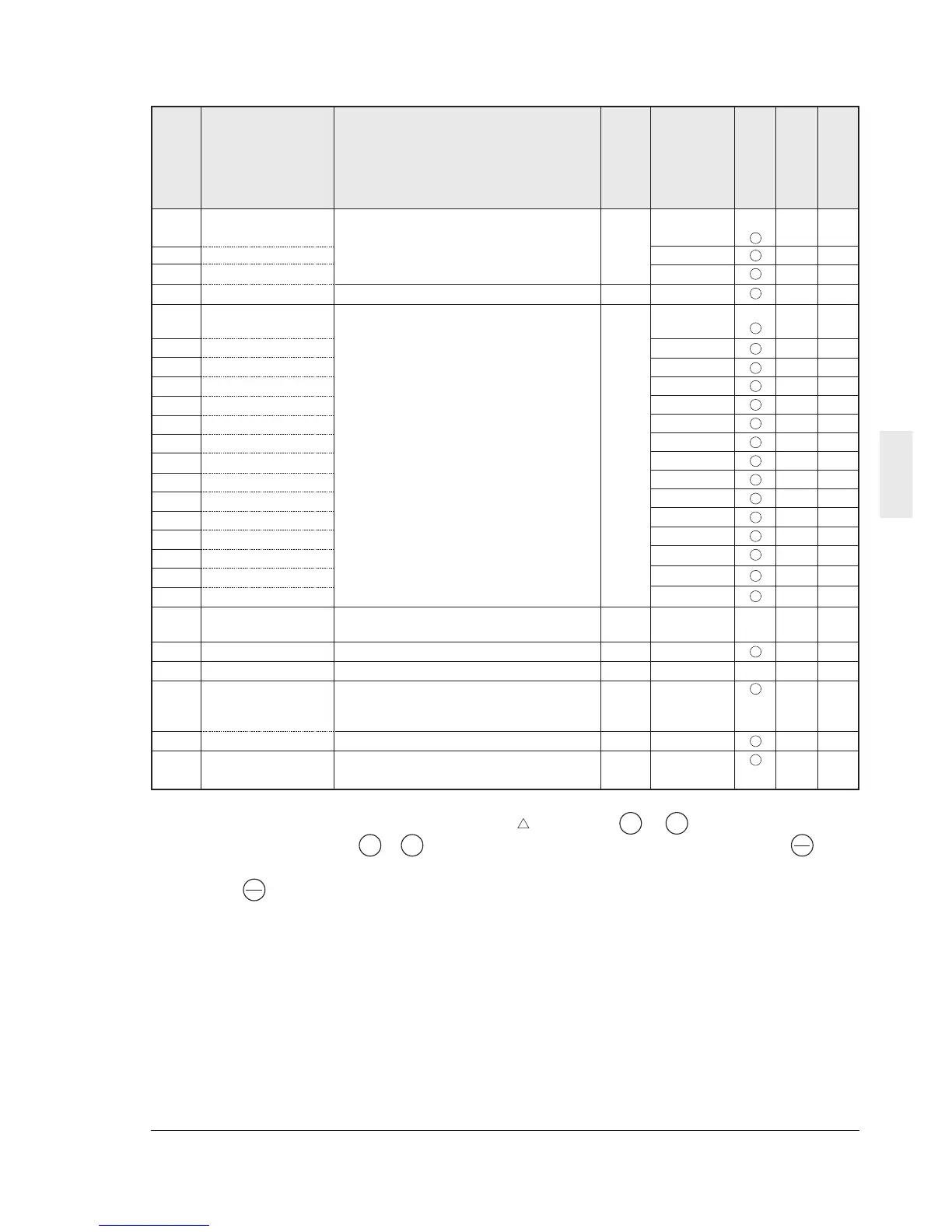
C01 Jump frequency
(Jump freq. 1) 0 to 400Hz 1Hz 0 0
C02 (Jump freq. 2) 0 0
C03 (Jump freq. 3) 0 0
C04 (Hysteresis) 0 to 30Hz 1Hz 3 0
C05 Multistep frequency
setting (Freq. 1) 0.00 to 400.0Hz 0.01Hz 0.00 4
C06 (Freq. 2) 0.00 4
C07 (Freq. 3) 0.00 4
C08 (Freq. 4) 0.00 4
C09 (Freq. 5) 0.00 4
C10 (Freq. 6) 0.00 4
C11 (Freq. 7) 0.00 4
C12 (Freq. 8) 0.00 4
C13 (Freq. 9) 0.00 4
C14 (Freq. 10) 0.00 4
C15 (Freq. 11) 0.00 4
C16 (Freq. 12) 0.00 4
C17 (Freq. 13) 0.00 4
C18 (Freq. 14) 0.00 4
C19 (Freq. 15) 0.00 4
C21 Timer operation 0: Inactive 1 0 X 0
1: Active
C22 Stage 1 0.00 to 3600s 0.01s 0.00 6
C30
Frequency command 2
0 to 8 (Same as F01) 1 2 X 0
C31
Analog setting signal
-5.0 to +5.0% 0.1% 0.0 3
offset adjustment
(Terminal 12)
C32 (Terminal C1) -5.0 to +5.0% 0.1% 0.0 3
C33
Analog setting
0.00 to 5.00s 0.01s 0.05 4
signal filter
Function code
Change during
operation
RS485 Data format
User setting
C: Control functions of frequency
Description of change during operation
: The data changed by the or key takes
effect on the inverter operation. However,
press the key to store the new data.
V
V
: Press the or key to change the data.
The new data takes effect after the key is
pressed to store the data.
X : The data can be changed only while the
inverter is stopped.
V
V
FUNC
DATA
FUNC
DATA



 To Next Page