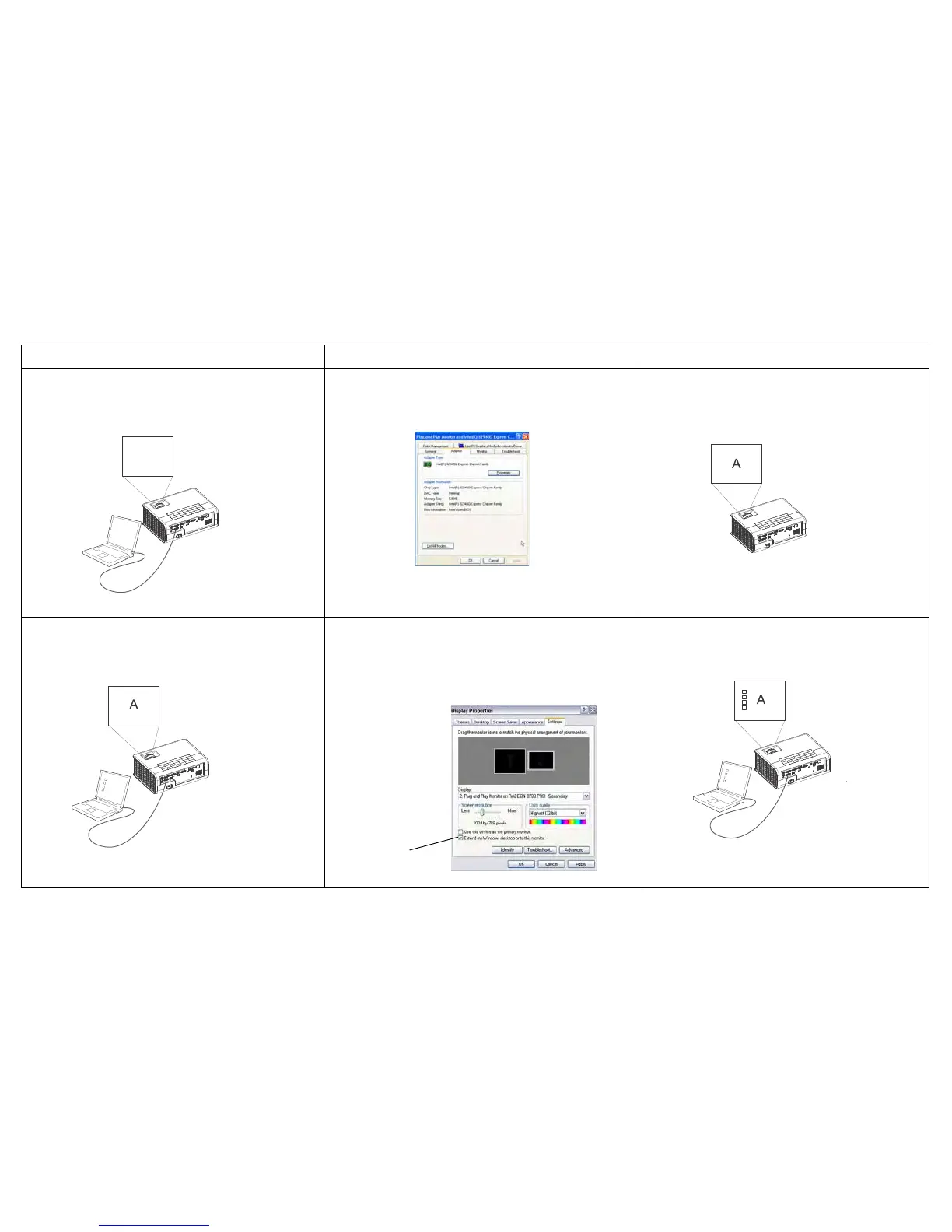
Press the Auto Image button on the keypad or remote. To
adjust computer refresh rate, go to Control Panel > Display >
Settings > Advanced > Adapter (location varies by operating
system).
You may also need to set a different resolution on your
computer, as shown in the following problem, “image fuzzy or
cropped”
Computer image projected
Only my laptop’s background appears, not the
Desktop icons
DisplayLink - Use DisplayLink software to change the display
mode from Extended Desktop to Duplicated Desktop.
Windows - Disable “Extend my Windows Desktop” in Control
Panel > Display
> Settings > Display 2 (location varies by
operating system)



 To Next Page