22
Using the remote control
The remote uses two (2) AA batteries. You can install the batteries by
removing the cover from the remote’s back, aligning the + and - ends of the
batteries, sliding them into place, and then replacing the cover.
Caution:
• When disposing of the batteries, be sur
e
to do so in an environmentally
proper manner.
• If the remote control gets wet, wipe it dry immediately.
• Avoid excessive heat and humidity.
• Ensure the batteries’ polarity (+/-) is aligned correctly.
• Do not mix new and old batteries together,
o
r different types of
batteries together.
• Replace the batteries as soon as
they run out.
• Remove batteries from the remote control when storing or not in use
for a prolonged period.
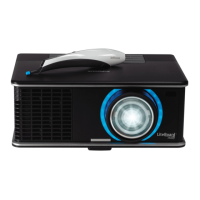
To operate, point the remote at the proj
ector (not at the computer). The
range of optimum operation is about 30’ (9m).
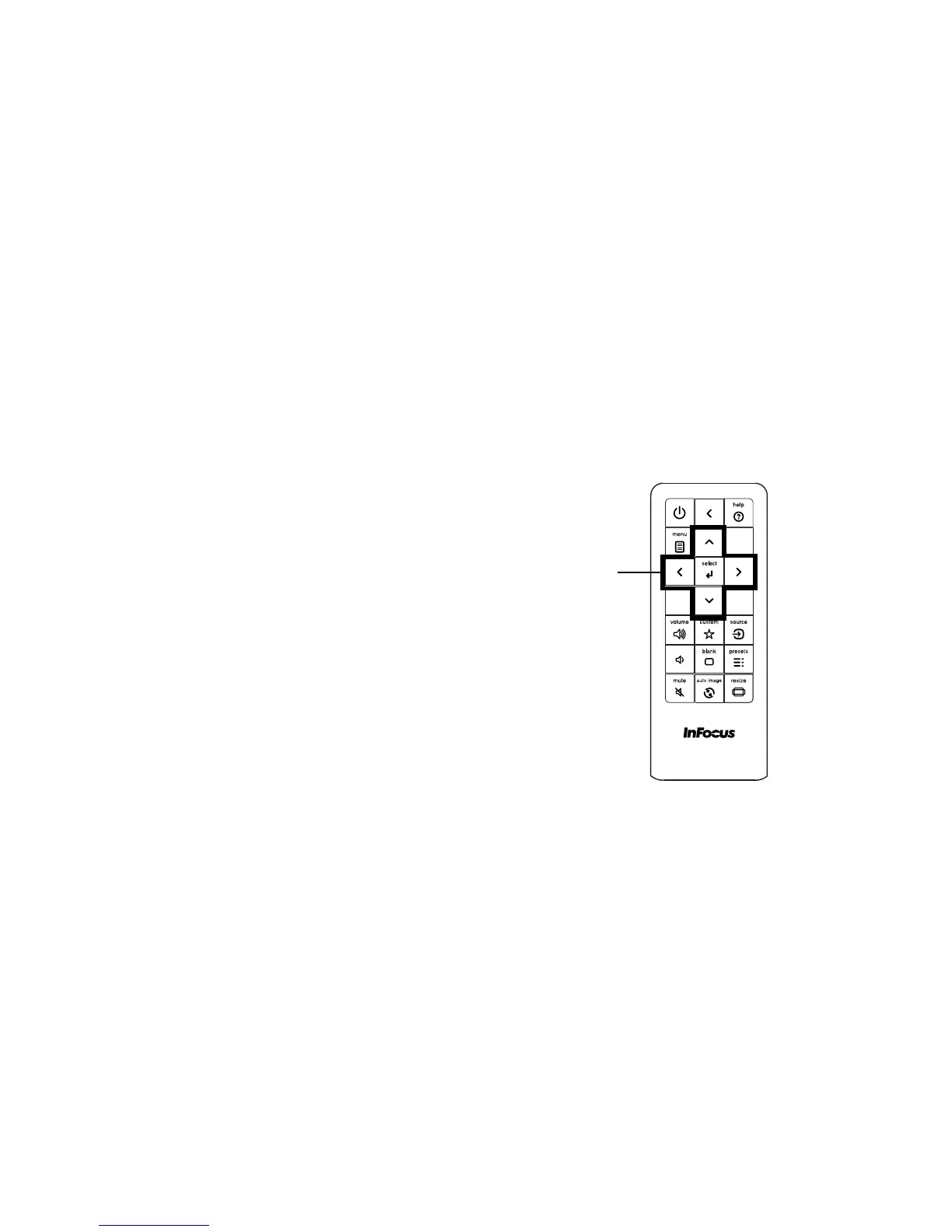
Press the remote’s Power button to turn the projector on and off (see page 14
for shutdown information).
Press the remote’s Menu button to open the projector’s menu system. Use
the arrow buttons to navigate, and the Select button to select features and
adjust values in the menus. See page 26 for more information on the menus.
The remote also has:
• Help
button to access the projector’s hel
p feature (see page 32).
• Volume buttons to adj
ust the sound.
• Custom button that can be assigned to a special function, like Blank
Screen or Freeze (see page 29).
• Source button to switch between sources.
• Blank button to blank the screen.
• Presets
button to select stored settings (see page 27).
• Mute button to silence the audio.
• Auto Image button to resynchronize the projector to the source.
• Resize
button to switch among aspect ratios (see page 27).
Troubleshooting the remote
• Make sure the batteries are installed in the proper orientation and are
not dead.
• Make sure you’re pointing the remote at th
e projector or the screen, not
the computer, and are within the remote range of 30’ (9m). For best
results, point the remote at the projector.



 To Next Page