13
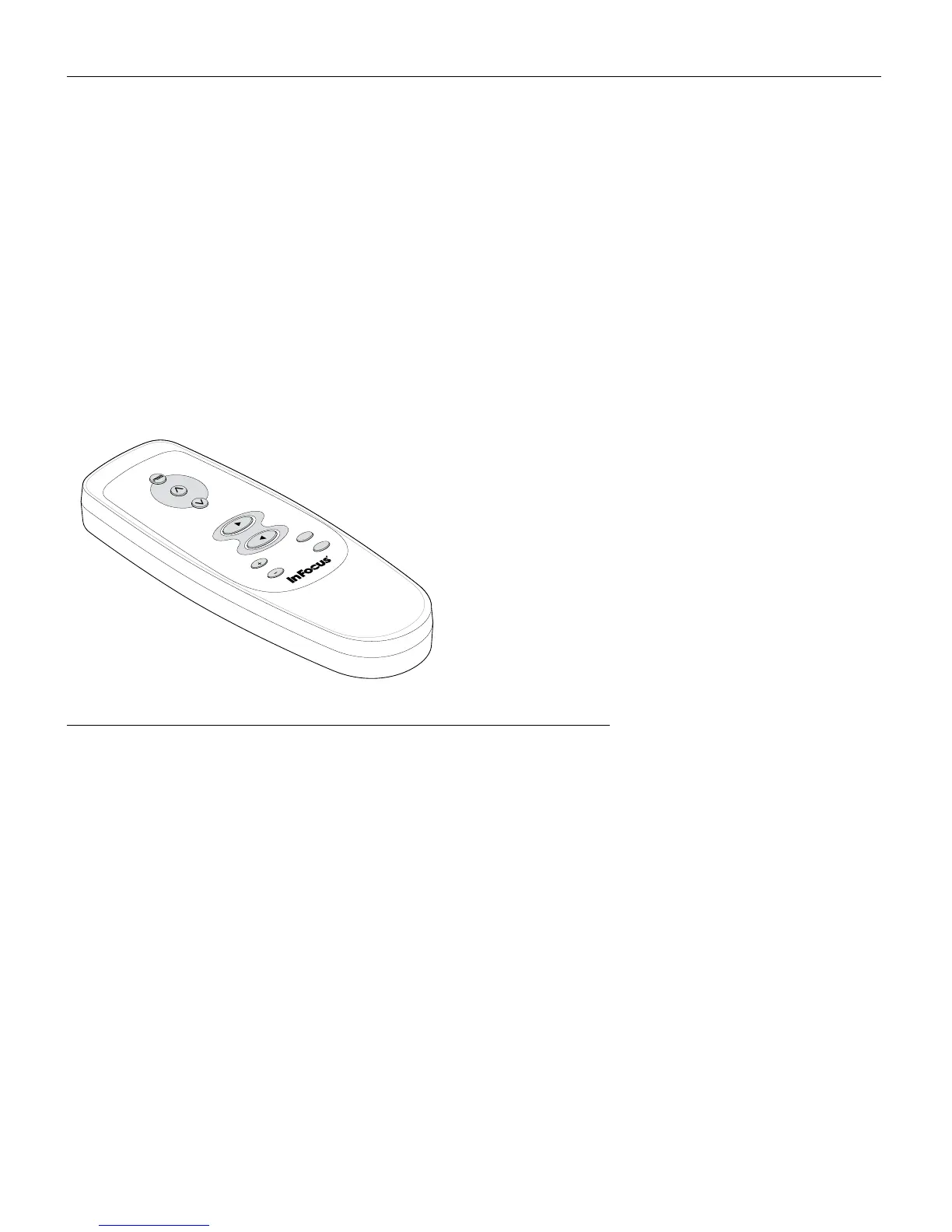
Using the Remote Control
To use the forward and back buttons on the remote to advance
slides in PowerPoint, you must connect the USB mouse connector
on the computer cable to the computer. See page 7 for details.
Point the remote control at the projection screen or at the front of
the projector (not at the computer). The range for optimum oper-
ation is about 25 feet. If you point the remote at the projection
screen, the distance to the screen and back to the projector must
be less than or equal to 25 feet. For best results, point the remote
directly at the projector.
FIGURE 10
Remote control
data
video
keystone
forward
back
m
enu/select



 To Next Page