23
Advanced Menu
To access the Advanced menu settings, press the
menu/select
but-
ton to display the Main menu, press the down arrow to highlight
Advanced, then press
menu/select
again to access the Advanced
menu.
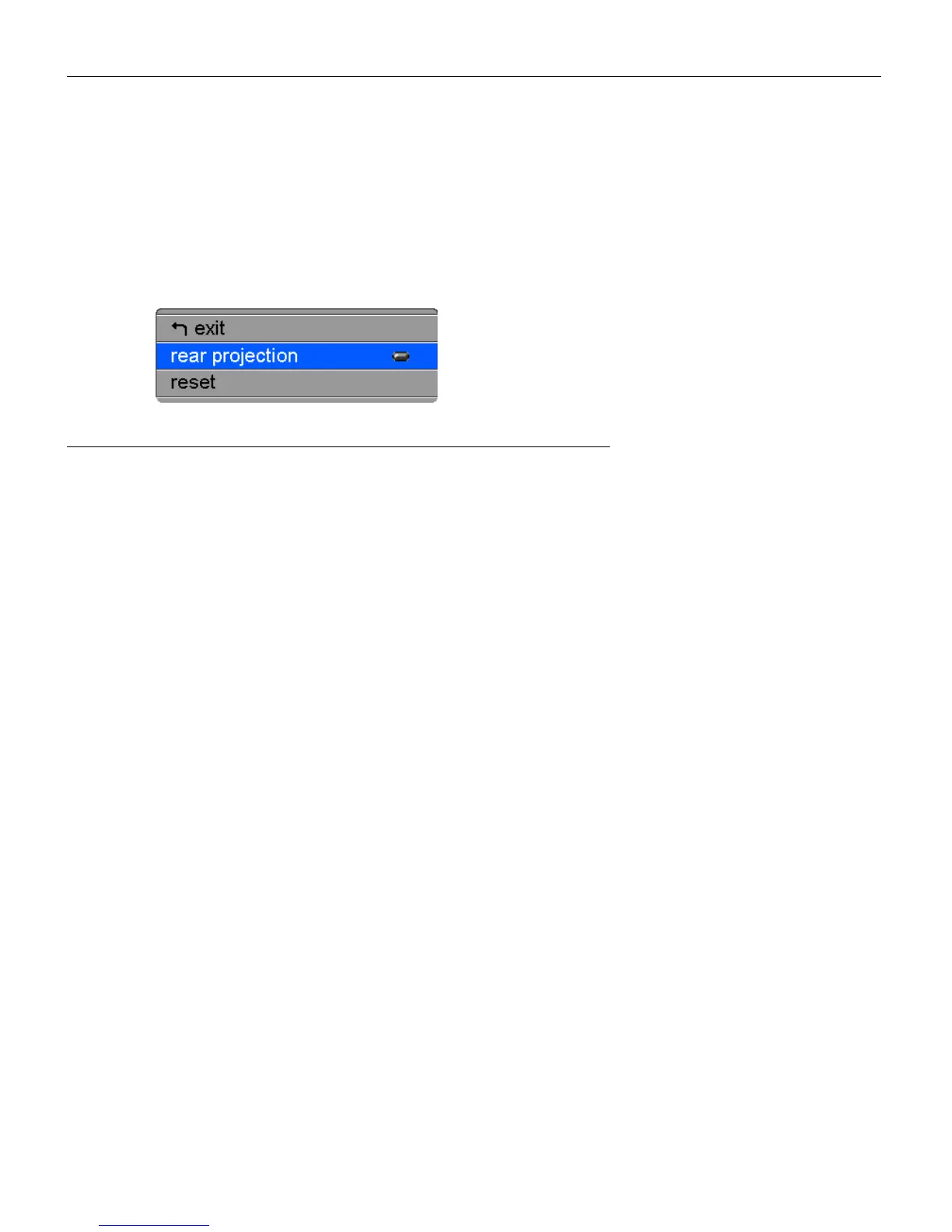
FIGURE 18
Advanced menu
Rear Projection
When you turn
Rear Projection
on, the projector reverses the
image so you can project from behind a translucent screen.
Highlight
Rear Projection
, press
menu/select
, then press the up or
down arrow buttons to turn this feature off and on.
Reset
Highlight Reset then press
menu/select
to reset the options in the
menus (except Language, Video Standard, and Rear Projection) to
their original settings.



 To Next Page