17
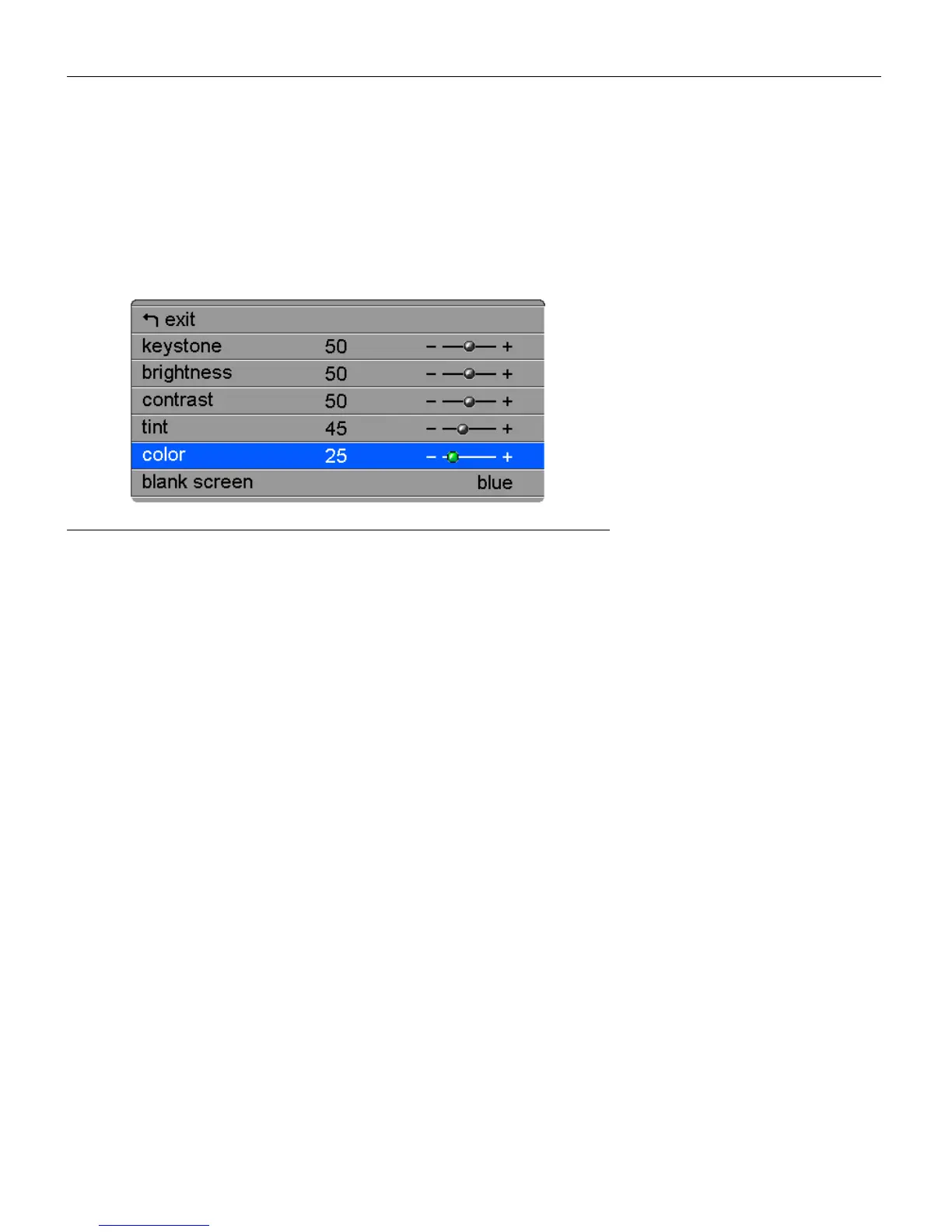
Display Menu
To access the Display menu settings, press the
menu/select
button
to display the Main menu, press the down arrow to highlight Dis-
play, then press
menu/select
again to access the Display menu.
FIGURE 14
Display menu
Keystone
This option helps to keep the image square as the angle of projec-
tion is changed. Use this feature to adjust the image vertically
and make a squarer image. See page 15 for details on keystone
adjustments.
1
Press the down button to highlight Keystone, then press
menu/select
. Use the up and down arrows to adjust the key-
stone setting. Press
menu/select
to accept your changes.
Brightness
Adjusting the brightness changes the intensity of the image.
1
Use the up and down arrows to highlight Brightness, press
menu/select
, use the arrows to adjust the brightness, then
press
menu/select
to accept your changes.



 To Next Page