24
Using the Projector
Language Menu
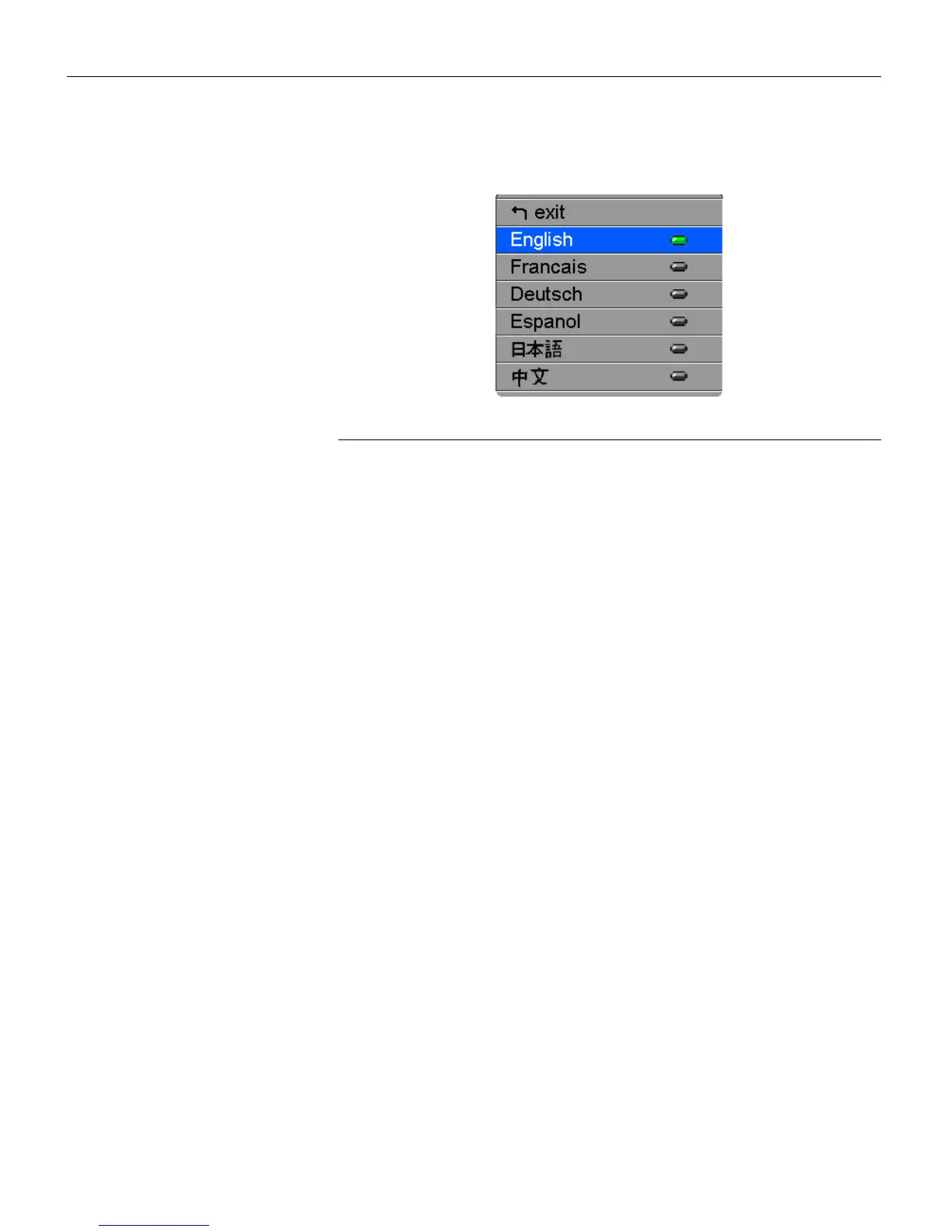
FIGURE 19
Language menu
You can display the on-screen menus in English, French, German,
Spanish, Chinese or Japanese.
1
Press the
menu/select
button to display the Main menu, press
the arrow buttons to highlight Language, then press
menu/select
again to access the Language menu.
2
Press the arrow buttons to highlight the desired language,
then press
menu/select
. Press
menu/select
to exit this menu and
return to the Main menu.



 To Next Page