Chapter 3 Basic Operation 21
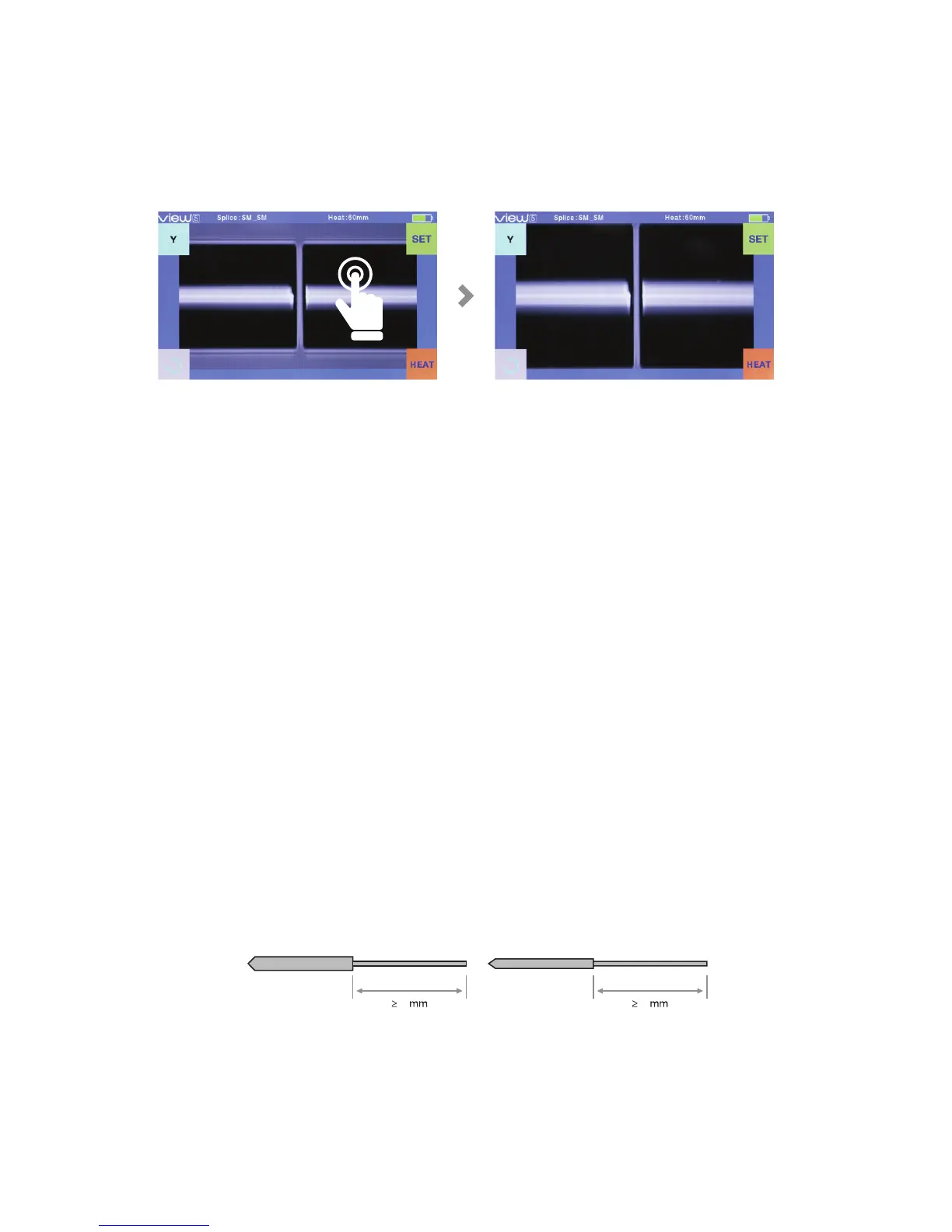
Fiber zoom function on screen
Users can zoom in the ber image by double tapping on the screen so as to
observe the splicing result and check the splicing condition.
Preparing the bers
3 Steps should be carried out before splicing:
Step 1: Strip the ber
Remove at least 50mm of secondary coating (valid for both tight and loose tube
secondary coating) and approximately 30~40mm of primary coating with an
appropriate stripper.
Step 2: Clean the ber
Clean bare bers with pure alcohol-soaked gauze or lint-free tissue.
Step 3: Cleave the ber
In order to ensure the best splicing result, cleave the bers with high precision
cleaver such as INNO Instrument VF series ber cleaver, and strictly control the
cleaving lengths shown as below.
Note: Remember to slip a heat-shrink sleeve onto either end of the bers at the
beginning of each ber preparation.
Examples of cleaving lengths
10 10
Use blue V-grooves (clamping on bare ber)
Primary coatingTight secondary coating


 To Next Page