DEBUG MODE -1
DTR-7.7
E6A48K017FF00x0
<Ex.>
How to Set in Debug Mode
1. Press and hold down
DISPLAY button, then press
STANDBY
button while the unit is power ON.
The version number of microprocessor is displayed only for 3 seconds.
2. Press
DISPLAY
button while the version is displayed, then the status of DSP and DIR etc will be displayed.
3. To exit, press STANDBY/ON button.
<Ex.>
How to Check Versions of Main, DSP and Video(HDMI) Microprocessor
1. Press and hold down DISPLAY button, then press STANDBY/ON button when the unit is power ON.
The main microprocessor version will be displayed on FL for 3 seconds.
2. Press SETUP button while the version is displayed, then " DSP Ver: " will be displayed.
3. Press ENTER button while " DSP Ver: " is displayed, then " DSP F/W Update " will be displayed.
4. Again, press and hold down DISPLAY button, then press STANDBY/ON button in order to get DSP version.
5. Press SETUP button a few times.
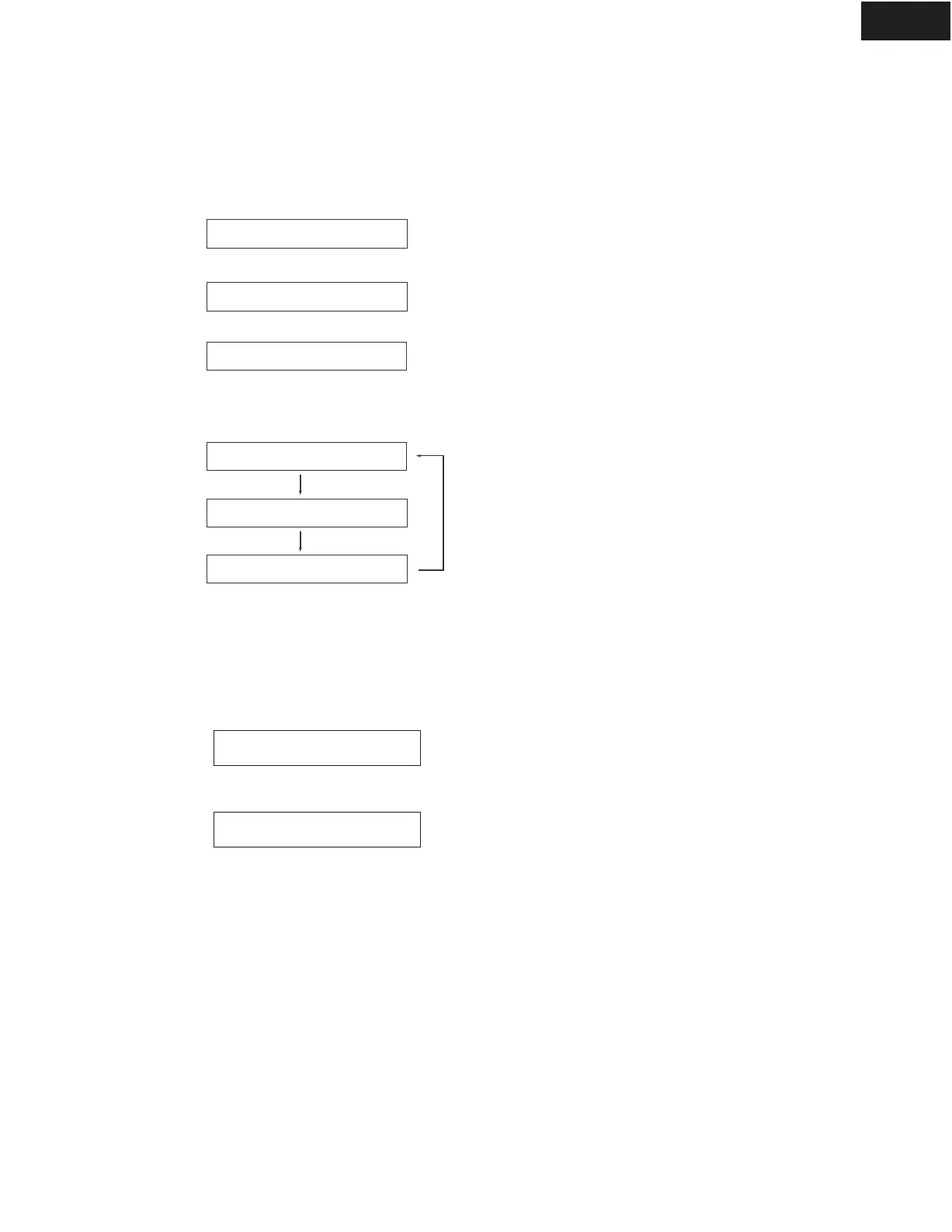
The versions of DSP ROM ---> Video(HDMI) microprocessor ---> Main microprocessor will be displayed in turn.
DSP Ver:
DSP F/W Update
6. To check DSP version next time, the procedures of 2-4 are not necessary until the power cord is off.
Ver.1.01/06920a
HDM.Ver:06607A
DSP Ver:05Y28A
Ver.1.01/06920a
Ver.1.01/06920a
Refer to next page to see the information displayed for detail.
<Ex.>
<Ex.>
<Ex.>
<Ex.>



 To Next Page