Turning On & Basic Operations
En-43
*1
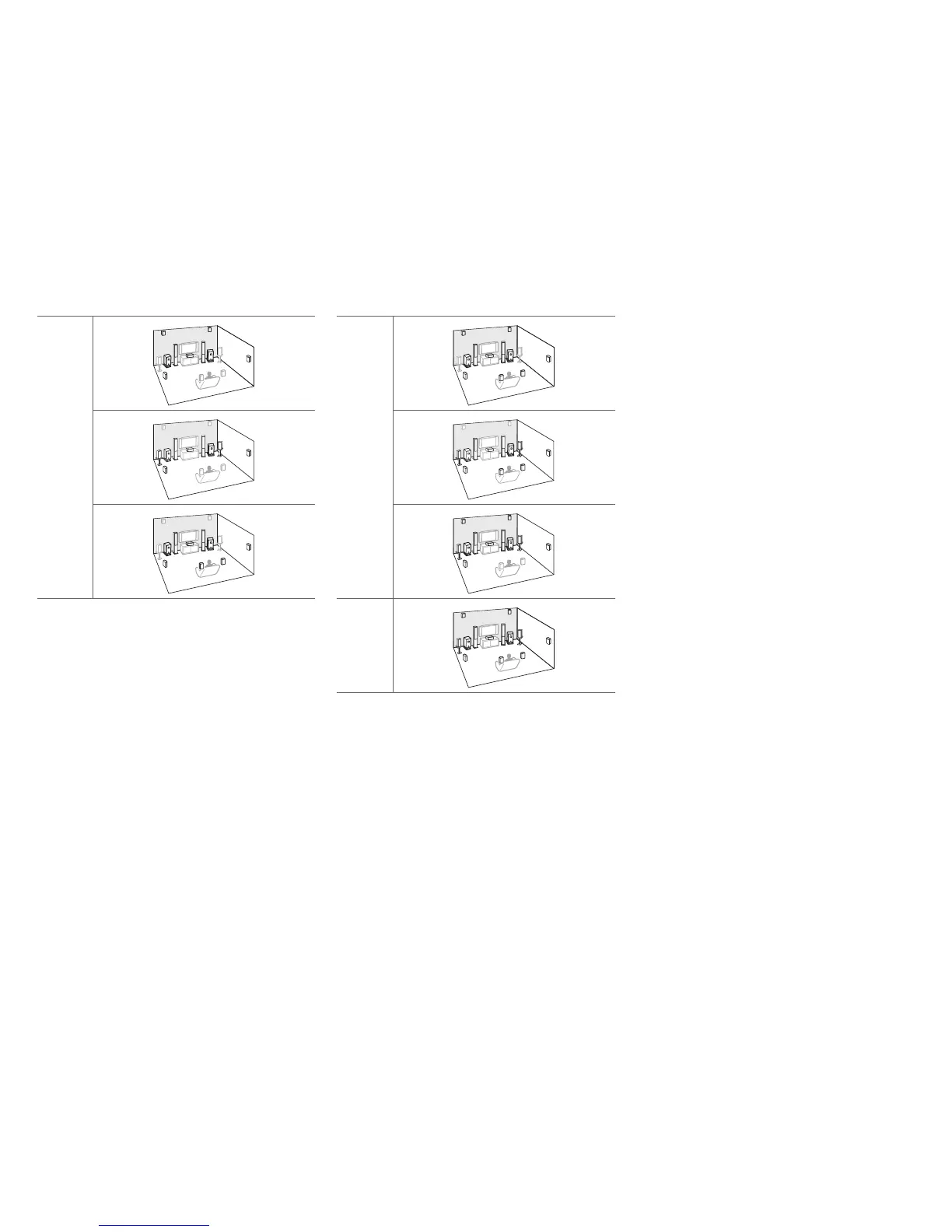
After enabling the corresponding speakers, press Receiver
followed by SP (speaker layout) repeatedly to select the
speakers you want to use: surround back and front
high,surround back and front wide, or front high and front
wide.
*2
This layout is only available when the external power amplifier
is connected to FRONT WIDE PRE OUT of the AV receiver
and the “11ch Playback” setting is set to “Yes” (➔ page 12,
63).
n.
/
,
m
*1
+
*
}
v
*2



 To Next Page