Advanced Operations
En-61
• Do not assign an HDMI IN to the TV/CD selector while “HDMI
Control(RIHD)” is set to “On” (➔ page 80), otherwise
appropriate CEC (Consumer Electronics Control) operation will
not be guaranteed.
• If you assign “-----” to an input selector that is currently
selected in “HDMI Through” (➔ page 80), the “HDMI
Through” setting will be automatically switched to “Off”.
•“AUX” is used only for input from the front panel.
Component Video Input
If you connect a video component to a component video
input, you must assign that input to an input selector. For
example, if you connect your Blu-ray Disc/DVD player to
COMPONENT VIDEO IN 2, you must assign “IN2” to
the “BD/DVD” input selector.
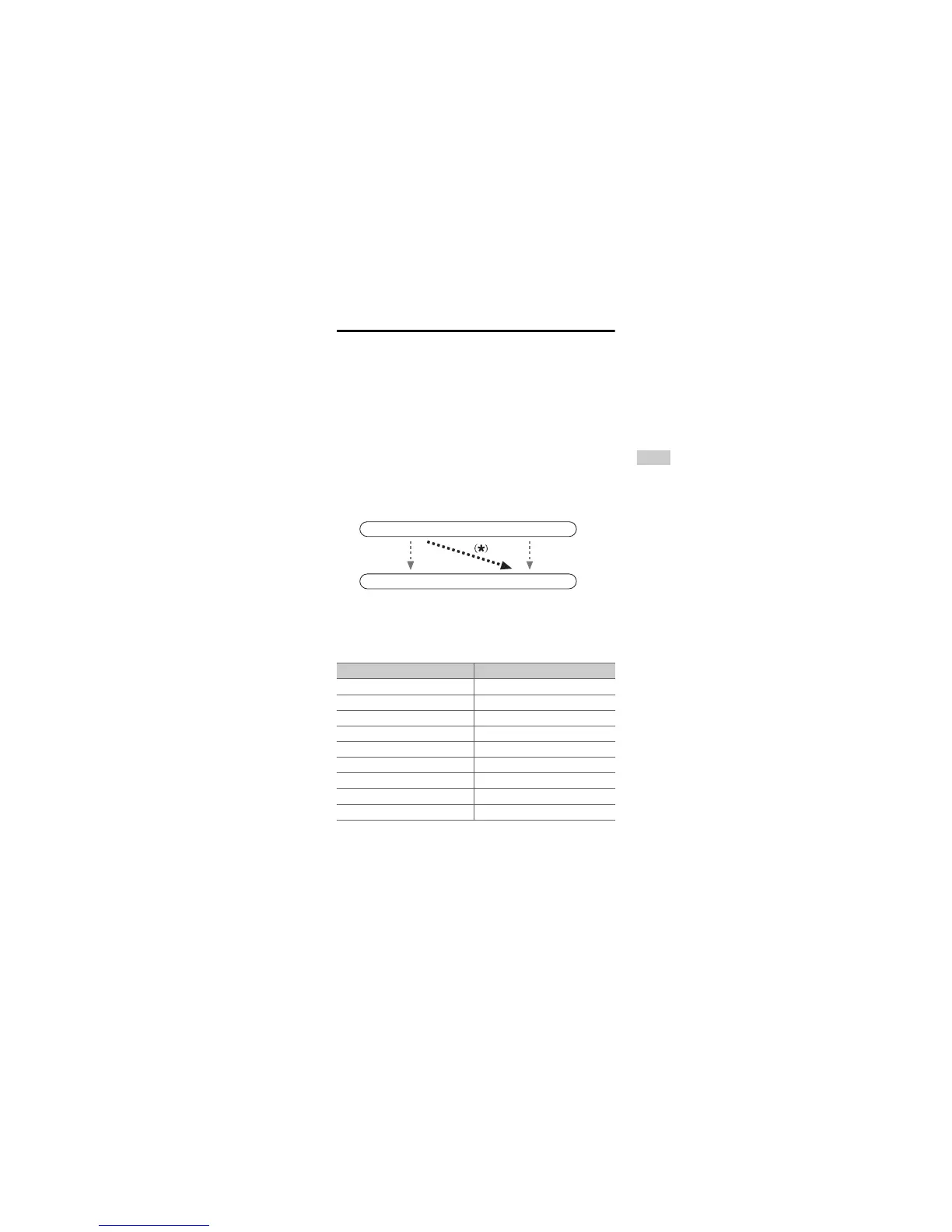
If you’ve connected your TV to the AV receiver with a
component video cable, you can set the AV receiver so that
composite video source is upconverted
*
and output by the
COMPONENT VIDEO MONITOR OUT
*1
. You can set
this for each input selector by selecting the “-----”
option.
*1
This applies only when “Monitor Out” setting is set to
“Analog” (➔ page 59).
Here are the default assignments.
■ BD/DVD, CBL/SAT, STB/DVR, GAME1, GAME2,
PC, AUX, TV/CD, PHONO
` IN1, IN2:
Select the input to which the component has been
connected.
` -----:
Output composite video sources from the HDMI
output. The upconverted output from HDMI depends
on the assignment of “Composite Video Input”.
Note
• For composite video upconversion for the COMPONENT
VIDEO MONITOR OUT, the “Monitor Out” setting must be
set to “Analog” (➔ page 59), and the “Component Video
Input” setting must be set to “-----”. See “Connection Tips and
Video Signal Path” for more information on video signal flow
and upconversion (➔ page 108).
Input selector Default assignment
BD/DVD IN1
CBL/SAT IN2
STB/DVR -----
GAME1 -----
GAME2 -----
PC -----
AUX -----
TV/CD -----
PHONO -----
IN
OUT
Composite video
Composite video
Component video
Component video



 To Next Page