24
En
Turning On & Basic Operations
Turning On/Off the AV Receiver
Turning On
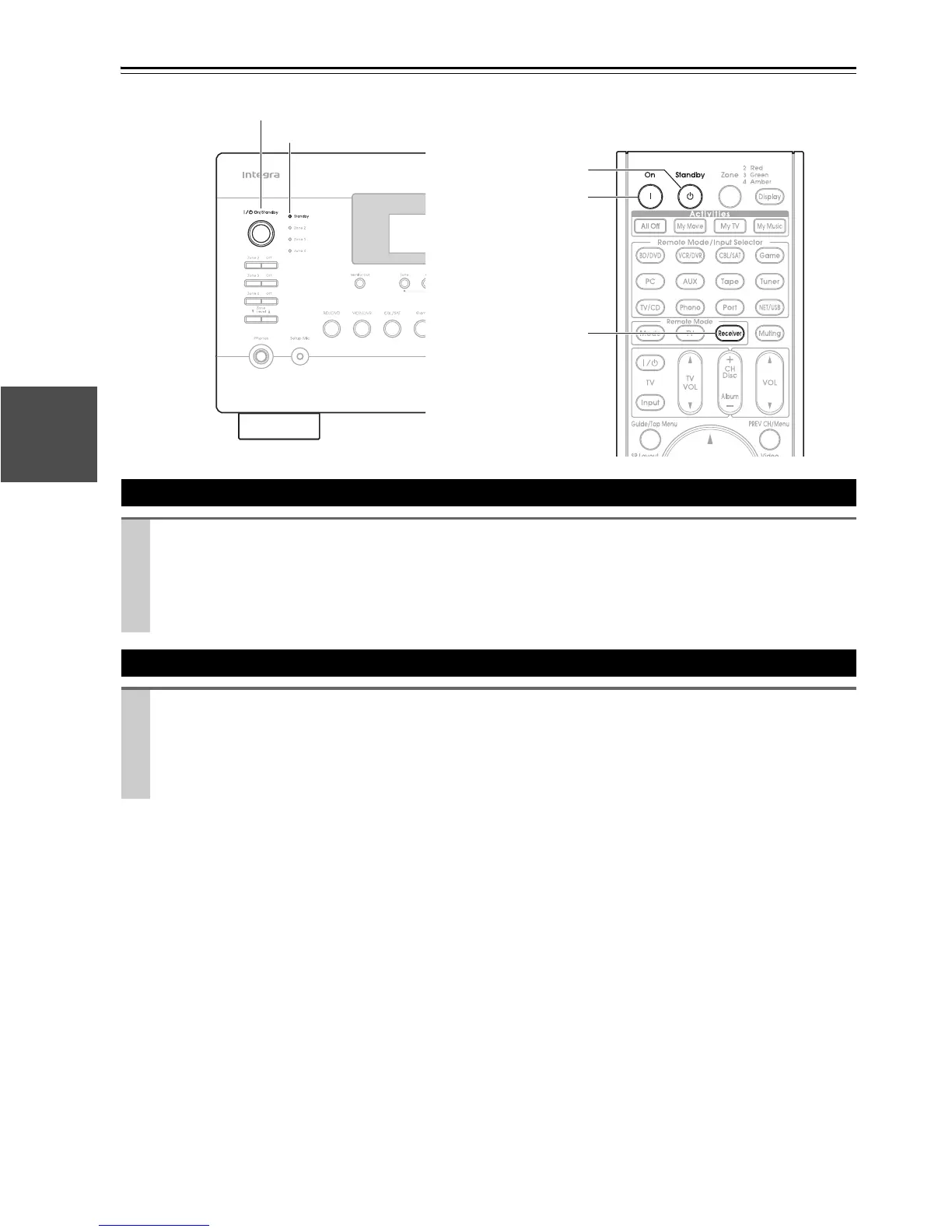
Press On/Standby on the front panel.
or
Press Receiver followed by On on the remote controller.
The AV receiver comes on, the display lights, and the Standby indicator goes off.
Pressing the remote controller’s On again will turn on any components connected via u.
Turning Off
Press On/Standby on the front panel.
or
Press Receiver followed by Standby on the remote controller.
The AV receiver will enter Standby mode. To prevent any loud surprises when you turn on the AV receiver, always
turn down the volume before you turn it off.
On
Receiver
Standby
On/Standby
Standby indicator



 To Next Page