Setting the CTCSS tone frequency
n
Thrs
functron
IS
avarlable
rf
the optional CTCSS unit
(tone
squelch) has been
rnstalled.
There are 38 tone
squelch frequencres to
choose
from.
-
1)
Swatch
to the set mode.
2) Press the 7
T.SQ/DM
key.
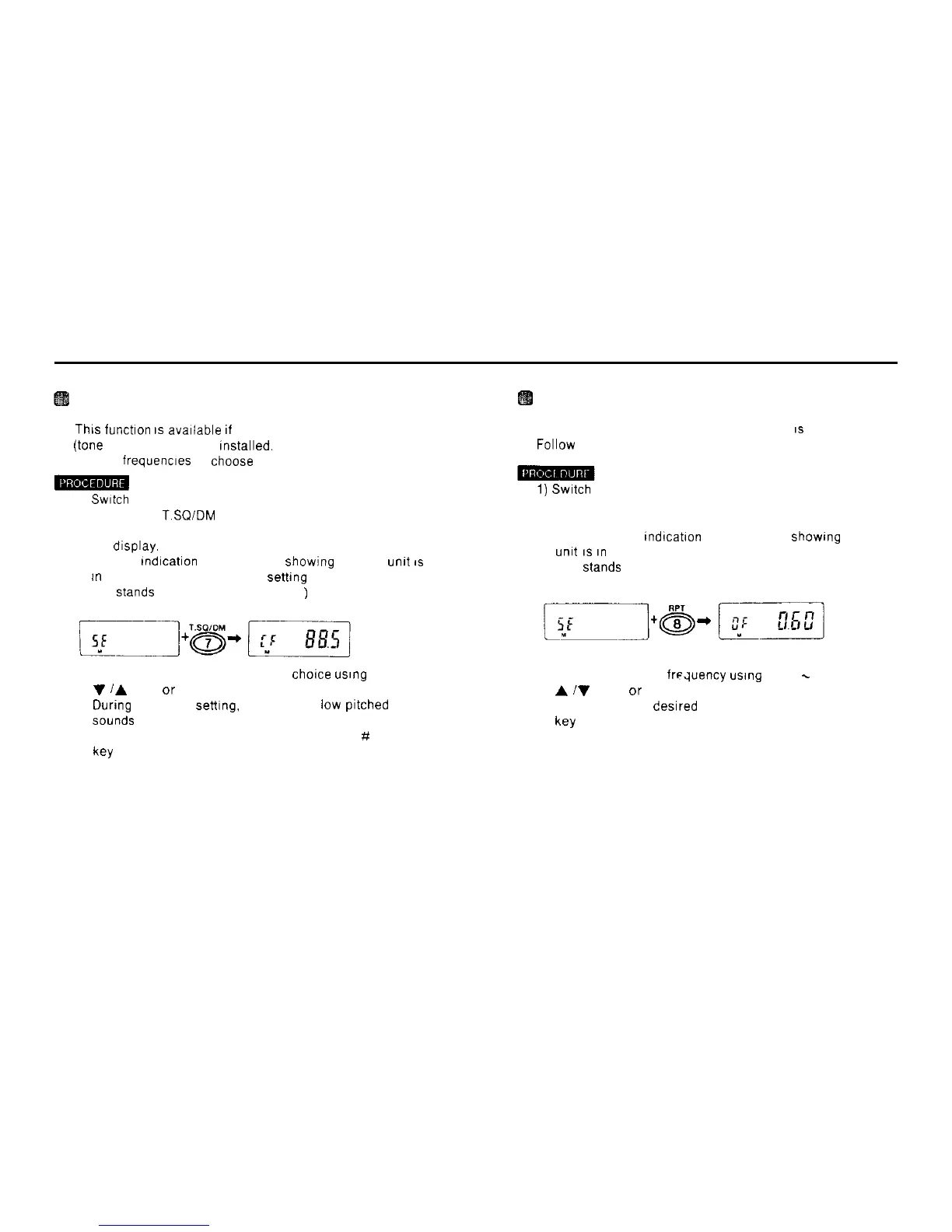
The current CTCSS tone frequency settrng appears on
the drsplay.
The CF
tndrcatron
also appears. showrng that the
unrt
IS
tn
the CTCSS tone frequency sethng mode.
(CF
Stands
for CTCSS FREQUENCY
)
3) Select the tone frequency of your
chorce
usrng
the
V
/A
keys or the rotary channel selector
During
frequency setttng. a puff (short low
prtched
beep)
Sounds
at 88.5 Hz.
4) After settrng the desired frequency. press the # CL PS
W
Changing the offset frequency
n The factory settrng for the offset frequency
IS
600 KHz.
Follow the procedure below to set a new offset frequency
1)
Swatch
to the set mode
2) Press the 8 RPT key
The current offset frequency settrng appears on the dis-
play The [OF]
tndrcatron
also appears.
showrng
that the
unrt
IS
In
the offset frequency settrng mode
(OF Stands for OFFSET FREQUENCY )
3) Set the new offset freduency
usrng
the 0
-
9 keys, the
A
iV
keys. or the rotary channel selector
4) After setting the desrred frequency. press the # CL PS
key
19



 To Next Page