Changing the tuning
Steps
n You
tan
select the size of the tumng
Steps
used when
changing the frequency settlng
“sing
the rotary channel
selector or the
A
iV
keys.
-
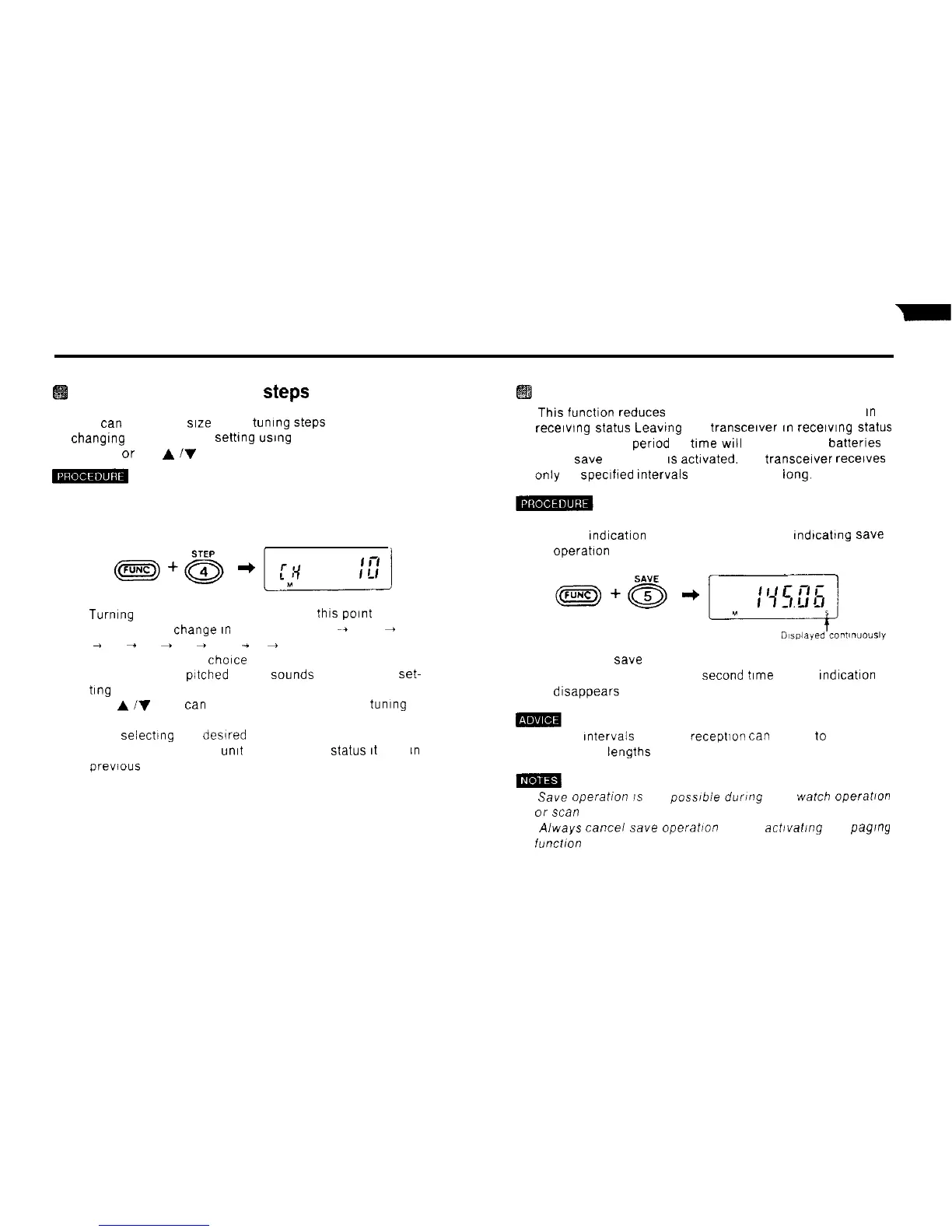
1) Hold down the FUNC key and press the 4 STEP key
The current tuning step setting appears on the display
2)
Turmng
the rotary channel selector at thls
Point
Causes
the display to
Change
an
the sequence 10
-+
12 5
+
20
+ 25
-
50
+
75
+
100
+
5
+
10 Select the tuning
step setting of your
choice
. A puff (short low pitched beep)
Sounds
at the 5 kHz
set-
ting
l The
A
iV
keys
tan
also be used to select the tumng
step setting
3) Afier selecting the desired step setting. press
the # CL PS key The
umt
returns to the
Status
It
was
IR
previous to tuning step setting
Save Operation
n
This
function reduces the amount of current consumed
an
receiwng
Status
Leawng the transcelver
an
recewng
Status
for an extended perlod of time
wil
run down the batterles
When save Operation
IS
actwated. the transcelver recelves
only at speclfled Intervals a few seconds
lang.
1) Hold down the FUNC key and press the 5 SAVE key
An S Indication appears on the display. tndtcating save
operatlon
2) To cancel save Operation, hold down the FUNC key and
press the 5 SAVE key a
second
time
The S Indication
dlsappears from the display
(1) The Intervals between receptlor,
tan
be set
to
any of 10
different lengths
(1)
Save
operation
IS
not posslbie during dual
watch
operaOon
or
scan
Operation
(2) Always cancei
save
operatmn before actrvating the pagrny
funcflon
46



 To Next Page