Memory Operation
W
Memory function
Storinq
frequencies in memory
The
unit
use a memory unit to implement the memory
function.
/
Enterrnq 145.10 MHz
rn
memory as M26
Memory operatron is therefore
possrble
only
rf
the memory
unit has been installed.
Installation of the memory unit is highly recommended
(The unit will operate without it, but only in the VFO
mode.)
The unit are shipped from the factory with the 40-channel
memory
unit
already installed.
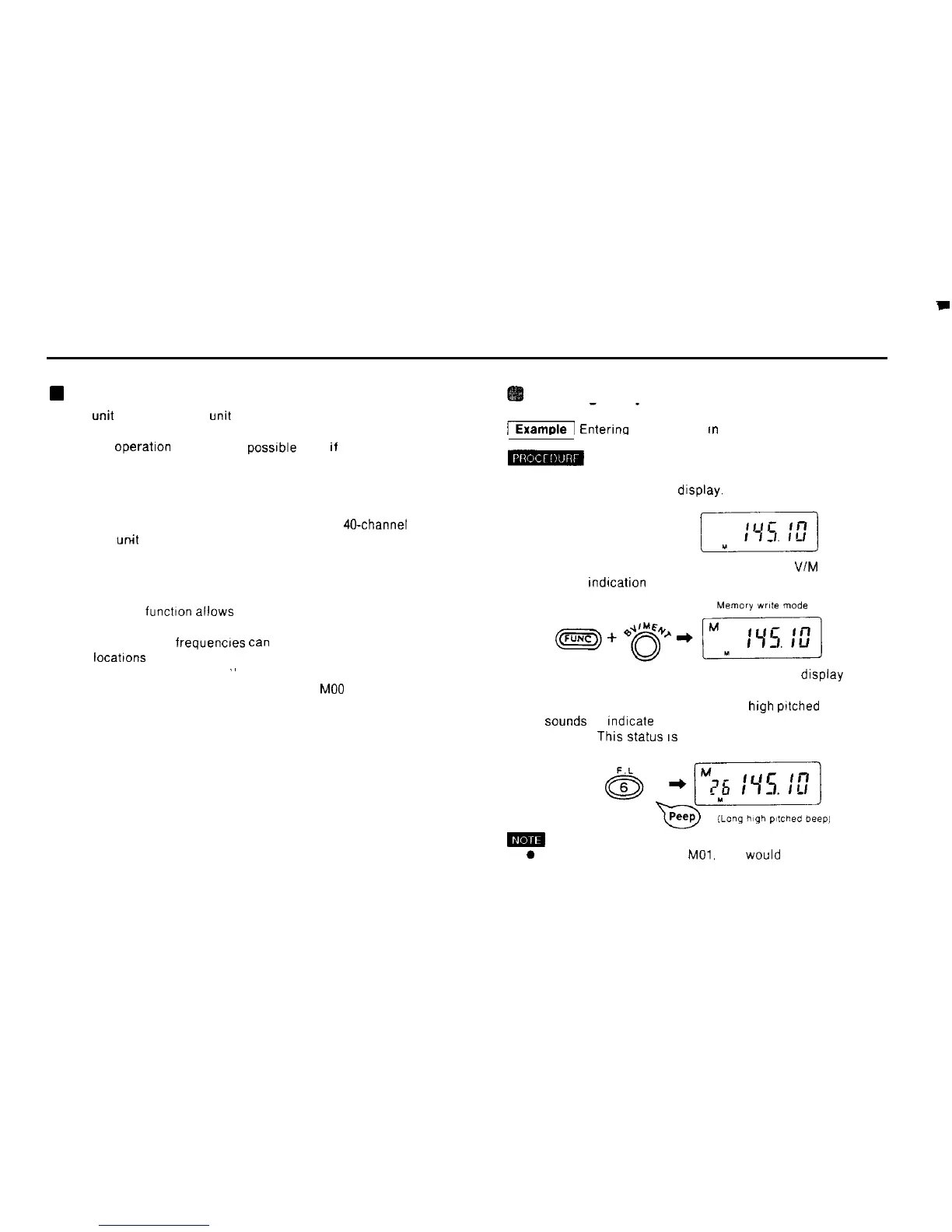
1) In the VFO mode. select the frequency 145.10 MHz so
that it appears on the display.
2) Hold down the FUNC key and press the B VIM ENT key
The M
rndicatron
appears on the display
n The memory functton allows you to store frequently used
frequencies for use when needed
n Up to 40 separate frequencres
tan
be stored in memory
n The
locatrons
where frequencies are stored are called
“memory address numbers
”
n The memory address numbers range from
MO0
through
M39.
3) Press the 2 DUAL key A 2 appears on the display
below the M
4) Press the 6 F L key A peep (long
high
prtched
beep)
Sounds
to
rndrcate
that the frequency has been stored in
memory
This
Status
IS
referred to as the memory mode
0 To store a frequency as Mol, you would press the 0 key
followed by the 1 key.
29



 To Next Page