1) Setting your-personal
code
n Codes consist of three numerals.
Perform the
Steps
below
:o
set your personal code
-1
Setting the personal code to
1,l.l
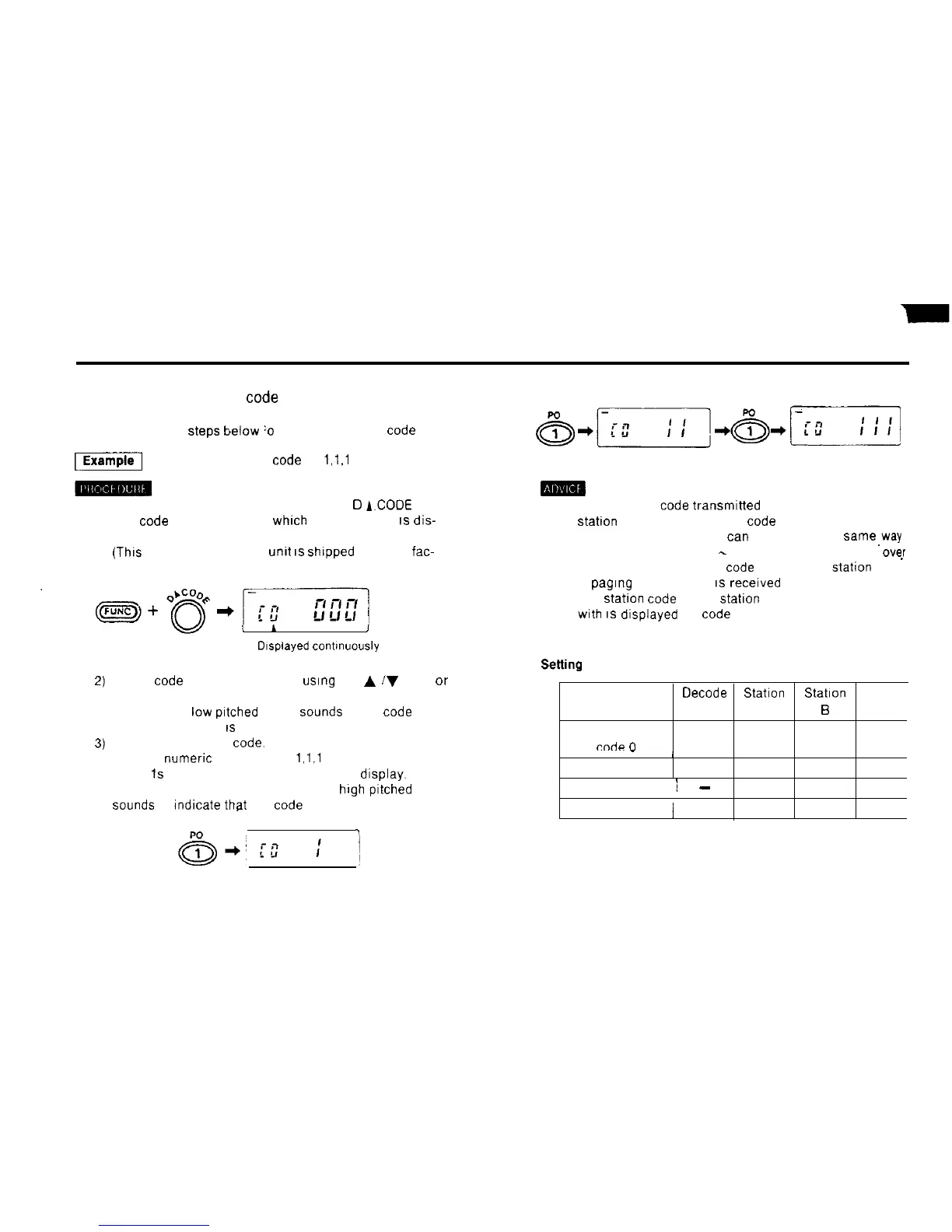
1) Hold down the FUNC key and press the
Cl
A.CODE
key
The
code
address number
whrch
was used last
IS
dis-
played.
(Thrs
is set to 0 when the
unrt
IS
shrpped
from the
fac-
tory.)
1) The personal code transmrtted to you from the other
Statton
is stored at memory code address number P
Code address number P
tan
be used in the same,way
as address numbers 1
Selting
example
-
8, but it is automatically
0vs.r
written with the personal
code
of the other
Station
when
a
pagrng
transmission
IS
recerved
2) The stahon code of the
statron
you are communicating
with
IS
displayed as code address number P
Select code address number 0
usrng
the
A
iV
keys or
v
the rotary channel selector.
i
I
A puff (short
low
prtched
beep)
Sounds
when code
J
address number 0
IS
selected
Drsplayed
contrnuously
Input your personal
Code.
Use the numeric keys to Input
1,l.l
Three
1s
appear one after another on the display. When
the last digit is entered, a peep (long
high
pitched beep)
Sounds
to
rndrcate
that the code has been set.
rm-9
‘I
Memory address
Oecode
Station
Station
Statton
number mark
A
B
C
Your personal
rndn
l-l
111
222
333
____
_
/
Code 1
222
111
111
Code 2
/
-
050 050 050
Code 3
j
333 333 222
22



 To Next Page