2) Setting personal
Codes
of other stations
1) Hold down the FUNC key and press the
D
A
CODE key
2) Select the
code
address number of your
chorce
ustng
the
A
/V
keys or the rotary channel selector
3) Input the personal code
usrng
the numeric keys.
To record more than one code
m
memory, repeat
Steps
2) and 3) above as many times as necessary.
(1) Input the group
Codes
you
wrsh
to use for receivrng as weil
as those you will use for transmrtting.
3) Designating group
Codes
for receiving
w
After the
Codes
have been recorded
rn
memory, designate
whtch
group
Codes
you wish to use for receiving.
1)
Cal1
up the code address of the
code
(1
-
8) you wish
to
desrgnate as a group code for receiving
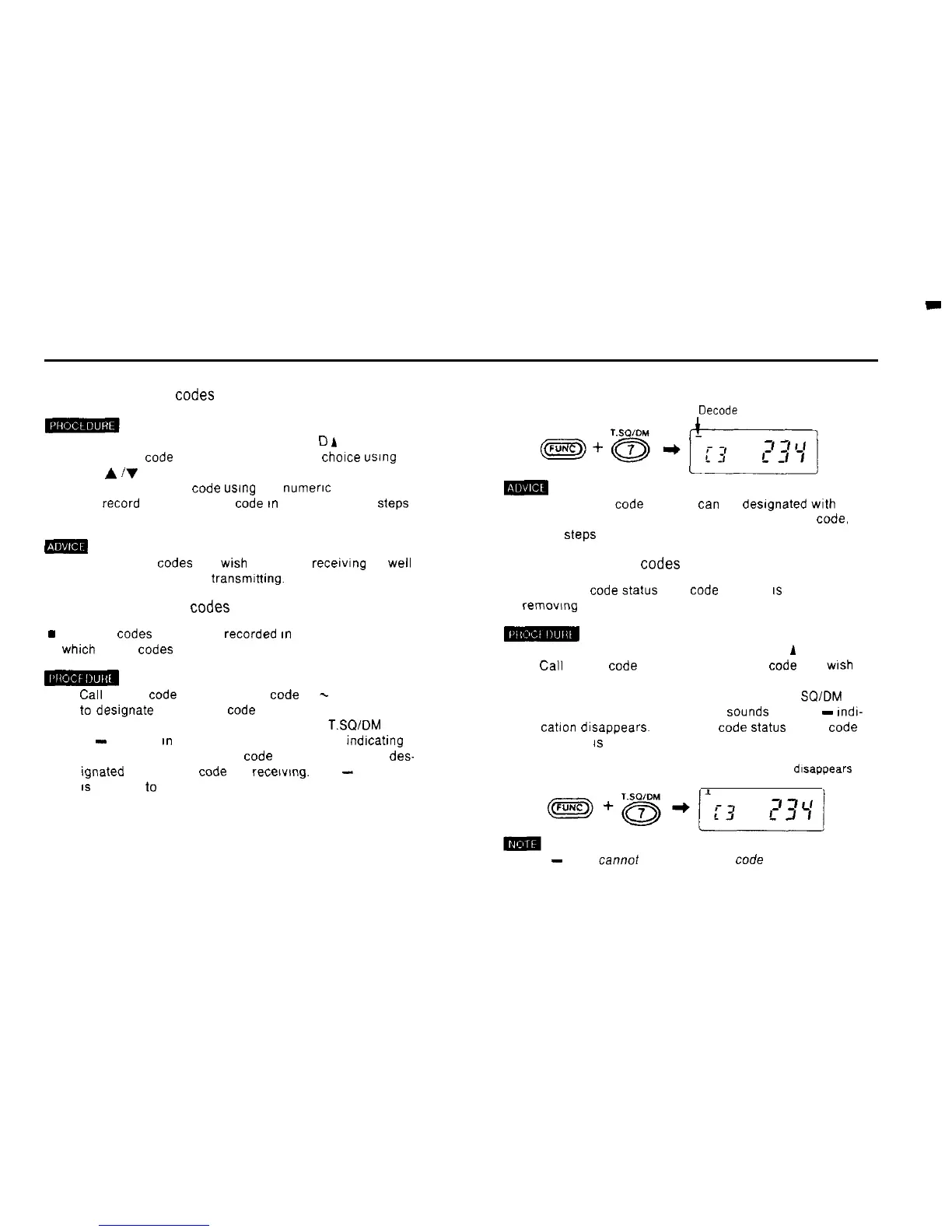
2) Hold down the FUNC key and press the 7
T.SQ/DM
key.
A
-
appears
rn
the upper left of the display
indrcatrng
that the currently displayed code address has been
des-
tgnated as a group code for recetvmg. The
-
mdication
IS
referred
to
as the decode mark.
Decode
mark
LI
m
(1) More than one code address
tan
be desrgnated with the
decode mark. To desrgnate more than one group
Code,
repeat
Steps
1) and 2) above as many times as necessary.
4) Canceling group
Codes
n The group code
Status
of a
code
address
IS
canceled by
removrng the decode mark.
1) Hold down the FUNC key and press the D
A
CODE key
2)
Cal1
up the code address of the group code you
wrsh
to
cancel.
3) Hold down the FUNC key and press the 7 T
SQ/DM
key
A puff (short low pitched beep)
Sounds
and the
-
rndr-
catron
drsappears. The group code
Status
of the code
address
IS
canceled
The decode mark
drsappears
(1) The
-
mark cannot be canceled for code address number 0
23



 To Next Page