Squelching audio output even if the
paging
code
matches
n When this function and the paging function are active and a
matthing paging
code
is
recelved, only the pip-pip-pip-pip
alarm (repeated high pitched beeps)
Sounds.
Audio output
is squelched.
1) Switch to the set mode.
2) Hold down the FUNC key and press the 5 SAVE key.
A pip (short high pitched beep)
Sounds,
indicating that
the function is on.
3) To cancel this function, again
switch
to the set mode
and press the 5 SAVE key while holding down the FUNC
key. A puff (short
low
pitched beep)
Sounds
and the
function
IS
cancelled
Changing the tuning
Steps
used when
the rotary channel selector is turned
with the FUNC key depressed.
n If the FUNC key
IS
held down and the rotary channel selec-
tor turned, the frequency changes
In
100 kHz
Steps.
The tuning step size
tan
be changed to 1 MHz if deslred.
1) Switch to the set mode
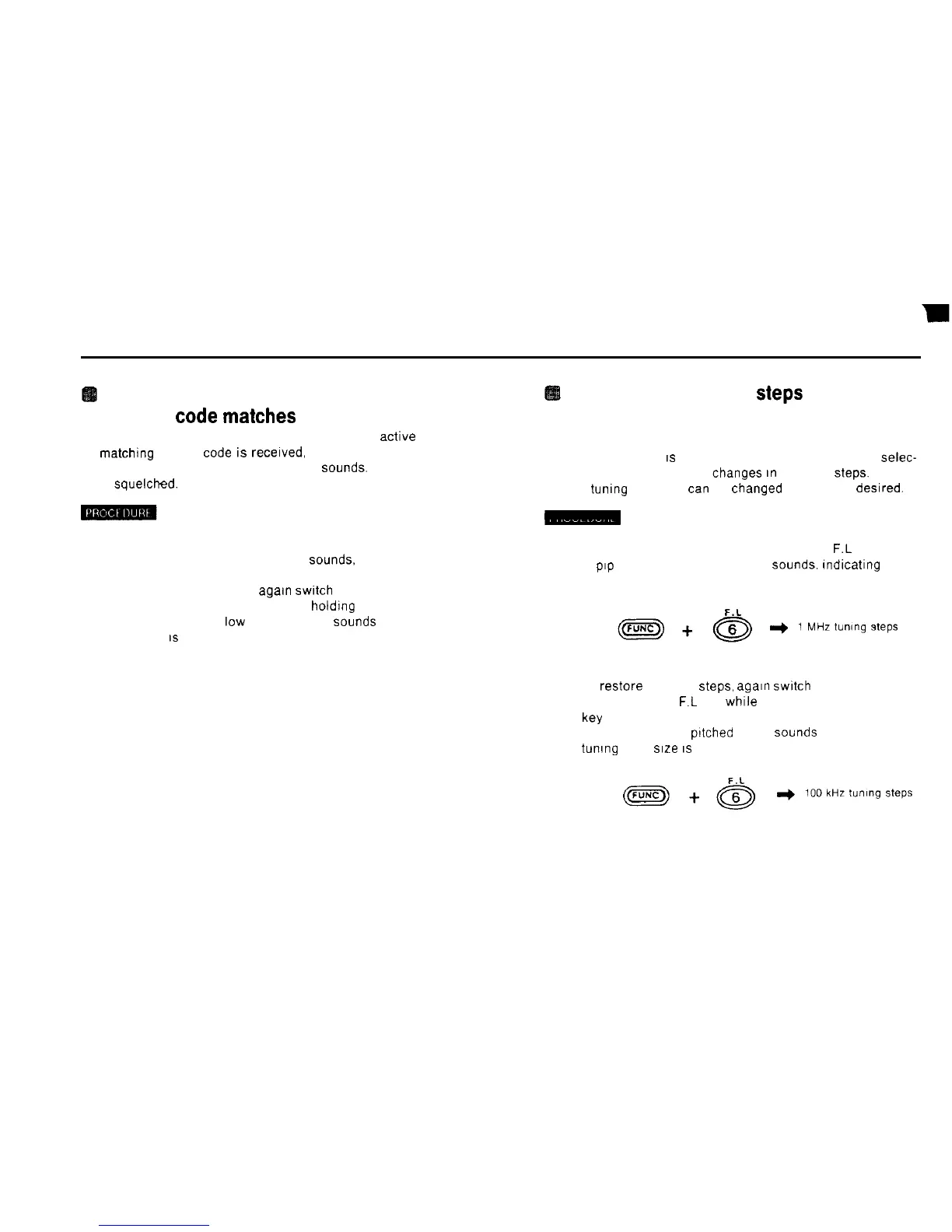
2) Hold down the FUNC key and press the 6
F.L
key
A
Pep
(short high pitched beep)
Sounds.
Indicating that
the 1 MHz steos have been selected
3) To restore 100 kHz
Steps,
again
switch
to the set mode
and press the 6
F.L
key while holding down the FUNC
W
A peep (long high pltched beep)
Sounds
and the 100 kHz
tuning step size
IS
restored
52



 To Next Page