Functions
and
ODeration
1.
Terminology
3
1
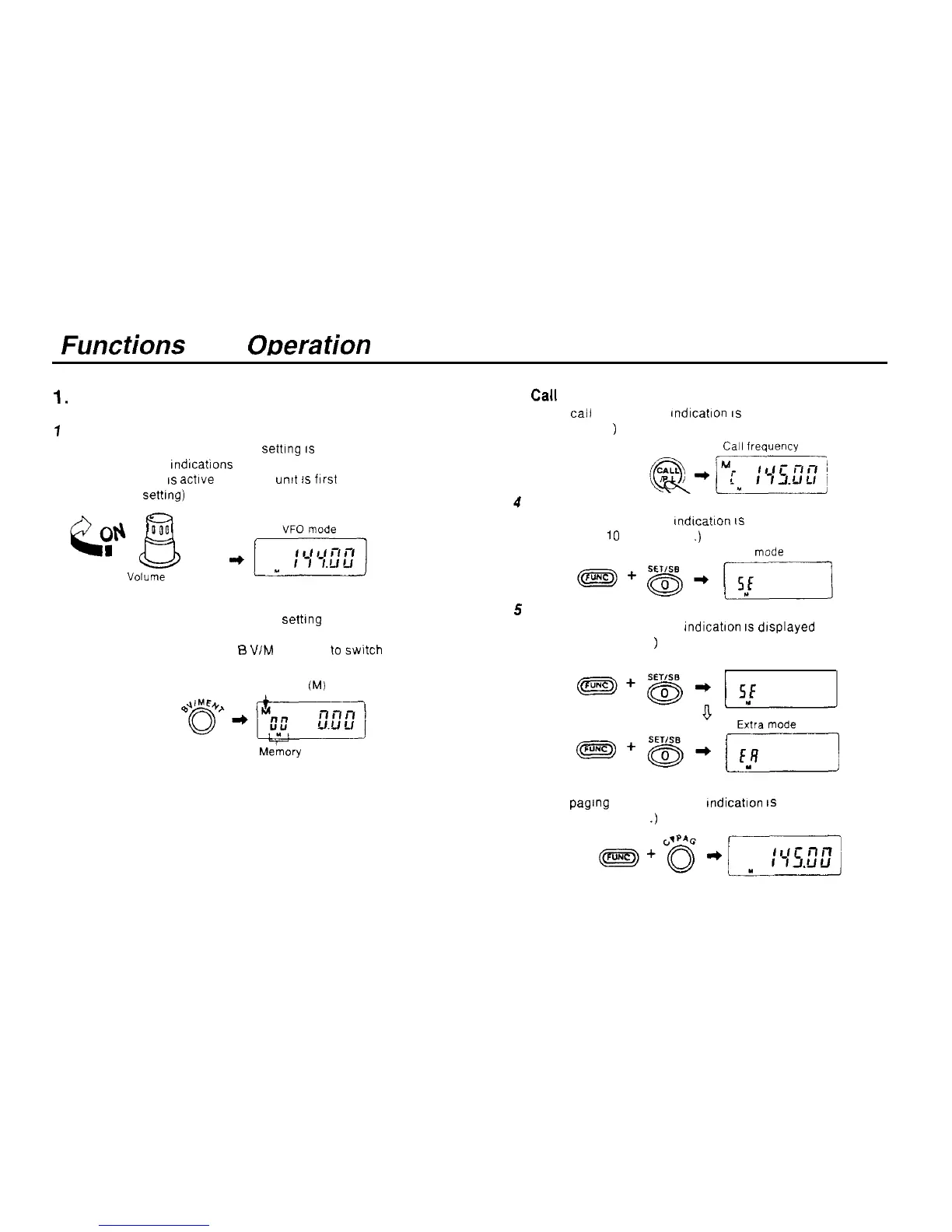
VFO mode
In the VFO mode the frequency settlng
IS
displayed and the
M, C and DUAL Indlcations are not displayed
The VFO mode
IS
actlve when the
untt
1s
flrst turned on
(the factory
setting)
Vorurne
knob
2 Memory mode
In the memory mode the frequency settlng and the memory
address number are displayed.
In the VFO mode, press the
B
VIM ENT key
to
swltch to the
memory mode. (See pages 29-33 )
5
Memory
(M)
Me’mory
address number
6
Paging mode
Cal1
mode
In the
cal1
mode the C indication
IS
displayed
(See page 40
)
Carl
IrequUlcy
@*pqyq
Set mode
In the set mode the SE Indlcatlon
IS
displayed
(See pages
10
and 48-50
.)
Set
mode
Extra mode
In the extra mode the EA Indlcatlon
IS
dlsplayed
(See pages 54-55
)
Set mode
In the paglng mode the PAG Indication
1s
displayed
(See pages 21-26
.)
7



 To Next Page