Technical Reference
53
2.7.2.1 Power Supply Connectors
The board has power supply connectors:
• Main power – a 2 x 12 connector. This connector is compatible with 2 x 10
connectors previously used on Intel Desktop boards. The board supports the use
of ATX12V power supplies with either 2 x 10 or 2 x 12 main power cables. When
using a power supply with a 2 x 10 main power cable, attach that cable on the
rightmost pins of the main power connector, leaving pins 11, 12, 23, and 24
unconnected.
• Processor core power – a 2 x 2 connector. This connector provides power
directly to the processor voltage regulator and must always be used. Failure to do
so will prevent the board from booting.
#
INTEGRATOR’S NOTE
When using high wattage PCI Express x16 graphics cards, use a power supply with a
2 x 12 main power cable. The 2 x 12 main power cable can provide up to 144 W of
power from the +12 V rail.
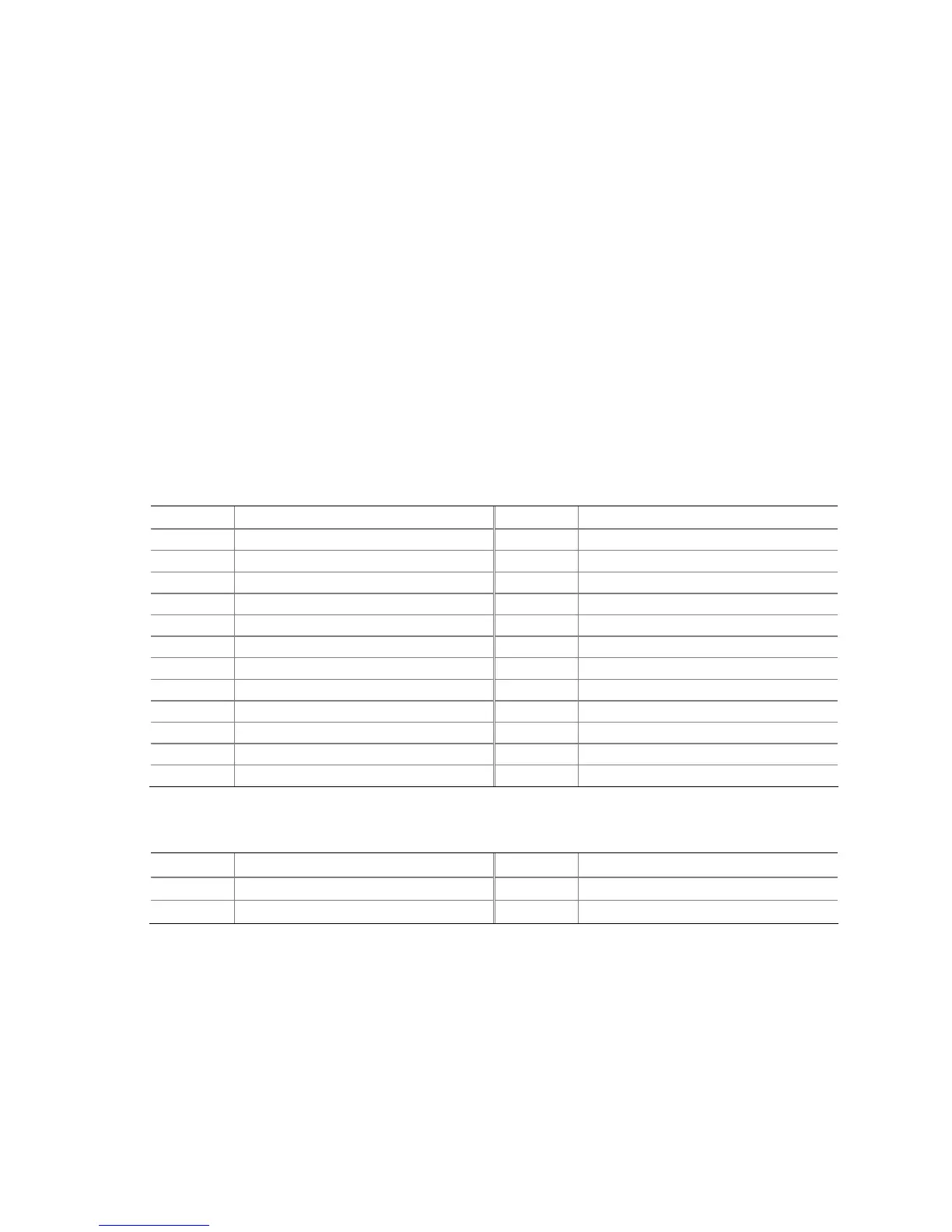
Table 21. Main Power Connector
Pin Signal Name Pin Signal Name
1 +3.3 V 13 +3.3 V
2 +3.3 V 14 -12 V
3 Ground 15 Ground
4 +5 V 16 PS-ON# (power supply remote on/off)
5 Ground 17 Ground
6 +5 V 18 Ground
7 Ground 19 Ground
8 PWRGD (Power Good) 20 No connect
9 +5 V (Standby) 21 +5 V
10 +12 V 22 +5 V
11 +12 V
(Note)
23 +5 V
(Note)
12 2 x 12 connector detect
(Note)
24 Ground
(Note)
Note: When using a 2 x 10 power supply cable, this pin will be unconnected.
Table 22. Processor Core Power Connector
Pin Signal Name Pin Signal Name
1 Ground 2 Ground
3 +12 V 4 +12 V



 To Next Page