722960-002 57
Intel
®
Ethernet Network Adapter E810-CQDA2T
User Guide
Adapter 1 Linux software stack:
Adapter 1 configuration:
1. Enable 1PPS output on U.FL1:
# echo 2 1 > /sys/class/net/ens1f0/device/ptp/ptp*/pins/U.FL1
or SMA 1:
# echo 2 1 > /sys/class/net/$ETH/device/ptp/ptp*/pins/SMA1
2. Enable SDP20/SDP22
Set periodic output on SDP20 to 10 MHz (to synchronize the DPLL1 to the E810 PHC synced by
ptp4l):
# echo 1 0 0 0 100 > /sys/class/net/$ETH/device/ptp/ptp*/period
and set SDP22 (to synchronize the DPLL1 to E810 PHC synced by ptp4l):
# echo 2 0 0 1 0 > /sys/class/net/$ETH/device/ptp/ptp*/period
3. Run ptp4l:
# ptp4l -m -f config.cfg -i ens1f0 -i ens1f1 -i ens1f2 -i ens1f3
4. Run phc2sys to synchronize system time to the PHC time:
# phc2sys -c ens1f0 -s CLOCK_REALTIME -w -m
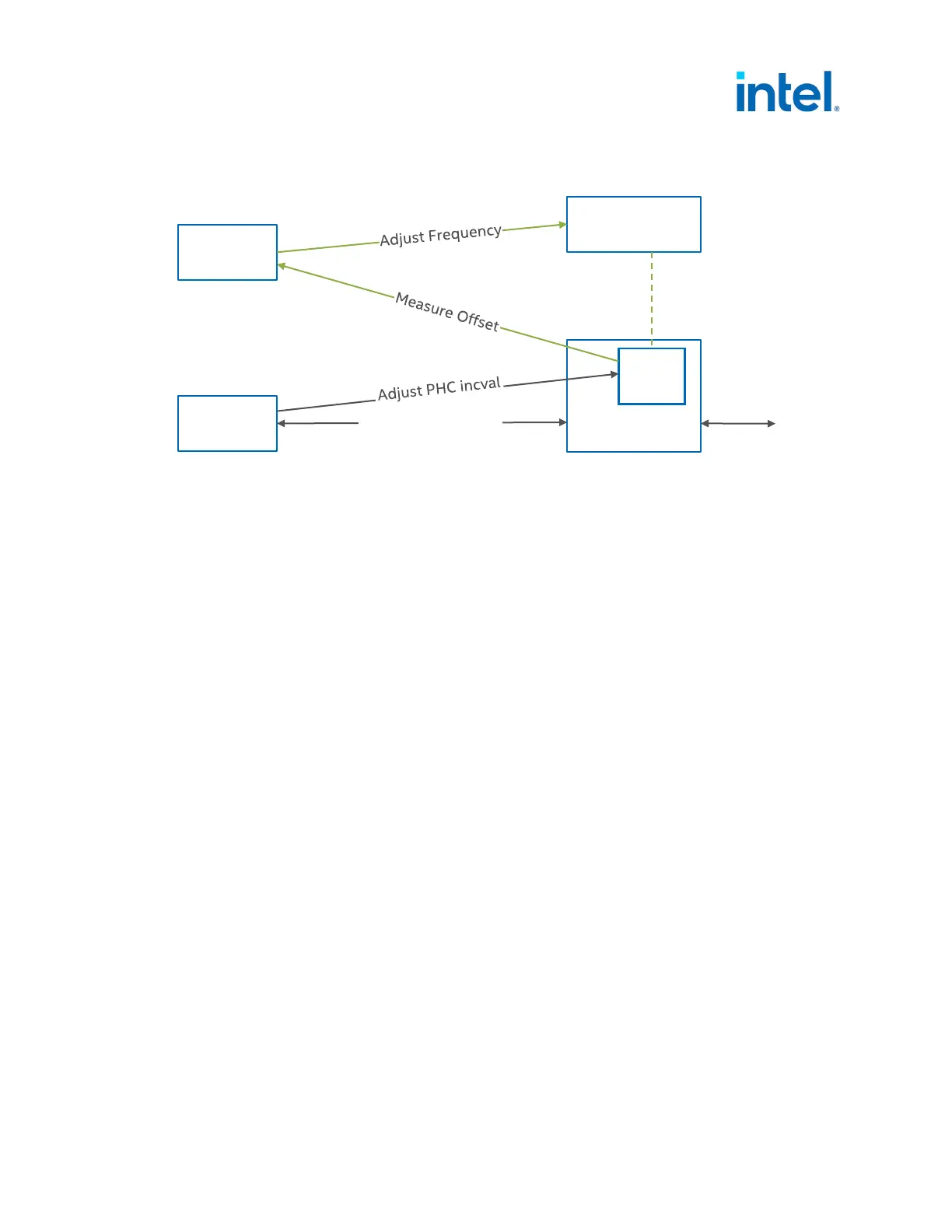
Figure 18. Linux Software Stack Overview: Adapter 1 (no GNSS)
Adapter 1
ptp4l
phc2sys
System Clock
PHC1
Tx/Rx Timestamps
Network














 To Next Page