Intel
®
Ethernet Network Adapter E810-CQDA2T
User Guide
50 722960-002
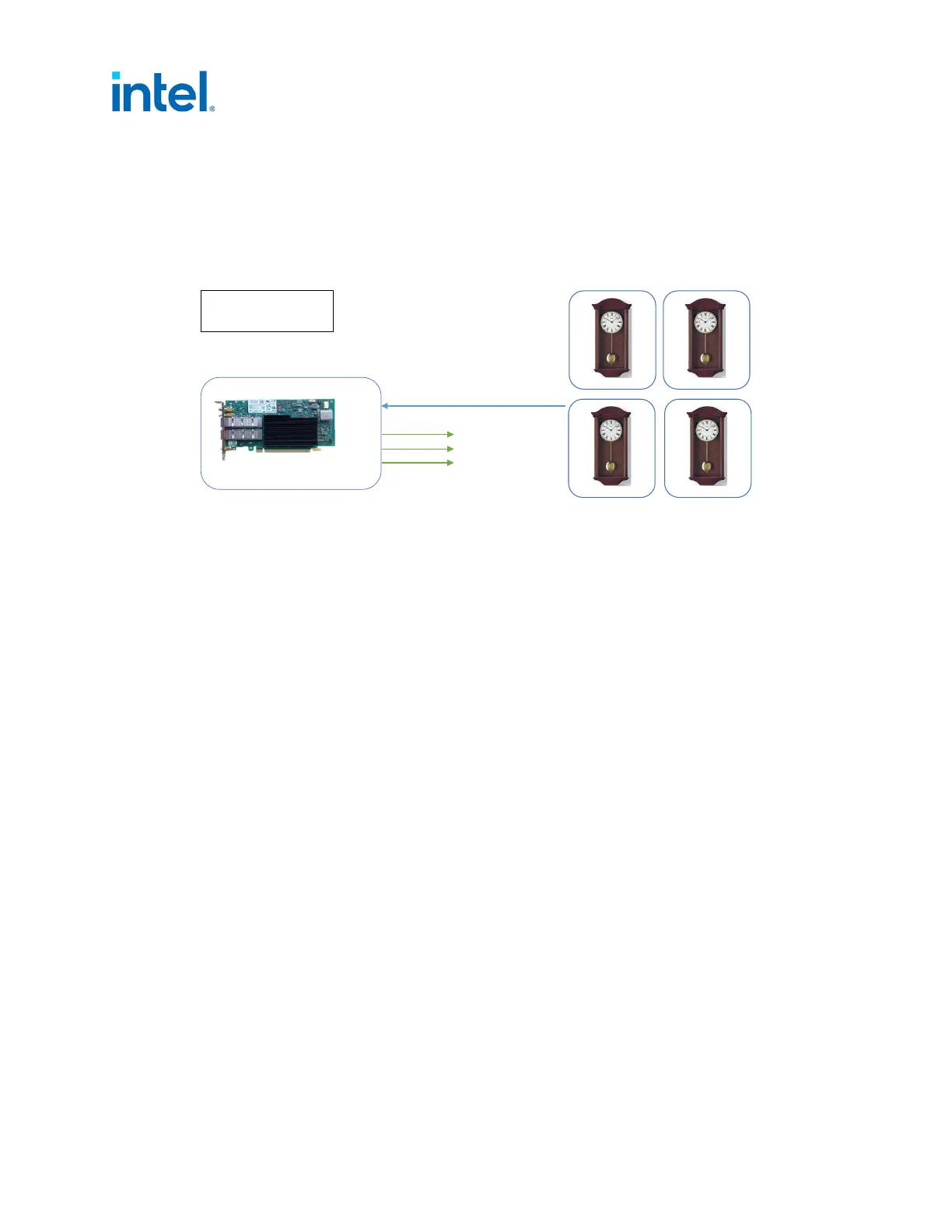
5.5 Port Configured as Follower
The E810-CQDA2T has one PHC that is shared across all the ports. As a result, only one PTP follower
can be run as shown.
5.5.1 External Connections
5.5.2 Software Configuration
Before proceeding, it is recommended to set all SDP pins and U.FL to off (see Section 4.0).
1. Set interface device:
# export ETH=`grep 000f /sys/class/net/*/device/subsystem_device | awk -F"/"
'{print $5}' | head -n 1`
2. Set the periodic output on SDP20 to 10 MHz (to synchronize the DPLL1 to the E810 PHC synced by
ptp4l):
# echo 1 0 0 0 100 > /sys/class/net/$ETH/device/ptp/ptp*/period
and set SDP22 (to synchronize the DPLL1 to the E810 PHC synced by ptp4l):
# echo 2 0 0 1 0 > /sys/class/net/$ETH/device/ptp/ptp*/period
Note: DPLL only syncs to SDP20/SDP22 if it is the higher priority. Setting SDP20 is the preferred
method for synchronizing 1PPS outputs.
3. Enable SMA1 output: (for visibility):
# echo 2 1 > /sys/class/net/$ETH/device/ptp/ptp*/pins/SMA1
Or:
• Enable U.FL1 output (for visibility):
# echo 2 1 > /sys/class/net/$ETH/device/ptp/ptp*/pins/U.FL1
• Enable SMA2 output (for visibility):
# echo 2 2 > /sys/class/net/$ETH/device/ptp/ptp*/pins/SMA2
Note: If U.FL1 if set to Tx then SMA1 is also set to Rx and cannot be changed. Make sure no
1PPS input is connected to SMA1 if using U.FL1 as Tx.
Figure 10. External Connections: Port Configured as Follower
Port0
Port1
SMA1
SMA2
U.FL1
U.FL2
E810-CQDA2T
Follower
Blue = ptp4l
Green = 1PPS output














 To Next Page