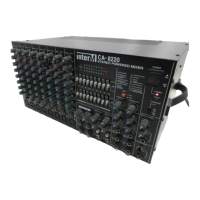
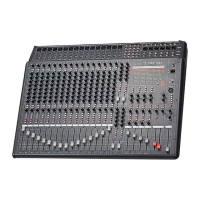
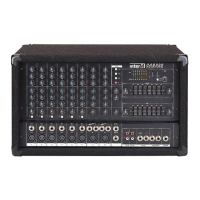
CA-8320 Powered Mixer
Monitor Section
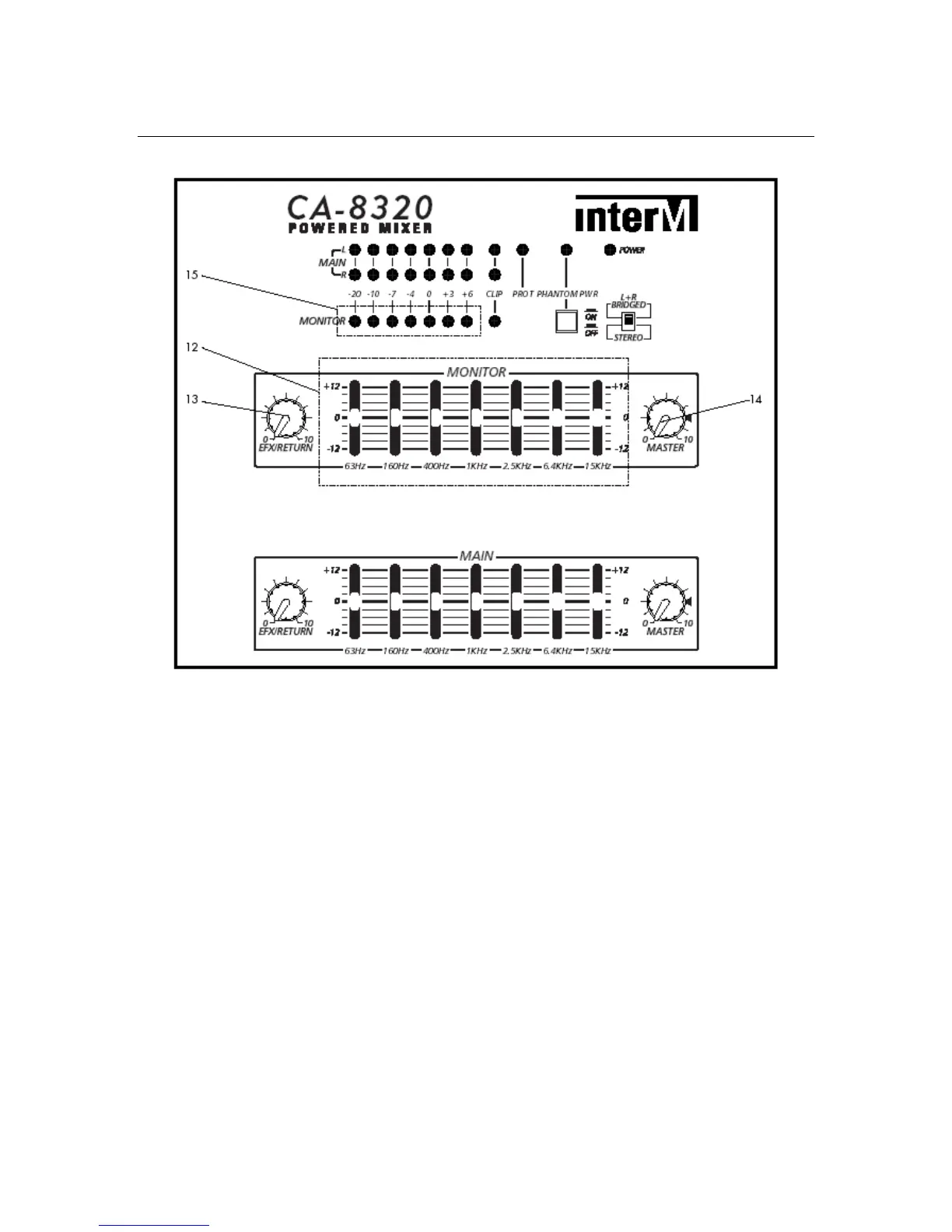
12. Monitor Graphic Equalizer
Each slider controls the cut (decreased gain) or boost (increased gain) for its
associated frequency band in the MONITOR section. The middle position
indicates flat response (no cut or boost). Moving the slider upwards increases that
frequency’s gain, while moving it down decreases the level of that frequency.
NOTE: The Monitor Graphic Equalizer affects the Monitor buss signal that is output
to the speakers, and the line level signal output to the Monitor Out jack in the
Input/Output section.
13. Monitor EFX Return Control
This knob provides control of the amount of built-in digital reverb sent to the
MONITOR buss.
14. Monitor Master Control
This knob provides control of the level of the MONITOR buss sent to both the
speakers and the MONITOR OUT jack. (Input/Output Section)
15. Monitor Output Level Display
This seven-segment LED meter indicates the amount of signal sent to the
MONITOR OUT jack. (Input/Output Section)
10


 To Next Page