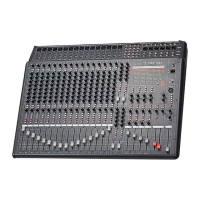
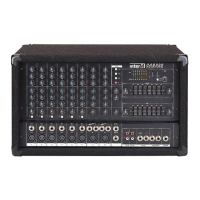
CA-8320 Powered Mixer
5. Level Control
These knobs provide control of the associated channel’s input signal level.
6. Pad Switch
These switches attenuate the input signal by –30dB. Activate this switch when
connecting a line-level source to the associated channel, or when the input
signal is distorted.
Digital Effects Section
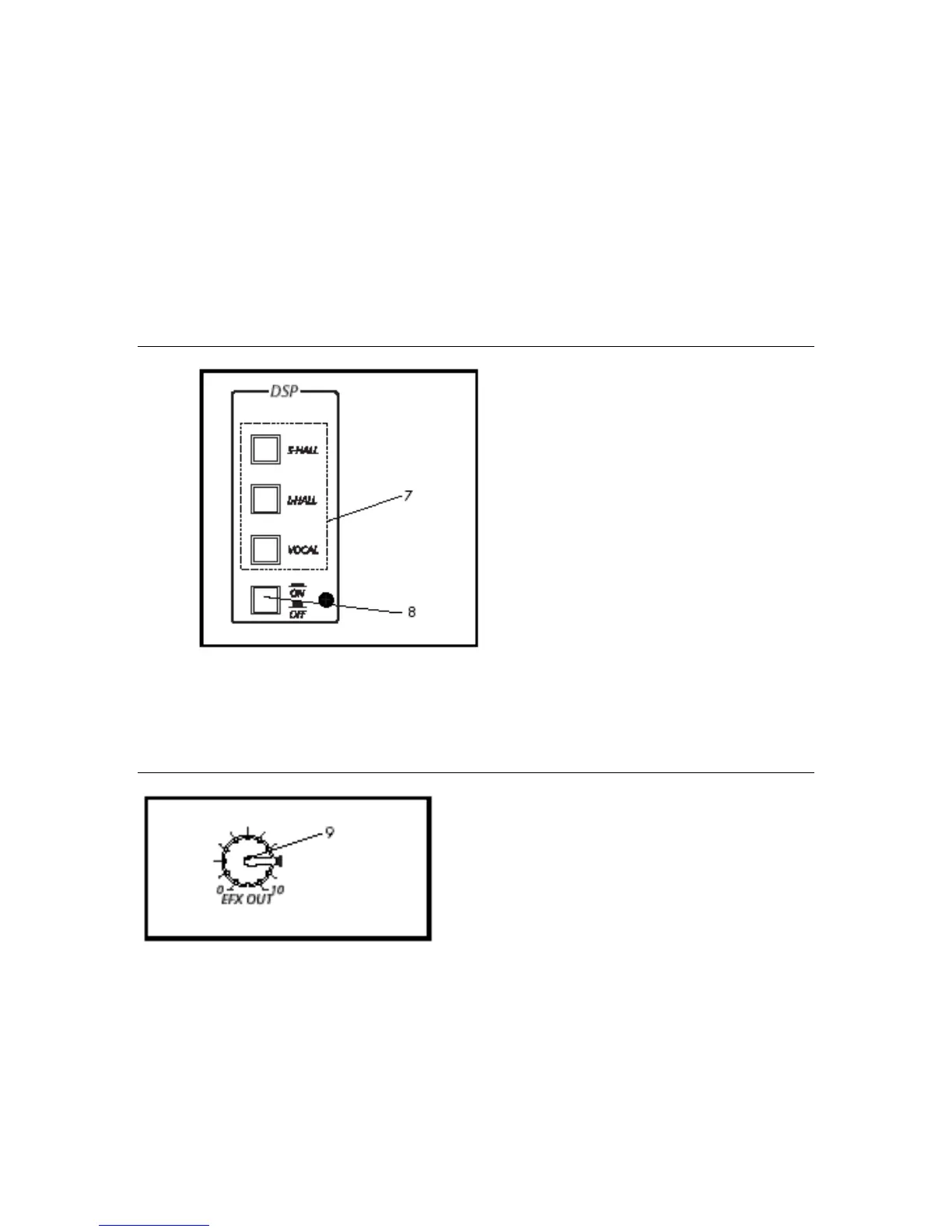
7. Effects Select Switch
This switch selects the type of
digital reverb. Choose
between Small Hall, Large
Hall or Vocal type.
8. DSP (Digital Signal Processor)
This switch activates the
digital reverb, sending its DSP
to the Main (L/R) and Monitor
busses. The level of DSP is
controlled by the EFX/Return
controls in the Main and
Monitor sections.
Effects Section
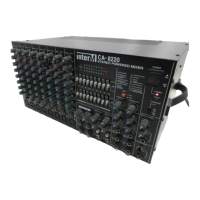
9. Effects Out Level
This knob provides control of
the effects send level for an
external effects device as
connected to the EFX Out
jack in the Input/Output
section.
NOTE: This knob does not
control the level of the
internal digital reverb.
8


 To Next Page