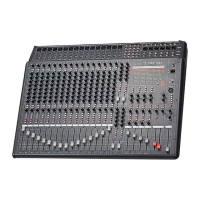
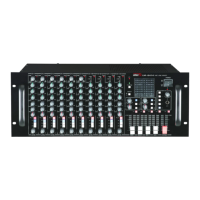
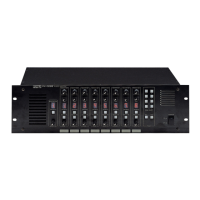
CA-8320 Powered Mixer
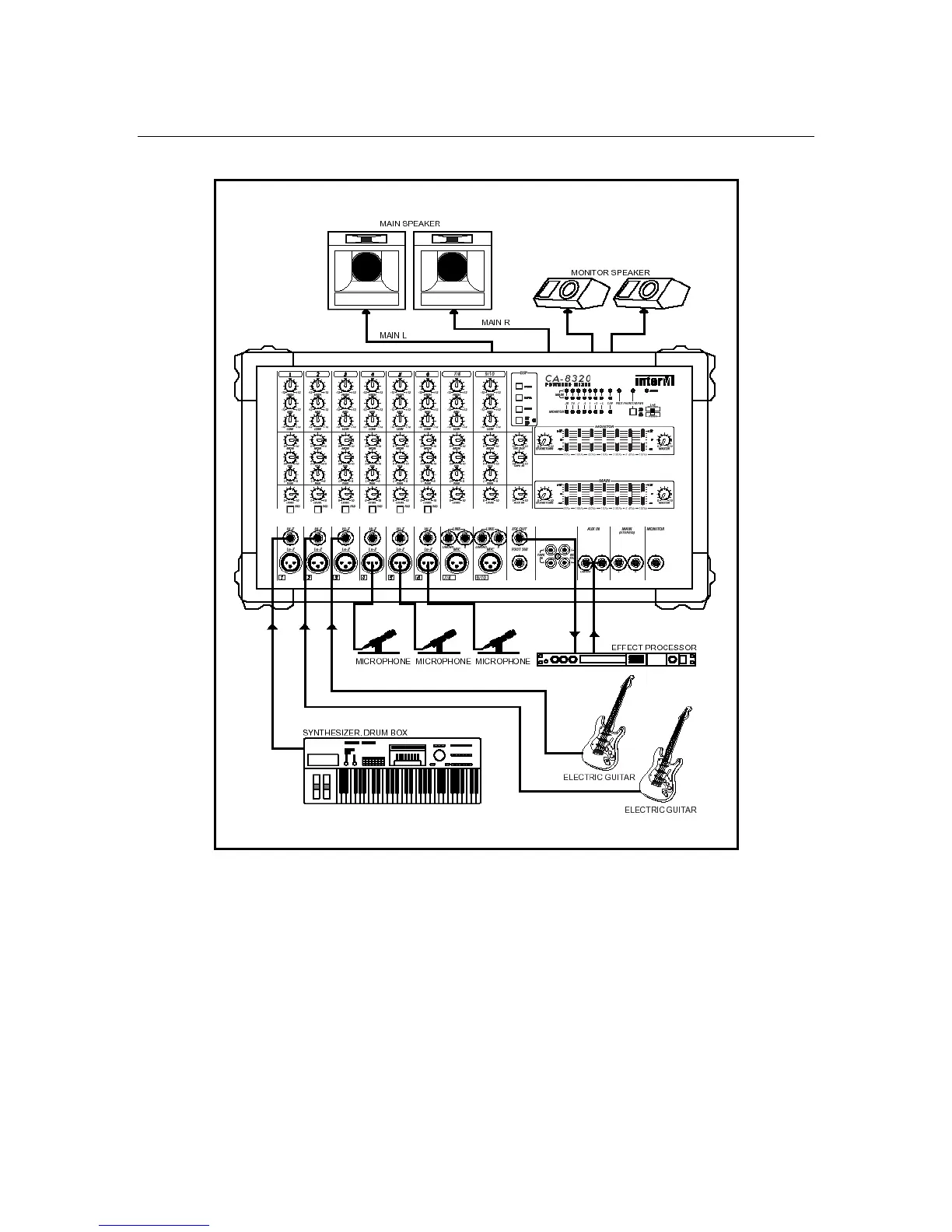
Band PA System
In this example, separate main and monitor mixes and an external effects device are all
accommodated.
In the Power Amp section, set the mode to STEREO.
Connect mics or line level instruments (such as electronic keyboards) to channels 1-8.
Connect the main speakers to the Power Amp Main L/R A/B jacks.
Connect the monitor speakers to the Power Amp Monitor A/B jacks.
To connect an external processor such as a delay unit, connect that unit’s input to the
CA-8320’s Effect Out jack. Then connect the unit’s output to the CA-8320’s AUX IN jack.
23


 To Next Page