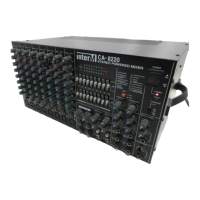
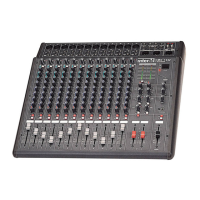
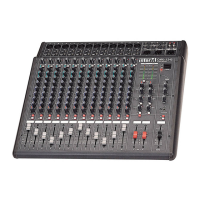
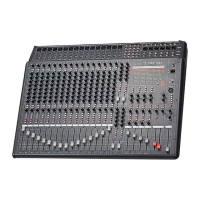
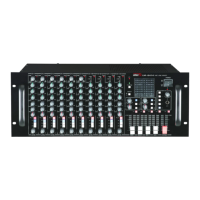
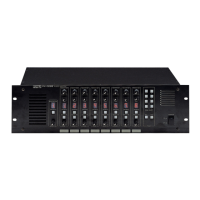
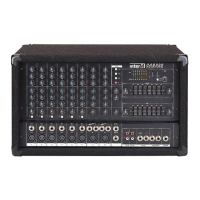
CA-8320 Powered Mixer
To record the sources connected to your CA-8320, connect the input of your recording
device to the REC OUT jacks of the CA-8320.
To Play Back a CD
1. Switch the power on to the CD player and then to the CA-8320.
2. Set the MAIN section’s MASTER control to the “” position.
3. Begin CD playback.
4. Adjust the level coming from the CD player with each CHANNEL level control such
that the 0 LED of the MAIN section’s peak level meter illuminates intermittently.
22


 To Next Page