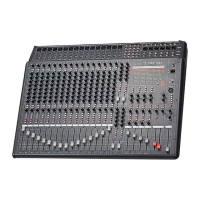
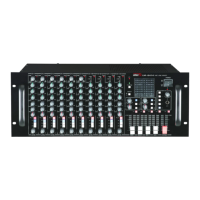
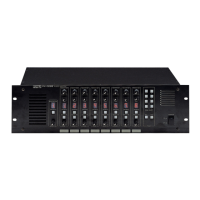
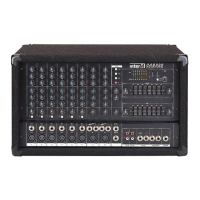
CA-8320 Powered Mixer
Application-Specific Setups
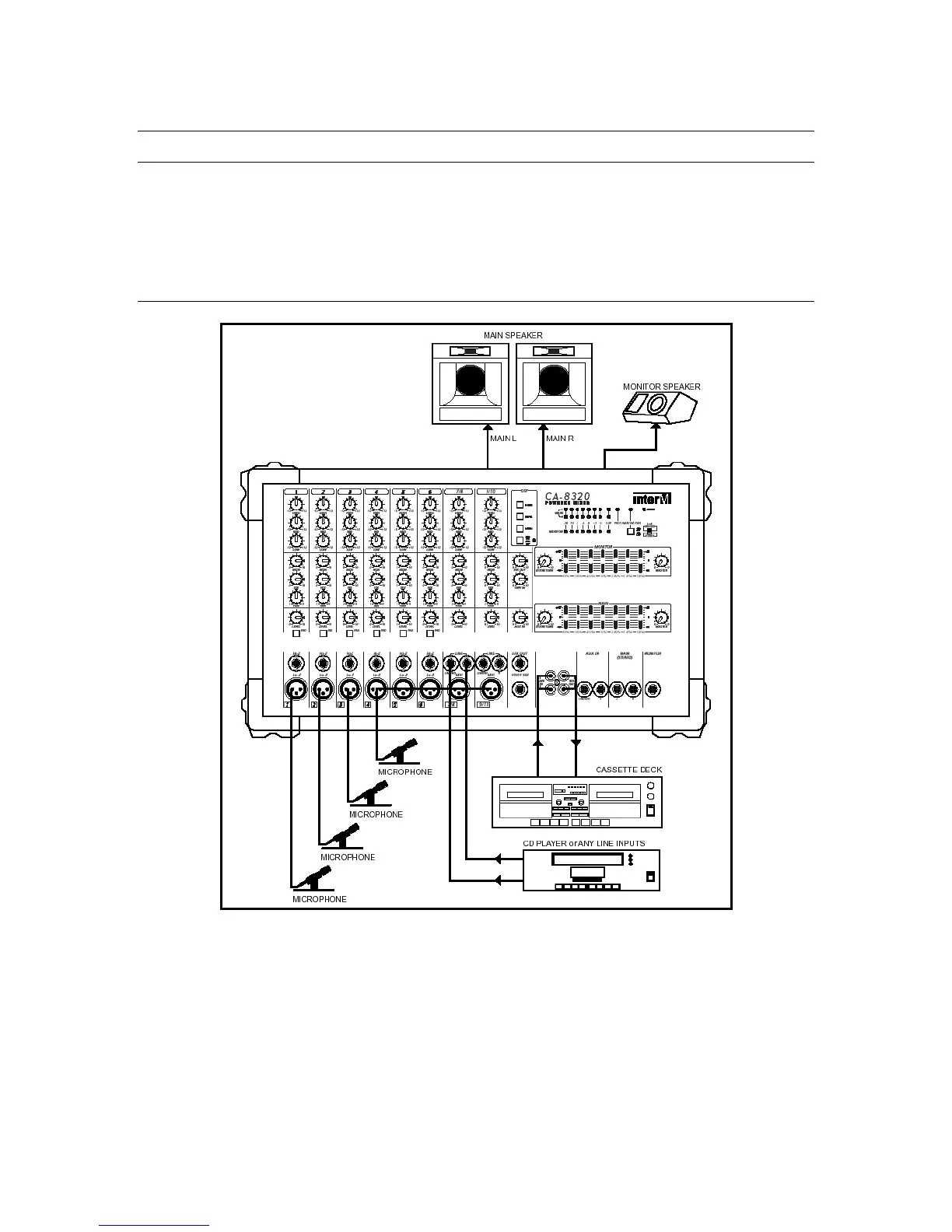
For simple CD playback, a band PA, or a conference PA/installed sound system, see the
following CA-8320 sample setups.
Conference PA/Installed Sound System
In the POWER AMP section, set the power amp mode to STEREO.
Connect mics to channels 1-8.
For CD playback, connect the player’s outputs to the 1/4” Line Input jacks on channels 7
and 8, or to the AUX IN jacks.
21


 To Next Page