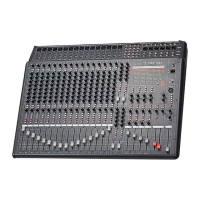
CA-8320 Powered Mixer
Front Panel Controls
Channel Section
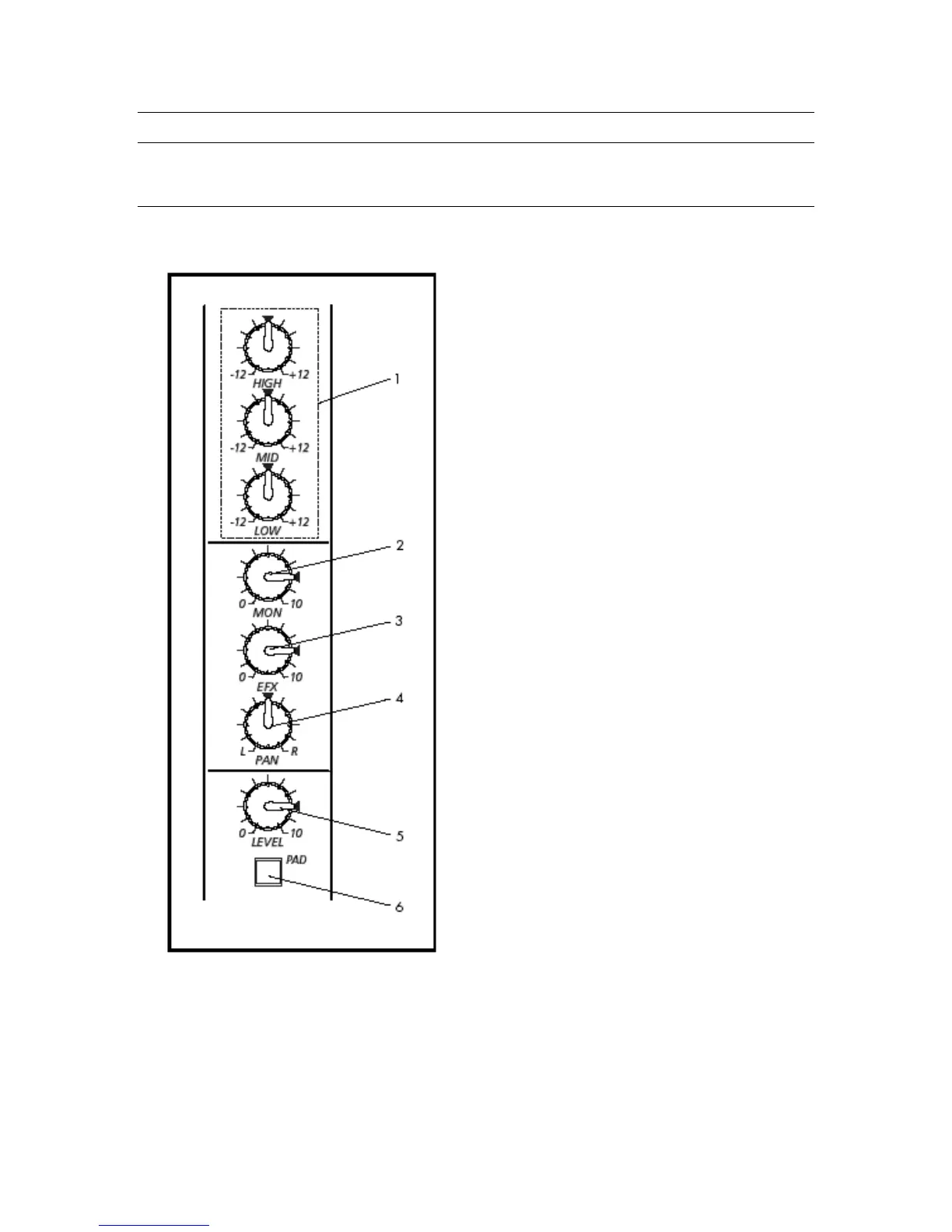
4. Pan Pots
These knobs control the Panning (L-R) function for the associated Input Channel.
Use these to position the channel’s signal within the stereo output mix.
1. EQ Controls
These knobs provide control of
the EQ for the Input Channels.
Three bands of equalization
are provided:
Low (80Hz), ±12dB, shelving
type
Mid (2.5kHz) ±12dB, peak type
High (12kHz) ±12dB, shelving
type
2. Monitor Controls
These knobs control the level
sent to the Monitor buss. The
Monitor buss signal is sent to
the Monitor Amp jacks in the
Input/Output section, and to
the rear-panel Monitor Output
acks. The Monitor buss signal is
pre-fader, and is unaffected
by the channel’s Level Control
(5).
3. Effect Controls
These knobs control the level
sent to the Effect buss. The
Effect buss signal is sent to the
Input/Output section EFX
Output. The Effect output
signal is post-fader, and is
directly affected by the
channel’s Level Control (5).
7


 To Next Page