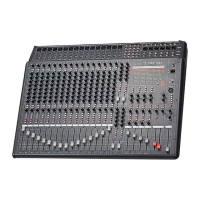
CA-8320 Powered Mixer
Rear Panel Controls
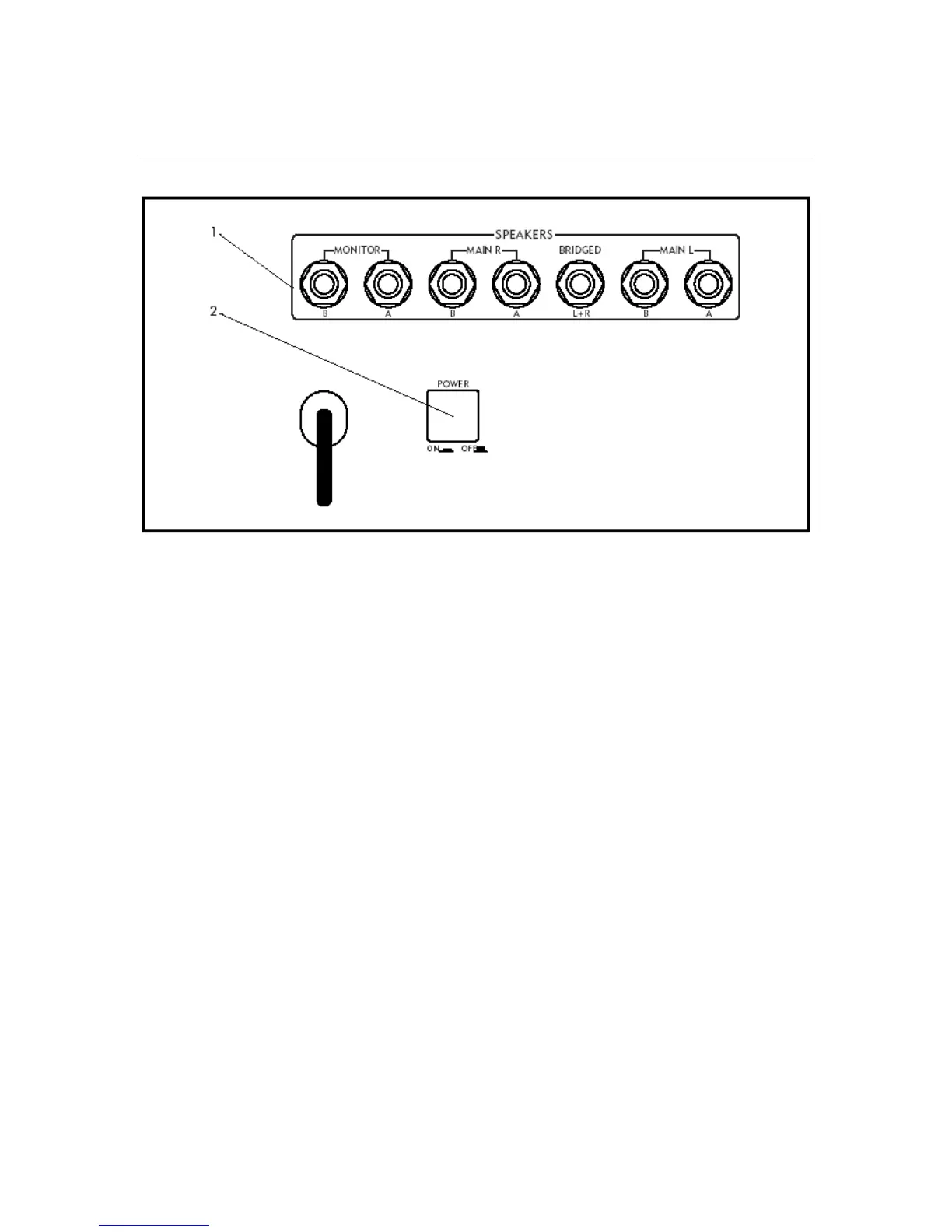
1. Speaker Output Jacks
The CA-8320’s design provides up to 200W per channel to the Main L and Main R
stereo outputs, or 400W using the Bridged (mono) output jack. The separate
Monitor outputs deliver a maximum of 200W per channel.
Two 8Ω speakers can be connected to each of the MAIN L and MAIN R jacks in a
four-speaker setup. The 400W Bridged mono output is designed to power only
one 8Ω or two 16Ω speakers. Be careful when using the Bridged output to avoid
connecting any speakers to the Main L/R A or B jacks.
When connecting to only the A or B (not both) jacks, use a 4Ω or 8Ω speaker.
IMPORTANT: When connecting to both A and B jacks, use an 8Ω or 16Ω speaker
(being careful not to inadvertently connect a speaker to the BRIDGED output).
NOTE: Use the Control Panel’s Amp Select switch to select which signal is routed
to the jacks or to activate bridged mono operation.
2. Power Switch
This switch is used to switch the unit on and off. When the unit is on, the front
panel Power Indicator LED is lit.
CAUTION: Reduce the MASTER and MONITOR levels before switching the CA-8320
on or off.
16


 To Next Page