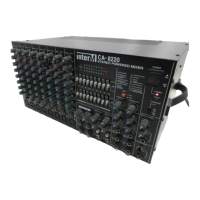
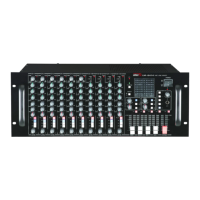
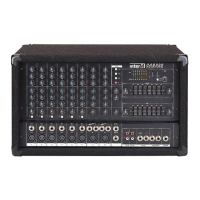
CA-8320 Powered Mixer
2. Channel 7 & 8 Inputs
MIC INPUTS
Both channels are active balanced, eliminating input transformers while
maintaining the RF and hum rejection of transformer coupled circuits. Nominal
input level: -50dB to –20dB.
IMPORTANT: When a mic (or equivalent 150 Ω source) is NOT connected to these
inputs, be sure the channel volume level is set to “0.”
LINE INPUTS
Channels 7 & 8 are used for connecting unbalanced line level devices such as
CD players.
NOTE: If only the L/MONO input is used, its signal is sent to both L and R busses.
3. Effects (EFX) Output Jacks
Connect this to the input of an external effects processor.
The Effects Control on each Channel Input determines the level of signal sent to
the Effects buss.
The Effects Out Control in the Effect Section determines the amount of signal
returning from the Effect Buss.
4. Foot Switch Jack
Connecting an on/off foot switch here will provide on/off control of the built-in
digital reverb. The Digital Effect switch on the front panel must be in the “ON”
position.
5. External Input Jacks
Connect line level devices such as effects processors to the Aux In jack, and
stereo devices such as CD or cassette decks to the Tape In jacks.
6. External Output Jacks
These outputs send line level signals to external devices:
Rec Out: These are unbalanced outputs on RCA jacks, for connection of an
external recording device. The output signal is pre-EQ and pre-Master L/R output
level control.
Monitor Out: This is an unbalanced 1/4" phone jack, for connection of a separate
monitor speaker.
Main Out: These are unbalanced 1/4" phone jacks, for connection of the main
output speakers. The signal is post-EQ and post- pre-Master L/R output level
control.
15


 To Next Page