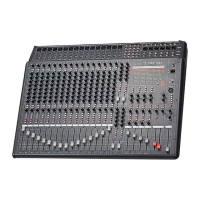
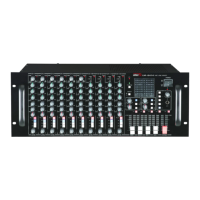
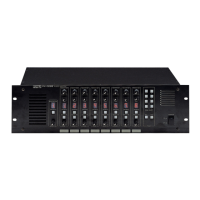
CA-8320 Powered Mixer
Power Amp Section
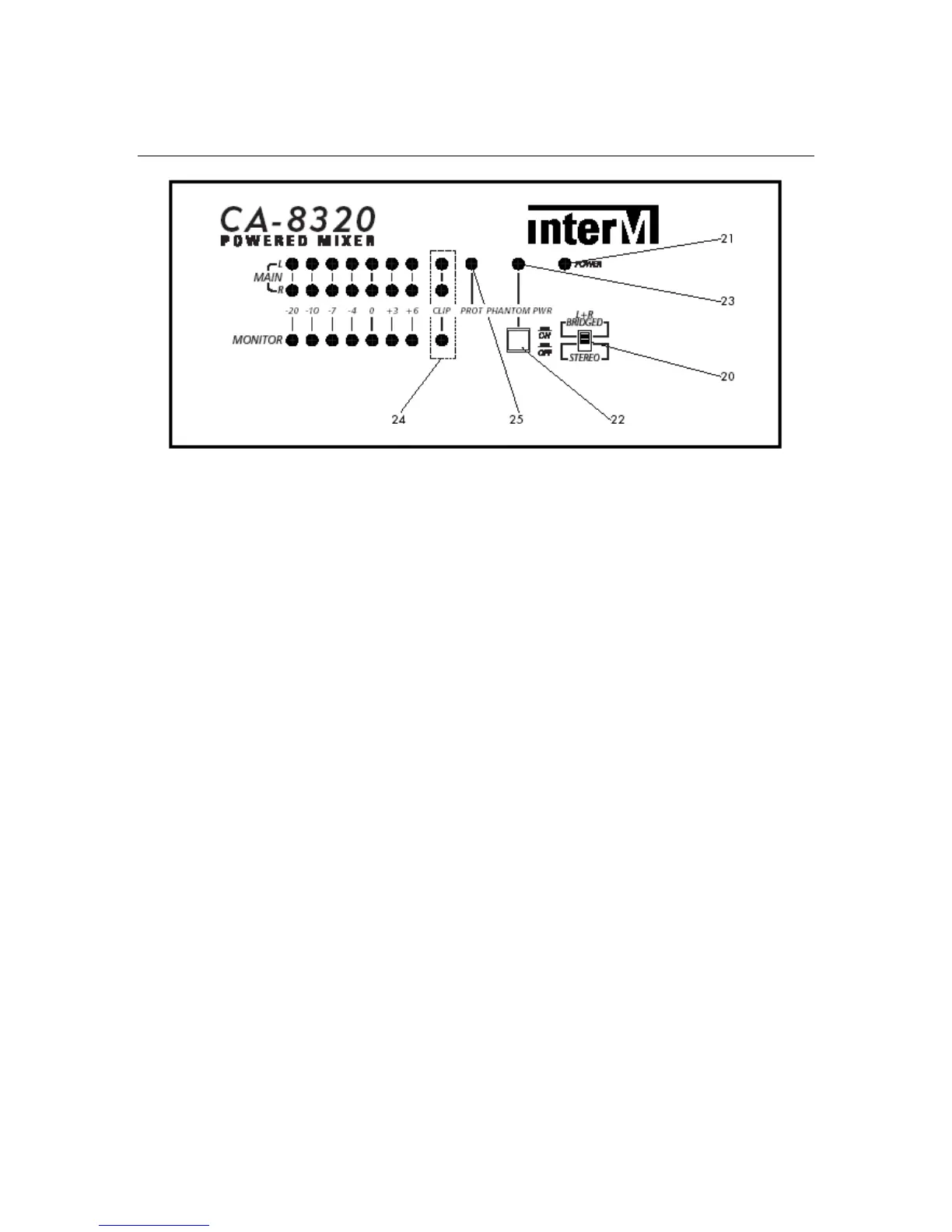
20. Mode Select
This switch selects the configuration (or mode) of the Main L/R Power Amplifiers.
STEREO:
The Main/LR Amplifiers send a stereo signal from the mixer section.
L+R Bridged:
The Main/LR Amplifiers are bridged (combined) to deliver a mono signal ONLY
from the Bridge jack.
21. Power Indicator
This LED indicator is lit when the AC mains to the CA-8320 is switched on.
22. Phantom Power Switch
This switch activates the phantom power supply for channels 1-6. When the
switch is switched on, +48VDC power is supplied to pins 2 and 3 of each
channel’s input connector.
Use phantom power when connecting condenser microphones, which require an
external power supply.
NOTE: It is safe to connect most modern dynamic microphones or line level
devices to the channel inputs when phantom power is activated. However, some
older ribbon microphones may be damaged by phantom power, and certain
unbalanced line level devices may malfunction or produce an audible hum
when phantom power is active.
23. Phantom Power Indicator
This LED indicator is lit when phantom power is activated.
24. Clip Indicators
These red LEDs illuminate when distortion exceeds 1% on a particular output
channel. TIP: Try reducing the input level.
12


 To Next Page