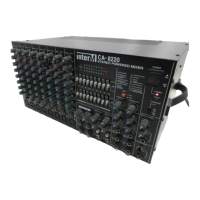
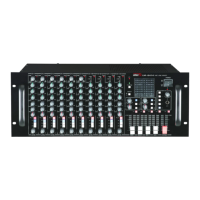
CA-8320 Powered Mixer
Sending an Independent Mix to the Monitor Speakers
1. Set the Monitor section’s Master control to the “” position.
2. Using the MON controls, adjust each channel’s level. This creates your independent
monitor mix.
3. Use the Graphic Equalizer and the Master controls of the Main/Monitor sections to
adjust the overall tone and volume.
TIP: USING AN EXTERNAL EFFECT
1. Set the Monitor section’s Master control to the “” position.
2. Using the EFX controls on the desired channels, adjust the amount of effect applied
to each channel.
3. Adjust the input level of the external effects device so it gets enough level but
doesn’t distort.
Use the CA-8320’s AUX IN control to adjust the level returning from the external effects
device to the CA-8320’s effects buss.
24


 To Next Page