Appendix C — Reprogramming the Keypad
162 CK31 Handheld Computer User’s Manual
• Contrast Darker
• Reprogram Key (key sequence to launch the reprogrammable
keypad utility)
• Reprogram Key Delete (deletes the key sequence to launch
the reprogrammable keypad utility)
• Record MACRO (record a new key sequence to launch the
Macro Utility)
• Delete MACRO (deletes the key sequence to launch the
Macro Utility)
To program any key as a function key
1 Start the reprogrammable keypad utility.
2 Press the key you want to reprogram twice. The hexadecimal
scan code for the key appears in both fields.
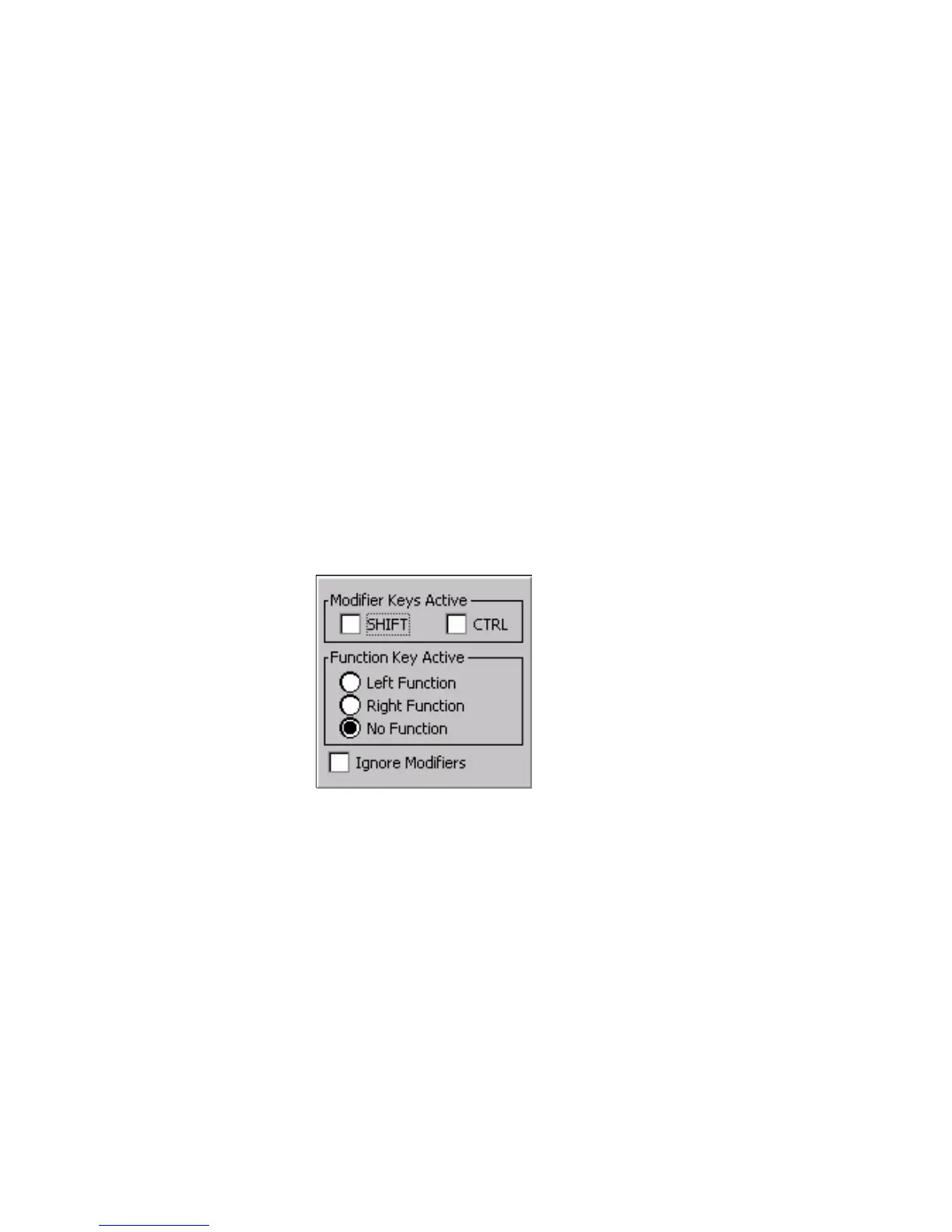
3 Press Enter. The select modifiers dialog box appears.
4 Select the modifier or function keys that you want to press
before you access the key you are modifying. For example, if
you want to press Shift to access the reprogrammed key, you
select Shift. You do not need to select a modifier or function
key.
5 Press Enter. The Key Response dialog box appears.



 To Next Page