Chapter 1 — Using the CK31 Handheld Computer
14 CK31 Handheld Computer User’s Manual
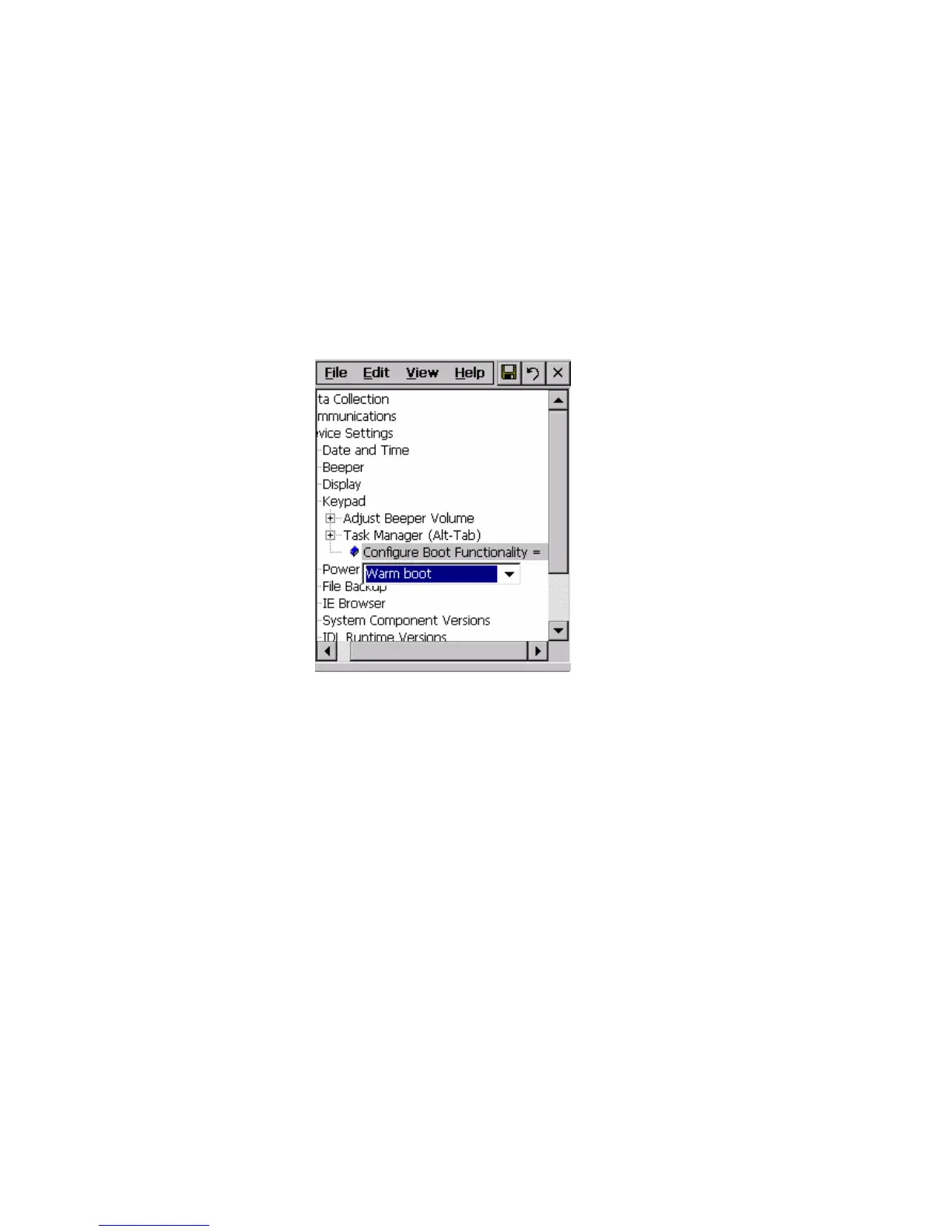
To change the I key behavior
1 From the Start menu, tap Intermec Settings. The Intermec
Settings application appears.
2 Tap Device Settings > Keypad. The Keypad menu expands
to show you the options.
3 Tap Configure Boot Functionality and select Warm boot
or Cold boot.
4 Save your changes and tap File > Exit to exit Intermec
Settings.



 To Next Page