INSTALLATION
20
9
8
7
OK
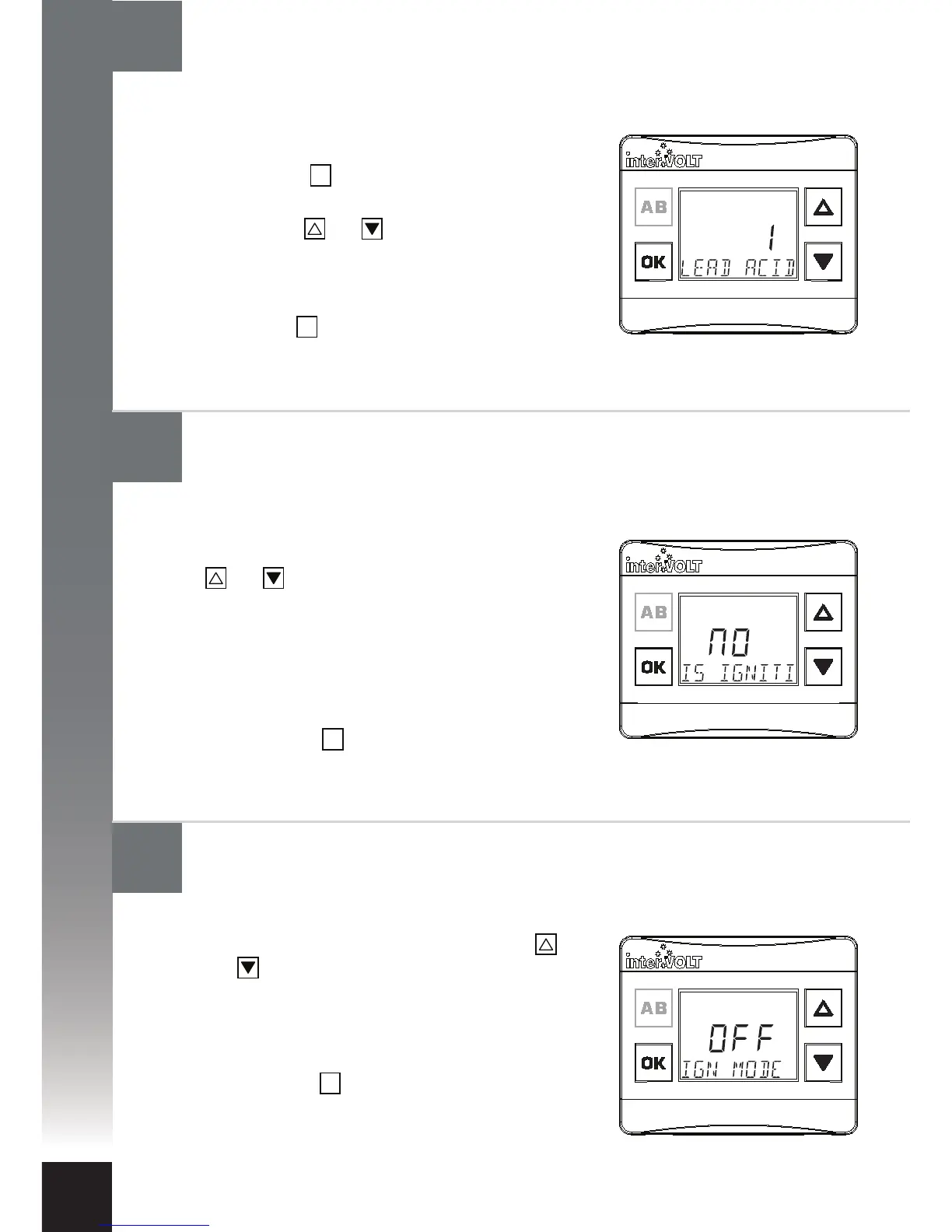
Following the last step (8) above conrm if
you want to enable ignition mode. Use the
and scroll buttons to select one of the two
following options:
I. To disable ignition mode select OFF
II. To enable ignition mode select ON
III. Press the button to conrm and
continue to next step.
OK
Following the last step (7) above the message ‘IS
IGN WIRE CONNECTED’ will appear. You will
need to answer this question to proceed. Use the
and scroll buttons to select one of the two
following options:
I. If you have not connected the ignition
control wire select NO and proceed to step 11.
II. If you have connected the ignition control
wire to the charging device select YES.
III. Press the button to conrm and continue
to next step.
OK
OK
Following the last step (6) above the message
‘BATT TYPE’ will appear. To select the auxiliary
battery type, follow the steps below:
I. Press the button to enter the battery type
selection menu.
II. Use the and buttons to scroll and view
the available options (as outlined on page
page 17).
III. Once the desired battery type is visible,
press the button to conrm and continue
to next step.
Configure the Charging Device: Ignition control mode
Configure the Charging Device: Ignition wire control
Configure the Charging Device: Selecting battery type


 To Next Page