Outdoor Software Defined Radio (OSDR) platform
Installation & Cabling Manual - Edition 3.0
115
Ethernet Cable
Introduction
Apply this procedure for terminating an Ethernet (S-FTP) cable to RJ-45
connector (ST-RJ45).
S-FTP cable
overview
The equipment to which you connect the cable requires a different way of
cable termination.
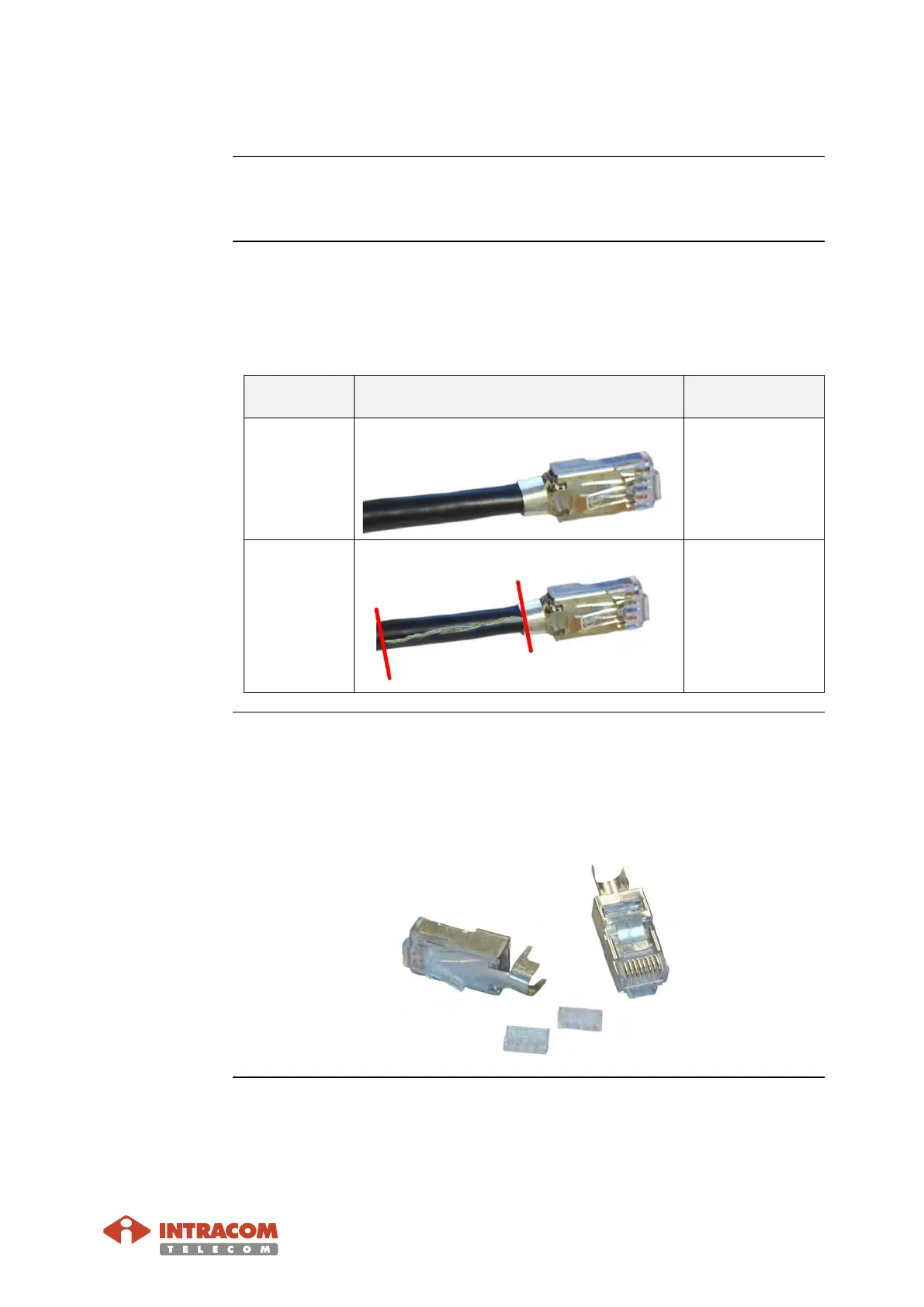
Mainly there are two types of cable termination, as shown below:
Termination
Type
Details / Photo Equipment to
Connect
A
No shield wires exposed
All, except DC
PoNE.
B
Shield wires (twisted) exposed
DC PoNE only.
RJ45 jack
overview
The RJ-45 jack (for terminating the S-FTP cable) is composed of two parts:
• the main body and
• the wire guide (with numbering).
(Photo below shows the parts for a pair of RJ-45 jacks).
Continued on next page


 To Next Page