34
OPERATION AND SET-UP ON THE CONTROLLER
inVENTer Connect controller platform | Operating instructions
Setting the ventilation prole
Various predened ventilation proles are already stored in the Connect controller system. These
are pre-congured for the dierent ventilation zones in the usage unit and, based on a time
regime or sensor values, automatically control the ventilation system for each ventilation zone set
up. These can be adapted to individual wishes and/or circumstances at any time.
Two dierent types of ventilation prole are used:
• Time-controlled proles
• Automatic proles (sensor-controlled)
Time-controlled proles
Time-controlled proles are based on a weekly timer. The ventilation level and ventilation mode
thus depend on the day of the week and time of day. In this way, it is possible to set the time and
day at which a change of ventilation level and/or ventilation mode is to take place to the hour. The
time (7 days, 24 h each), the ventilation level (levels 1-4) and the ventilation mode (heat recovery,
unidirectional ventilation or pause) are dened for the respective prole. Sensors integrated into
the ventilation zone (e.g. CO
2
sensor) have priority over the values stored in the weekly timer.
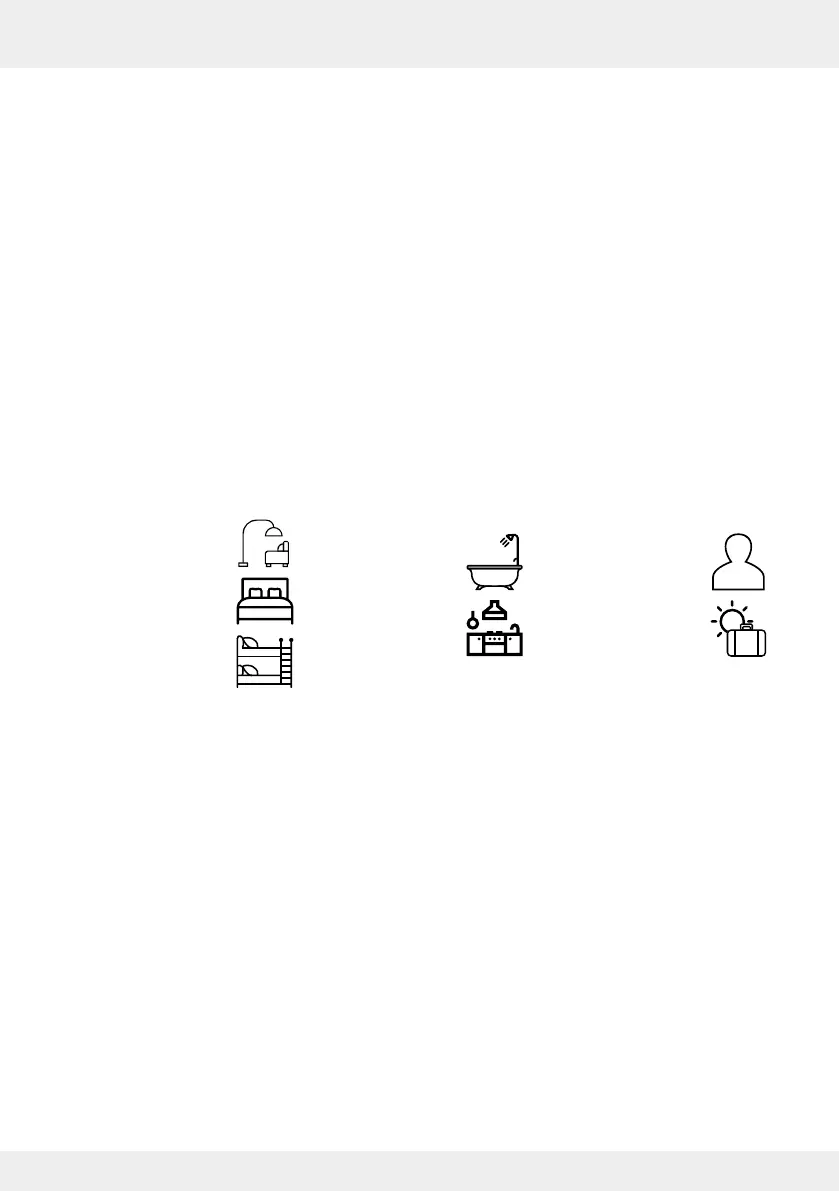
7 time-controlled ventilation proles are predened and listed in a prole table ( Annex):
Automatic proles
These automatic proles are not based on schedules. With these, the comparison of internal
and external temperature and humidity data is used to determine the appropriate settings for the
ventilation levels and ventilation mode. Based on these parameters, the system ventilates fully
automatically and independently selects the appropriate measures.
The following automatic proles are available:
• Cellar ventilation with heat recovery
• Cellar ventilation without heat recovery
• Summer mode
The operation of the two cellar ventilation proles is based on dew point control.
The automatic proles can only be activated if:
• an Outdoor humidity/temperature sensor is installed,
• the selected ventilation zone has an Indoor humidity/temperature sensor or a CO
2
sensor or a
direct controller.
If these sensors are removed or are not paired with the controller, this ventilation zone is reset to
the default ventilation prole and a notication is sent to the user.
• Living room
• Bedroom
• Children's room
• Bathroom
• Kitchen
• Default prole
• Holiday mode



 To Next Page