78
OPERATION AND SETUP WITH THE APP
inVENTer Connect controller platform | Operating instructions
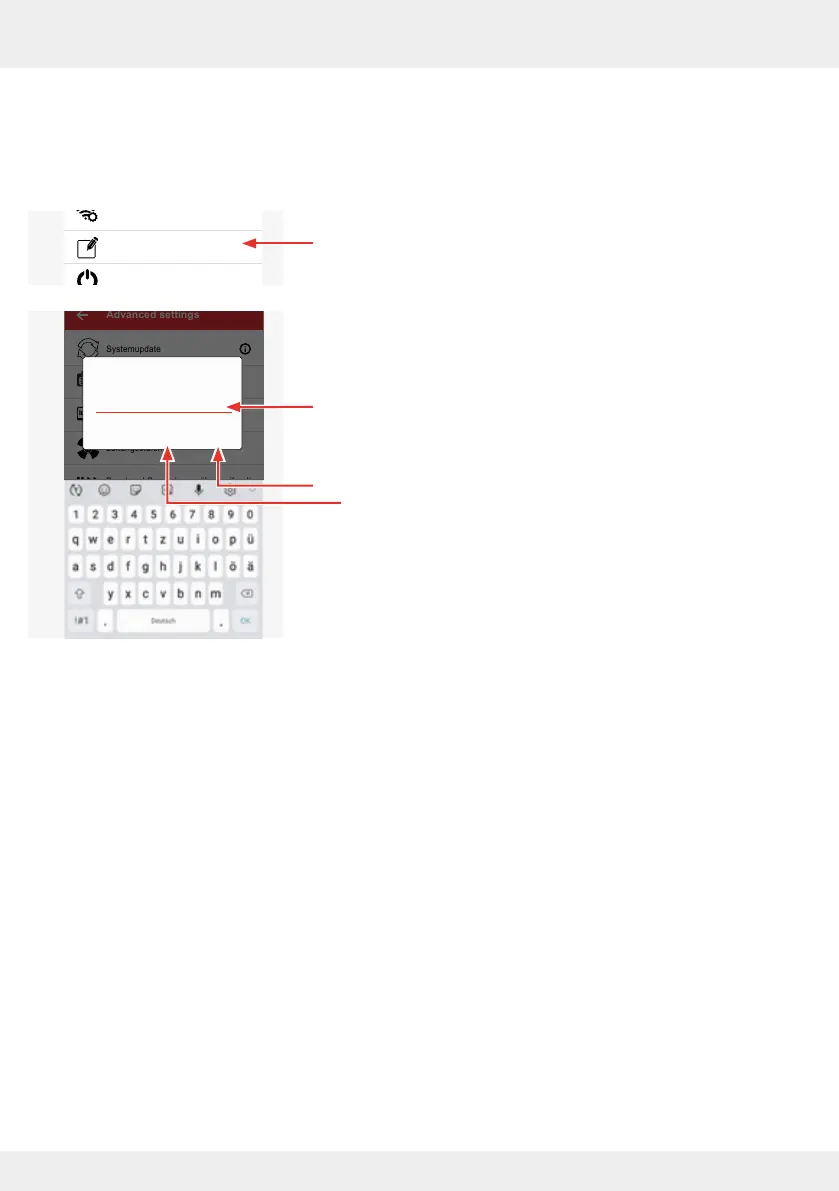
Changing the system name
Here you can change the name of your inVENTer Connect controller platform (factory setting:
"Easy Connect e16").
► Press the "Change system name" button.
The adjacent window opens.
► Enter a new name using the on-screen keyboard.
This is freely selectable and can consist of a maximum of
20 characters.
► Conrm your entries with "OK" or cancel the renaming pro-
cess by tapping "CANCEL".
System update
Ventilation profile manager
Hours run meter
Ventilation levels
Boost and pause (cross-zone)
Filter manager
Maintenance manager
Radio Performance
Change system name
System reset
Restore factory settings
Advanced settings
Systemupdate
Lüftungsprofil-Manager
Betriebsstundenzähler
Lüftungsstufen
Boost und Pause (zonenübergreifend)
Filter-Manager
Wartungs-Manager
Signalverstärker (Repeater)
Systemname ändern
Sysem reset
Restore factory settings
Advanced settings
Enter the new
product name
Easy Connect e16
OKCANCEL



 To Next Page