- 26 -
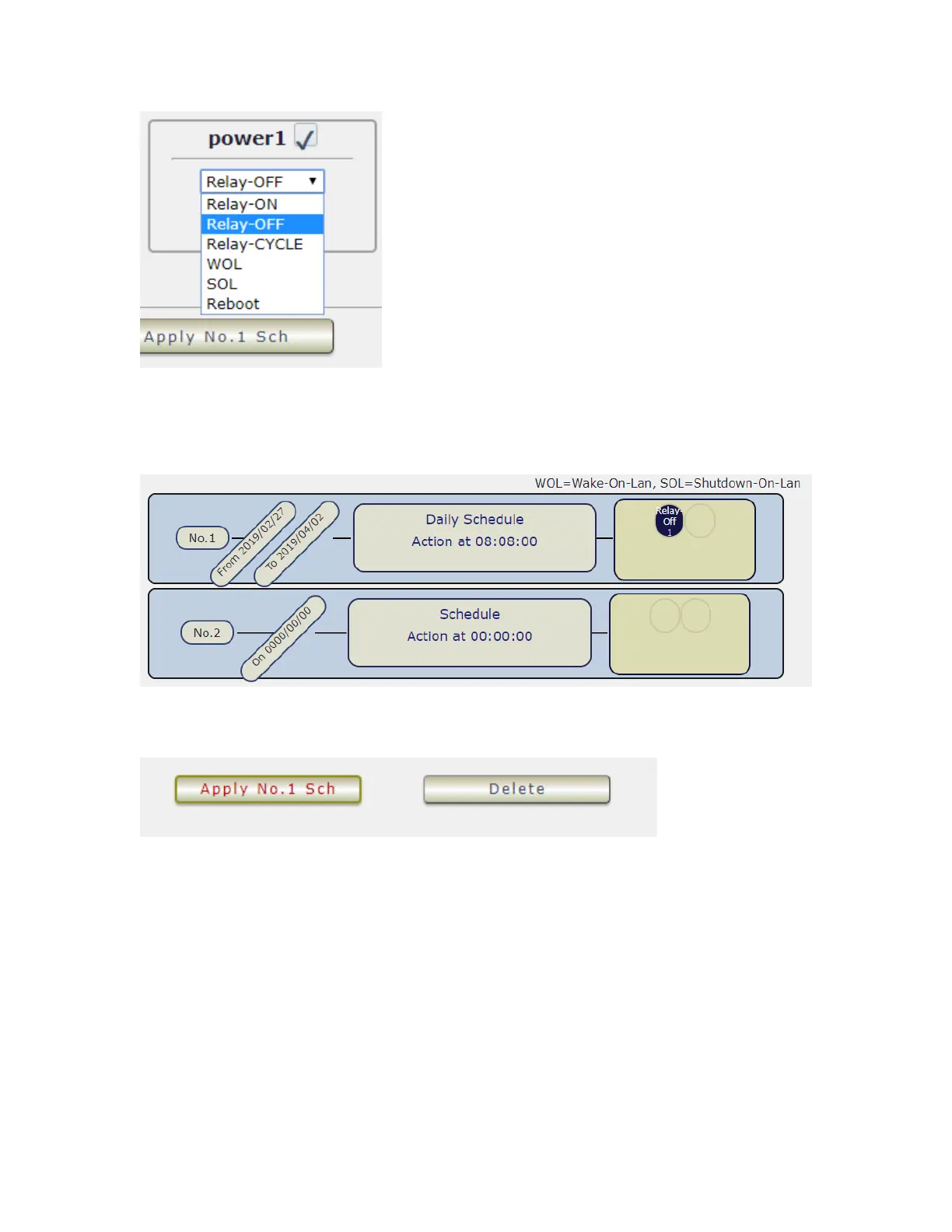
Once the scheduler has been Set Up , hit the “ ADD No.:X Power Schedule “ button and you
will see your setting located on the bottom of the Action section .
- Apply / Edit a Schedule Event :
Please select the Rule you want to edit in Scheduler Table. , Change the setting like Duration ,
Date , Time and Action. Then Press “Apply Np. X Sch “ button to confirm the setting and you
will see the page refresh and new setting display in Scheduler list
- Delete - Click “ Delete “ button to remove a rule from the list .



 To Next Page