iPECS eMG80
Hardware Description and Installation Manual Issue 1.0
91
8.2 Verify the Nation Code
There are two methods to verify and modify the Nation code. The first is from the Attendant
Station, which is the LDP multi-button phone connected to the first DKT port on the KSU
MBU. The second is through the eMG80 Install Wizard, section 8.3.
8.2.1 Using the DKT
1. Press the [Trans/PGM] button.
The LCD displays the User Menu.
2. Dial ‘*’ and ‘#’.
The LCD displays ‘Admin Program Start’.
3. Press the [Trans/PGM] button again and dial 100.
The LCD displays ‘System ID’ and requests a Flex key selection.
4. Press the first Flexible button on the phone.
The LCD indicates ‘Country Code’ and the code digits.
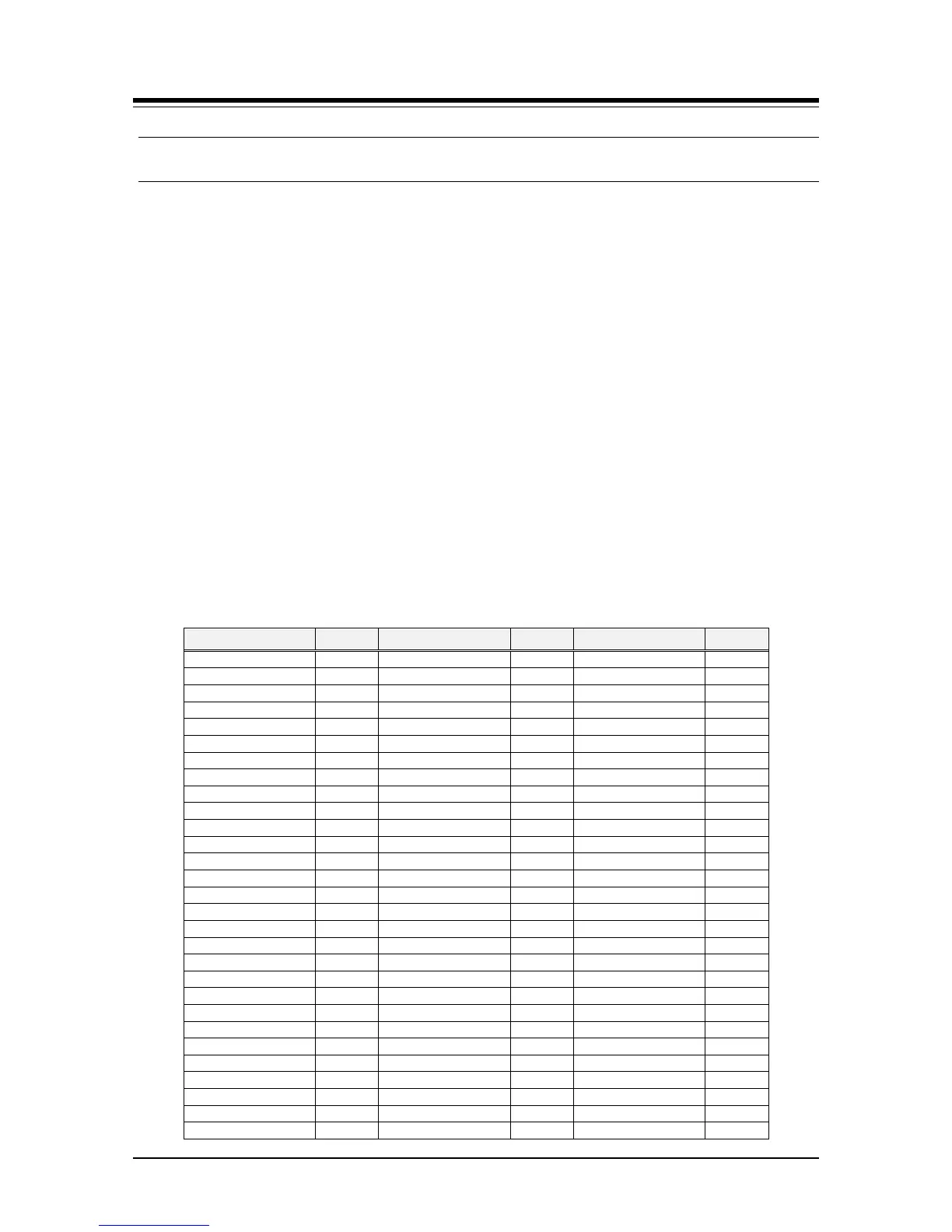
5. Verify the Nation Code matches the install location referring to the Nation Code
chart below.
6. If the code is not correct, enter the new code.
7. Press the [Hold/Save] button.
The LCD displays the new Country Code.
8. Press the Speaker button.
9. At this point the system can be initialized as in Section 8.1 with the new Nation Code.
Table 8.2.1-1 Nation Code Table


 To Next Page