iPECS eMG80
Hardware Description and Installation Manual Issue 1.0
92
8.3 Installation Wizard
The Install Wizard is the first and foremost basic configuration tool. In addition to the Nation
Code, using the Install Wizard allows quick access to other configuration parameters that
often require changing including Station and Flexible Numbering plans, IP addressing
information, etc. The Wizard is part of the eMG80 system Web Admin that is accessed
through the LAN port of the KSU. Connect a PC to the LAN connected to the KSU LAN port or
directly to the KSU LAN port. Set the IP address of the PC to match the default system
address (10.10.10.2) then follow the Steps below.
Step 1: Set Nation Code.
Step 2: Set IP Information.
Step 3: Set Station Number.
Step 4: Set Flexible Numbering Plan.
Step 5: Set CO Ring Assignment.
Step 6: Set Maintenance ID/PWD.
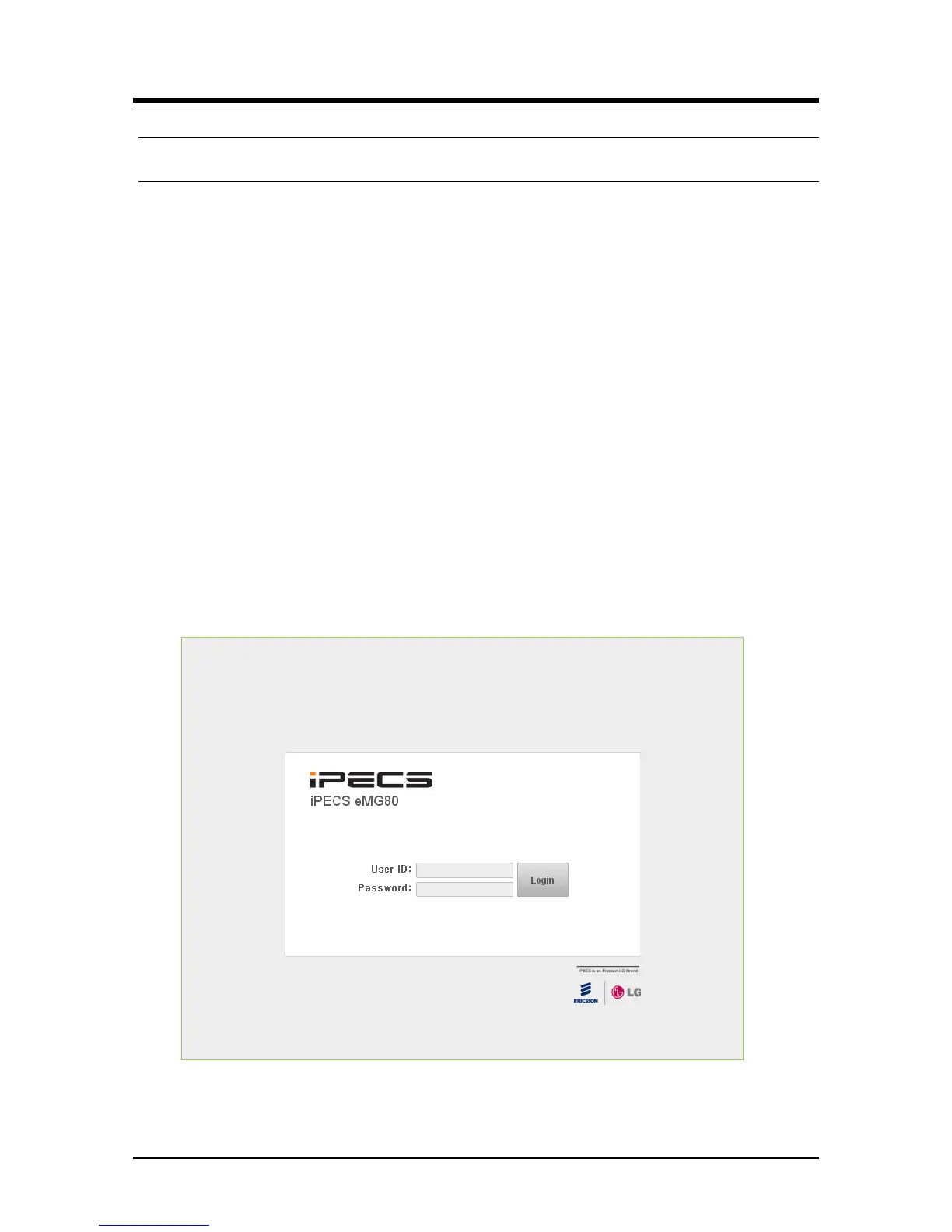
1. Open and point a browser to the IP address of the KSU LAN port (10.10.10.2). The
iPECS eMG80 Web Admin login screen appears.
2. Enter the default User ID (admin) and Password (1234) then click [Login].


 To Next Page