Pancode VoIP/Pantel VoIP Access Control Door Phones
Installation and Programming Manual
Unit location through a query is possible only when the unit MAC
address is known. It appears on the label attached to the rear panel
of the device.
Use Lower Case only for letters which presents in the MAC address
To find the unit in the network:
a. Insert the installation CD and copy the query.exe file from the Software directory to the local hard drive.
b. Start MS Windows DOS prompt application.
c. Access the directory, in which the query.exe application exists.
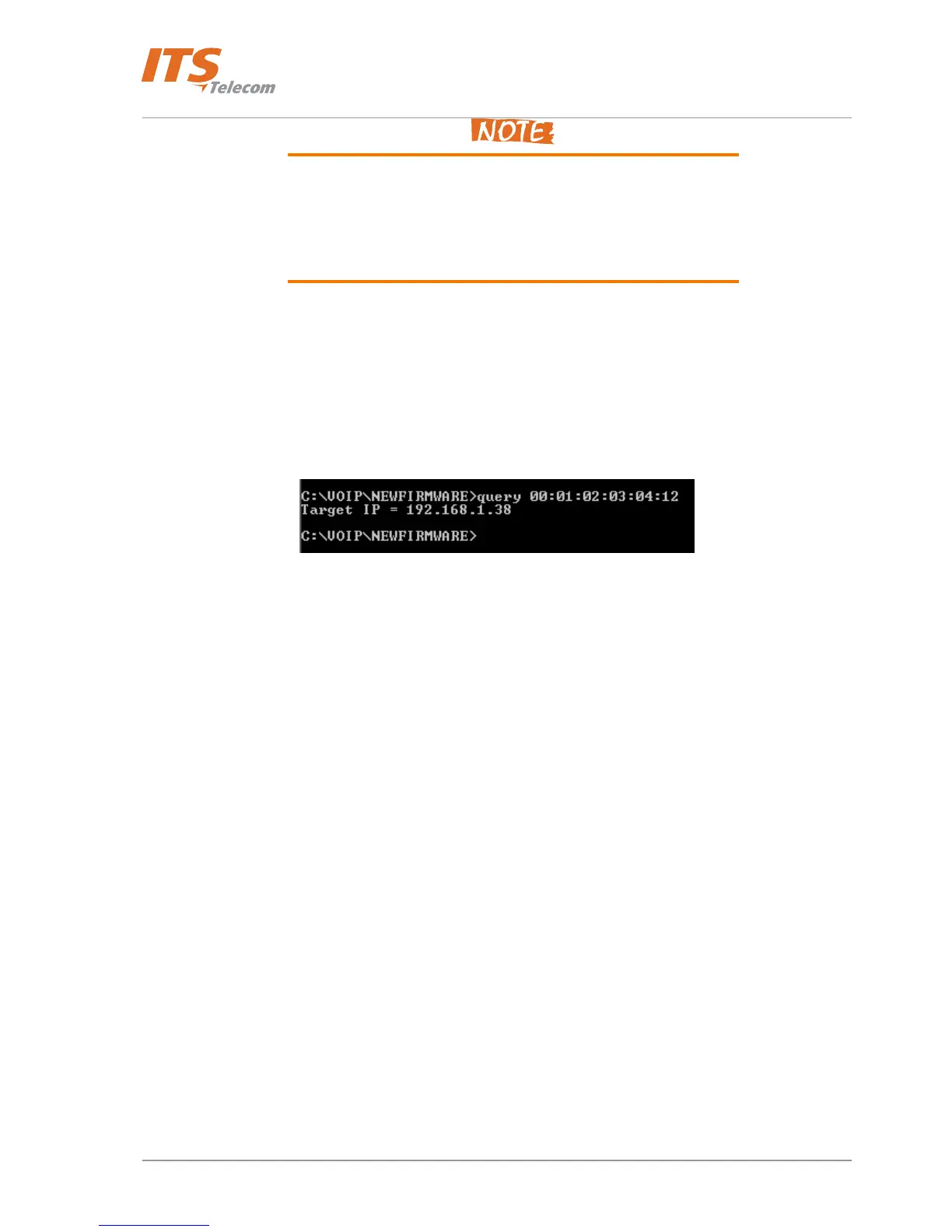
d. Enter the following command: query XX:XX:XX:XX:XX + <Enter>, where XX:XX:XX:XX:XX is the MAC
address. A search for the device takes place, at the end of which the unit IP address appears
(Figure
5-4).
Figure 5-4. Searching for Device Using Query
31



 To Next Page