Pancode VoIP/Pantel VoIP Access Control Door Phones
Installation and Programming Manual
4.2 Adjacent Access Control Device
This section describes adding an access-control device to an existing Pantel VoIP/Pancode VoIP, and adding a
Pantel VoIP/Pancode VoIP to an existing access-control device. The key difference between these two
installations is which access-control device controls the door lock relay.
To add an access control device to a Pantel VoIP/Pancode VoIP:
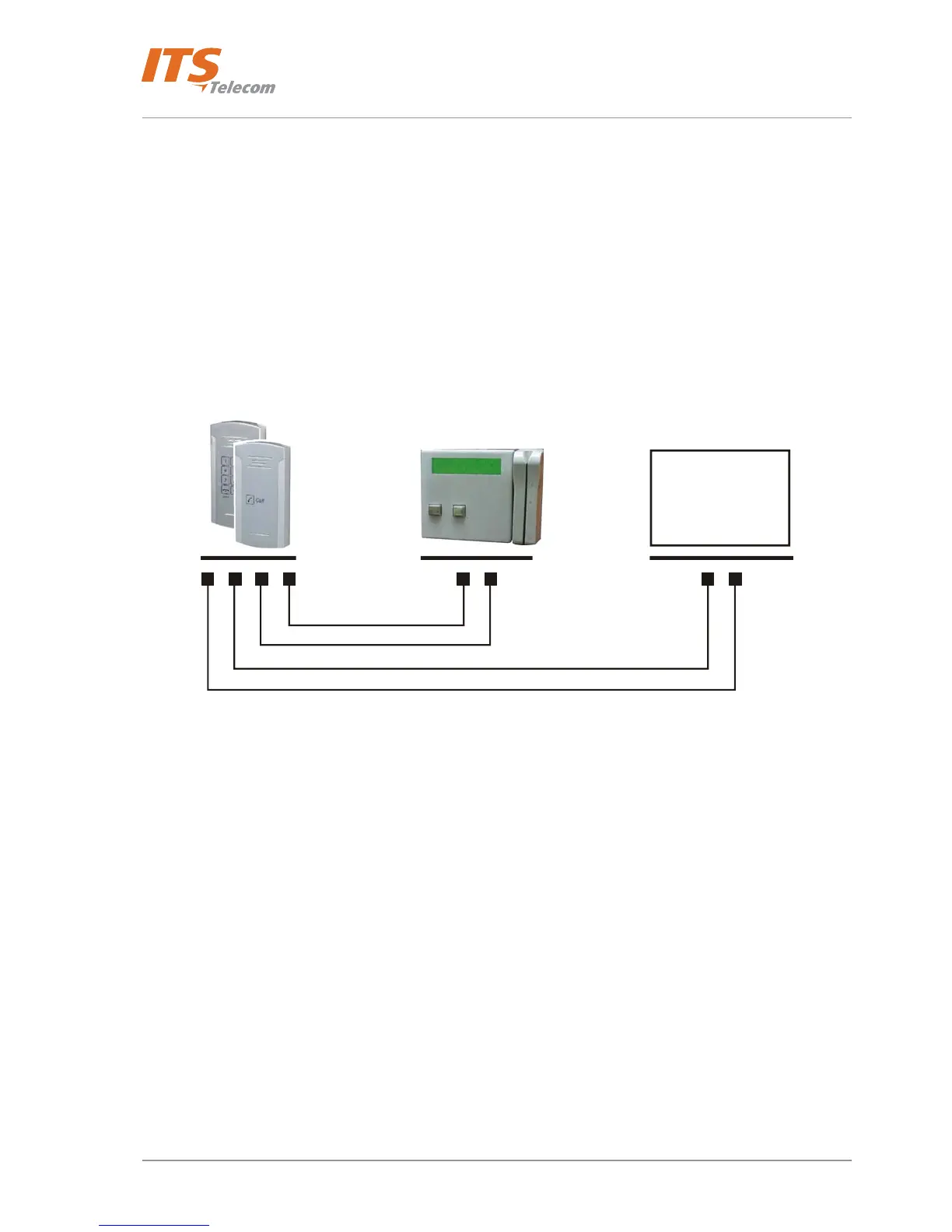
When activated, the access-control triggers the Pantel/Pancode “SW” terminal, which activates the door-lock
relay and opens the door.
For this type of installation, the access-control device “N.O.” output wires are connected to the Pantel
VoIP/Pancode VoIP Switch terminals (see Figure
4-24).
Lock Relay
Switch N.O. Output
Figure 4-24. Controlling Lock Relay
27



 To Next Page