Pancode VoIP/Pantel VoIP Access Control Door Phones
Installation and Programming Manual
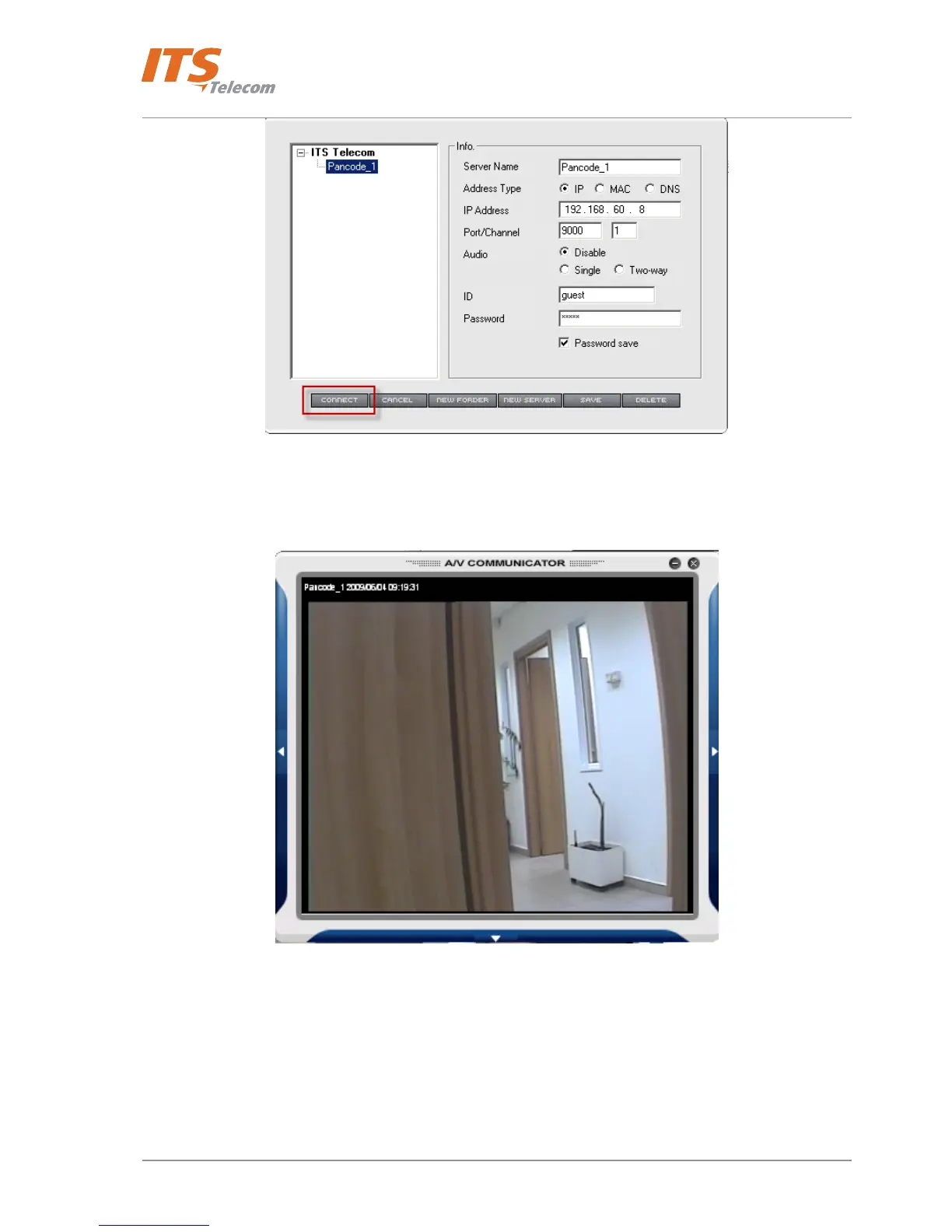
Figure 4-19 Connection with the New network Server
• Wait some seconds till the Video stream will be shown on the MPEG 4 application screen
Figure 4-20 MPEG 4 Communicator video stream
4.1.3 Web view
• Launch the web-browser application and type the Network server IP address in the URL field.
Administrator’s login screen appears
24



 To Next Page