Pancode VoIP/Pantel VoIP Access Control Door Phones
Installation and Programming Manual
5.3 Application Interface
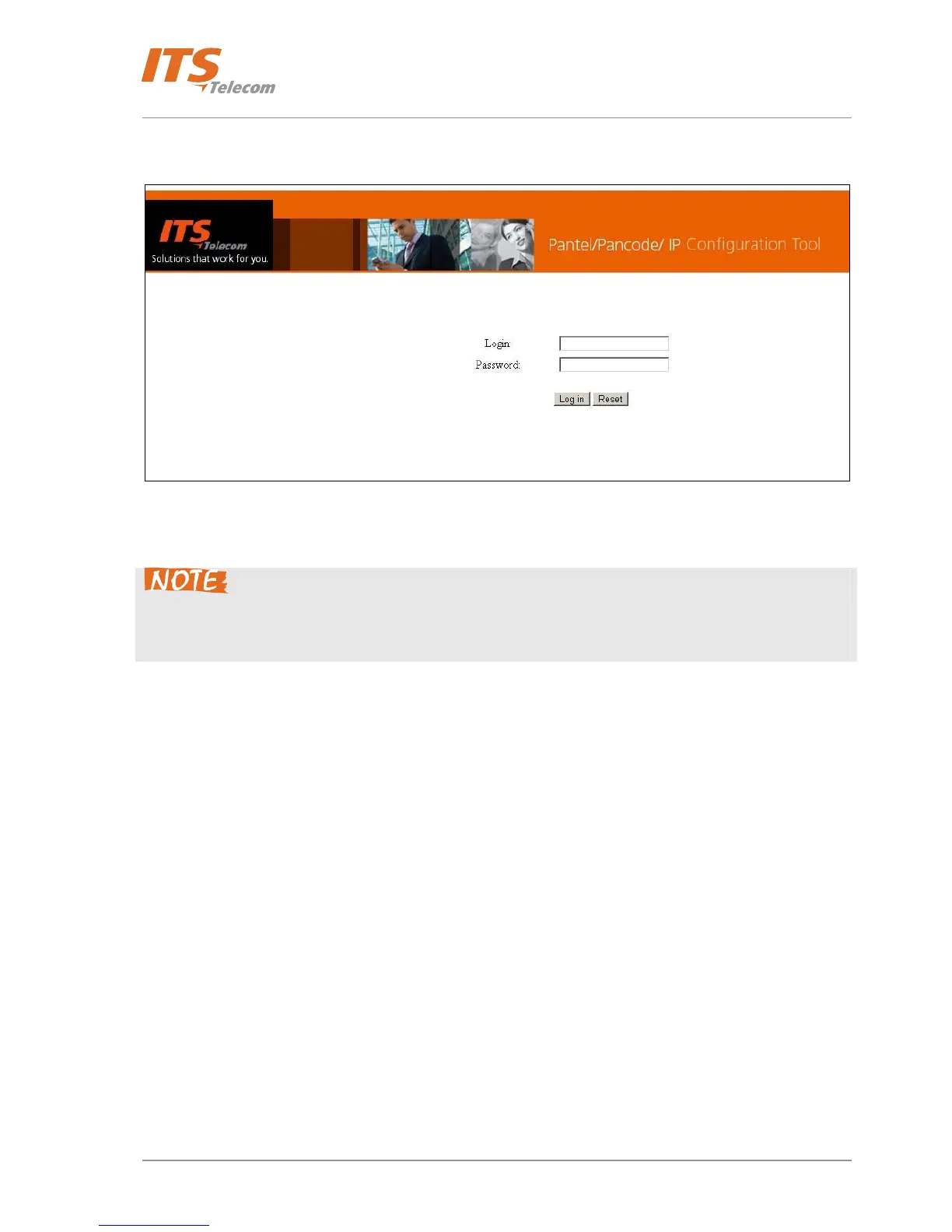
When running the application, the login screen appears:
Figure 5-5 Web GUI login screen
Type ‘Login’ as User name and ‘Password’ in order to enter to programming screens.
1. The default ‘Login’ value is ‘admin’ and default ‘Password’ value is ‘admin’
2. Very recommended to change default login parameters in order to increase device’s security
level.
After then login information accepted the main screen opens, comprising the navigation menu, parameters
fields and functional buttons (Figure
5-6).
33



 To Next Page