Pancode VoIP/Pantel VoIP Access Control Door Phones
Installation and Programming Manual
5. Programming
The Pancode VoIP/Pantel VoIP units are programmed through web-based GUI interface. This process can be
implemented after the unit has been installed on the wall, since it requires the connection of an Ethernet cable
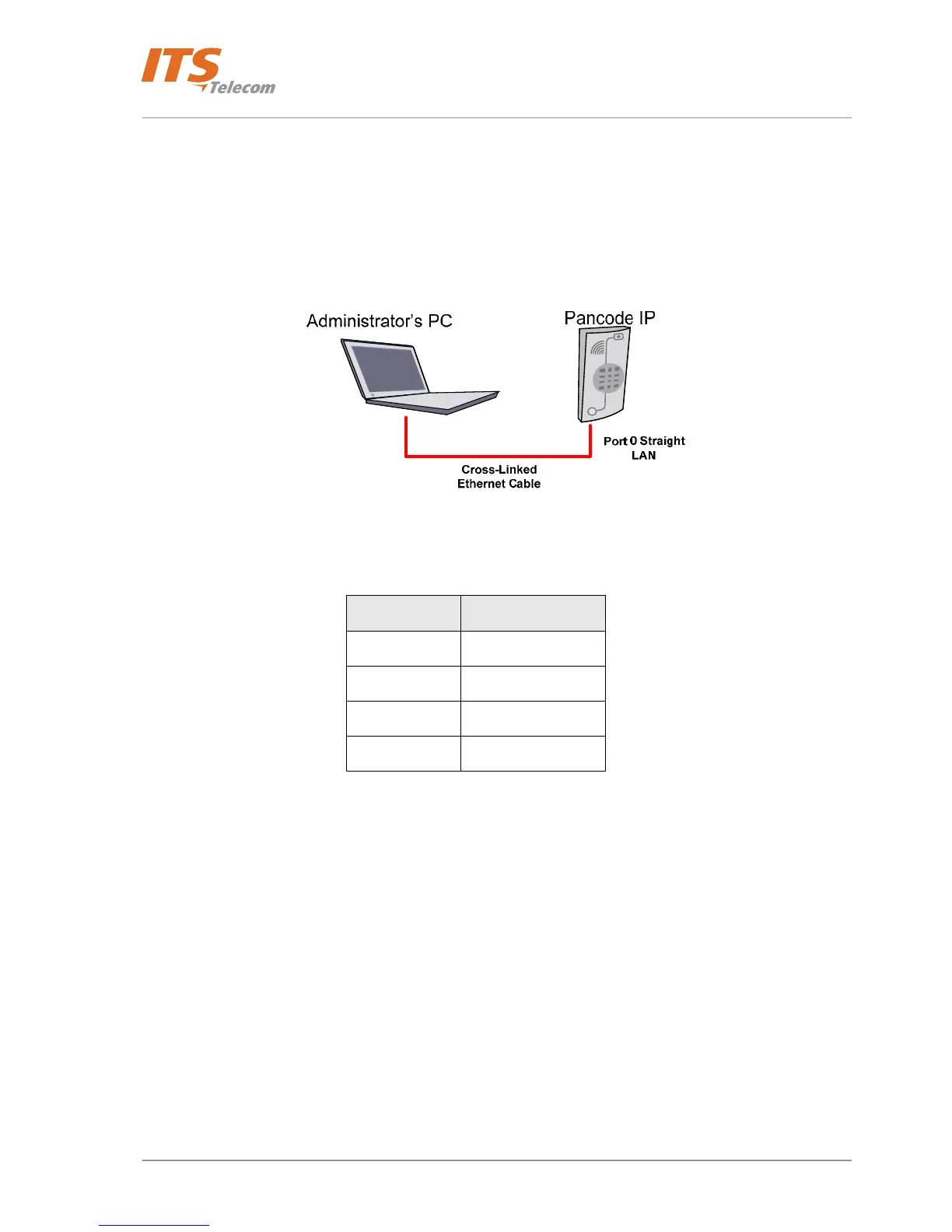
to the local network. Optionally possible to establish connection between PC and Pancode by using the cross-
linked Ethernet cable.
Figure 5-1 Cross-linked Ethernet cable connection
Following table shows the Cross-linked cable pin-out connections.
PC side pins Pancode IP pins
1 3
2 6
3 1
6 2
The programming with using the cross-linked cable required specific PC Network settings. PC has to be
configured to operate in the same Network IP address segment with the Pancode IP unit. The default Pancode IP
network address is 192.168.1. 229. Administrator’s PC must be able to support the network connection with
the default Pancode IP address. For these purposes:
- Go to the OS Windows Network settings. For the Windows XP: Control Panel Æ Network connections
Æ Relevant Local Area Connection Æ Properties Æ Select Internet Protocol (TCP/IP) Æ Press Properties
button
- Select the “Use the following IP address “ option
- Enter Network parameters as shown as example on the following figure.
29



 To Next Page