Pancode VoIP/Pantel VoIP Access Control Door Phones
Installation and Programming Manual
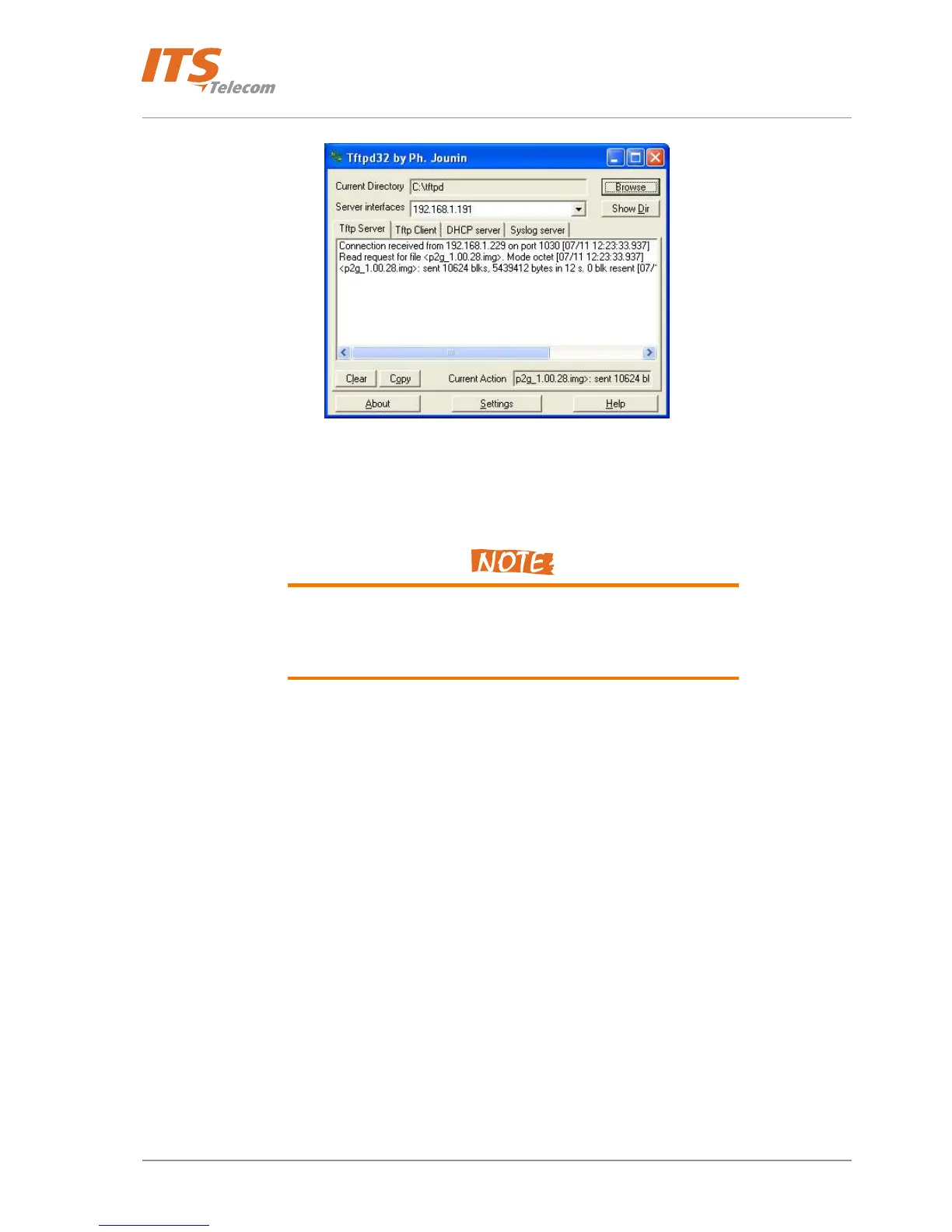
Figure 6-2. Tftpd32 Application Screen
h. Wait for beep signal, which indicates that device restart process is complete. This may take a few minutes.
i. Restore the connection session with the IP Door unit.
Do not use the Web-browser Refresh option. Instead, type again the
unit IP address in the Web-browser URL address field. Format:
http://xxx.xxx.xxx.xxx/pancode
j. At the end of the process, the updated firmware version number appears in Software Version field.
43



 To Next Page