i-ALERT2 Application Guide 42 of 64
ADVANCED TOOLS
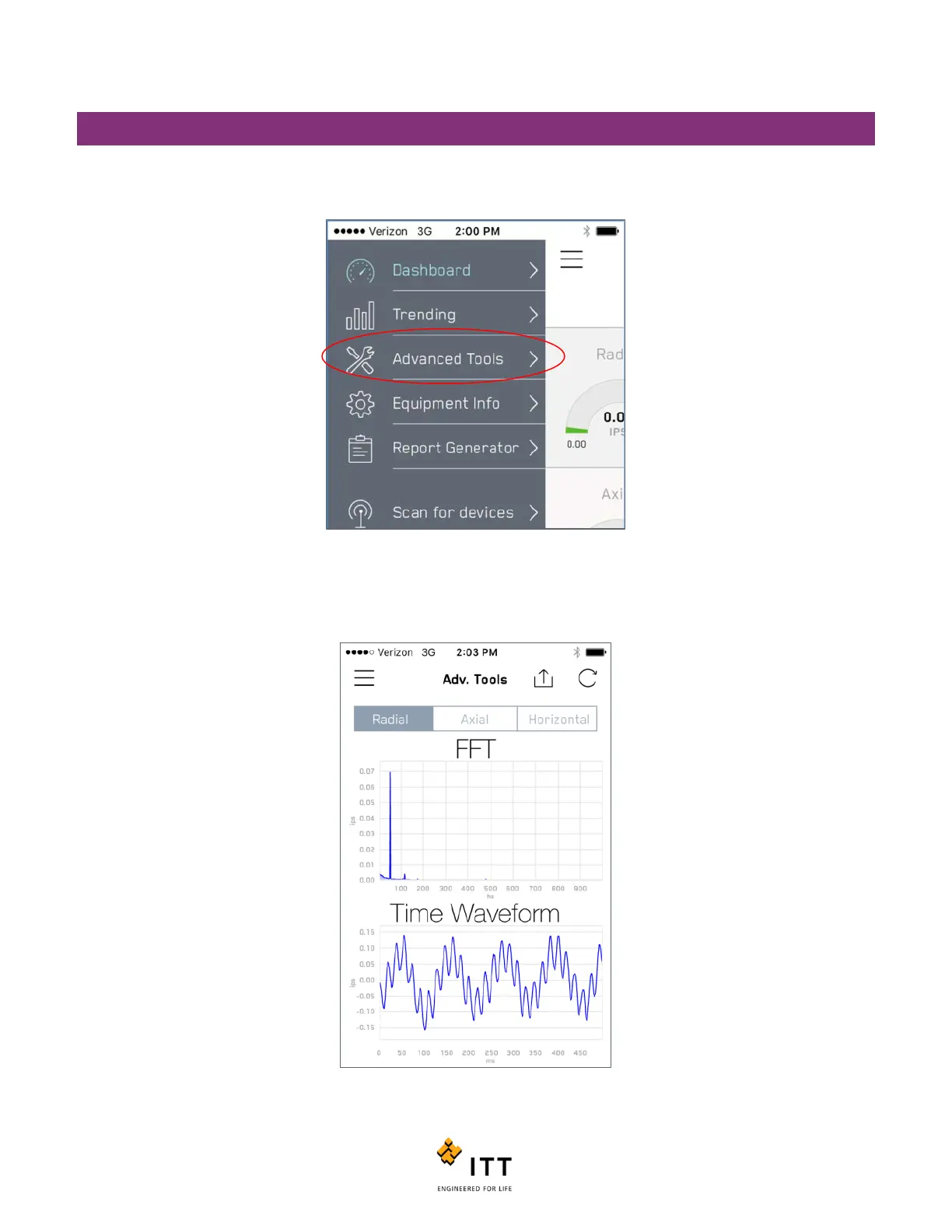
The i-ALERT2 device offers some advanced tools that can help in troubleshooting equipment. To access these tools, tap the
icon in the upper left that looks like 3 horizontal lines again and then tap “Advanced Tools”. See figure 37.
The Advanced Tools page will immediately open up to a new page showing that latest spectral or Fast Fourier Transform
(FFT) and time waveform (TWF) data captured on the Radial sensor axis. See figure 38.
Figure 37: Advanced Tools enables diagnostics



 To Next Page