i-ALERT2 Application Guide 35 of 64
TRENDING
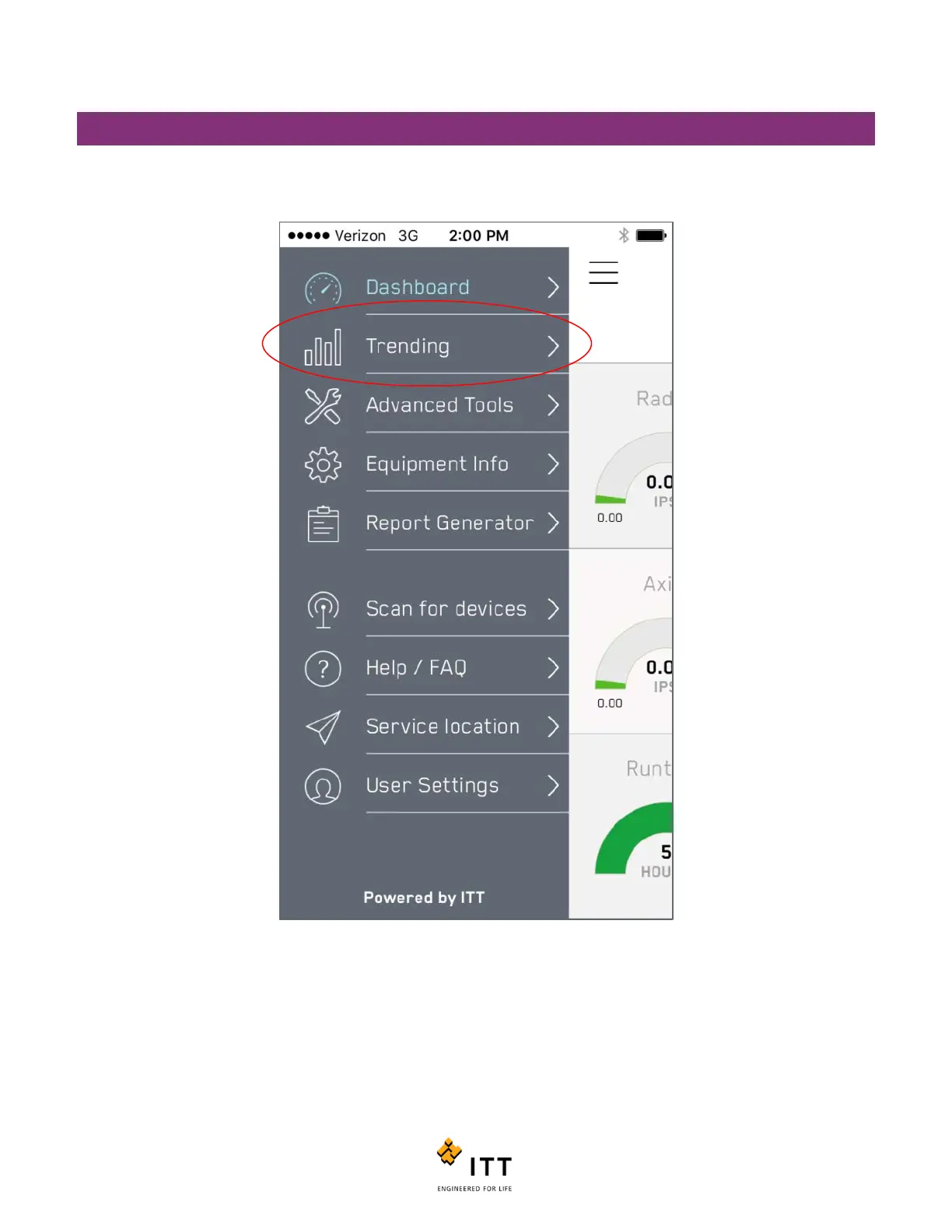
Tap on any of the individual measurement icons on the Dashboard page to bring up the Trend page. Alternatively, you can
tap the icon in the top left corner that looks like 3 horizontal lines and select “Trending” from the drop list. (Figure 30)
The Trend page shows the historical values of each individual measurement. You can overlay or remove measurement
trends by clicking the radio buttons on the bottom of the screen. See Figure 31.



 To Next Page