i-ALERT2 Application Guide 60 of 64
YOU SELECT THE EQUIPMENT THAT YOU WANT TO INSPECT AND THE APP WILL HELP MANAGE
WHICH DEVICES YOU HAVE GATHERED DATA ON AND WHICH ONES YOU STILL NEED TO
CHECK.HELP/FAQ
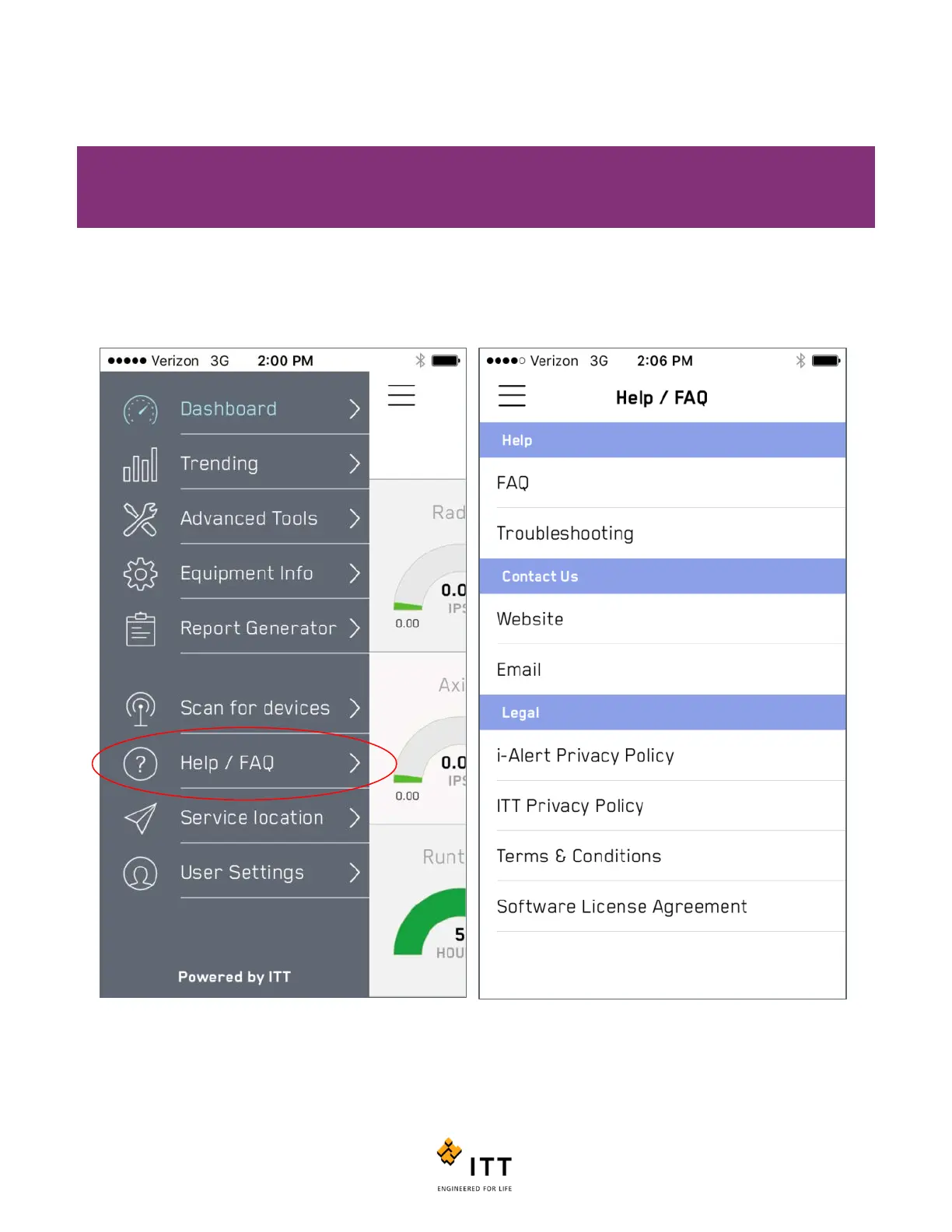
The Help/FAQ section provides useful tools In the event you encounter a problem or need additional assistance with the i-
ALERT2 or mobile application. Within the Help/FAQ menu you can access the FAQ or Troubleshooting documentation for
the product. (Internet connection is required). You also access ITT’s website, contact us via email, or view the software
policy information.
Figure 59: Help/FAQ menu offers additional tools and links



 To Next Page